SOUTH WESTERN SYDNEY ยท DEVICE SETUP

Device setup in South Western Sydney

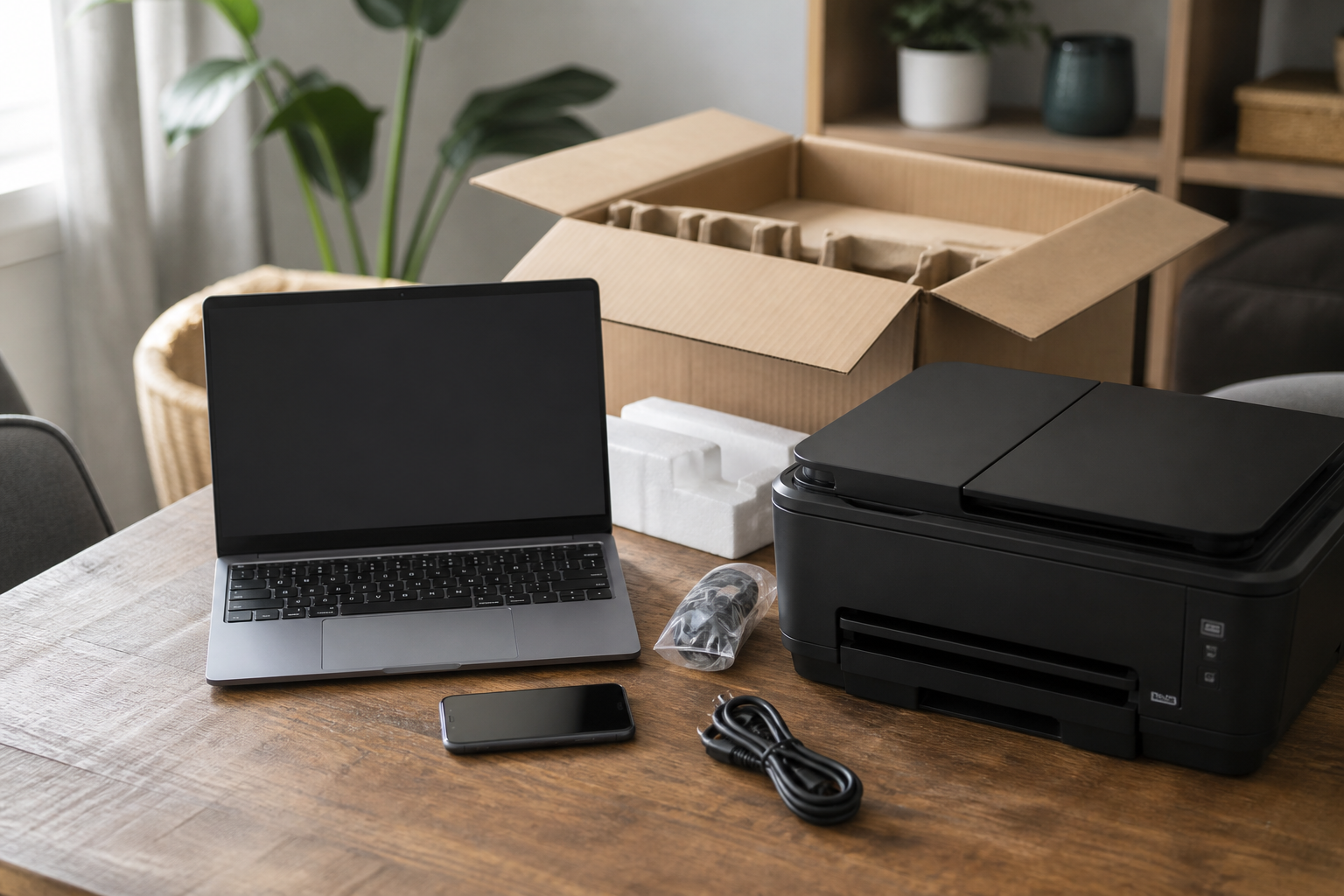
A South Western Sydney family unpacking a new laptop often stalls when the old photos stay on the previous hard drive and the wireless printer never joins the new Windows profile. The box is open. The handover is not done.

Device Setup Scientist finishes South Western Sydney handovers - transfers, phones, printers, and docks. Call 0493 563 381 or book an eligible visit when the job is straightforward.

Book online for eligible visits and get 10% off.

PC Scientist device setup for new computers, phones, and printers across South Western Sydney
South Western Sydney device setup - transfers, printers, and phones that keep mail.

Why South Western Sydney rings when a new laptop still misses the old photos

No Fix, No Fee

  • If a new device has a fault we cannot sort during setup, that part carries no repair fee.
  • A plain heads-up if the new gear seems faulty out of the box.

Clear Upfront Pricing

  • You know the setup cost before any packaging is opened.
  • Several devices quoted as one visit, with no per-gadget surprises.

Speak to a Real Person

  • Call 0493 563 381 and list what is sitting unopened in the lounge room.
  • Unhurried help for anyone who groans at the thought of a new phone.

Fixed Properly First Time

  • Printers and TVs set up so they are still connected next month, not just today.
  • Accounts, updates, and backups switched on before we leave.

Several Issues, One Visit

  • Laptop, phone, printer, and smart TV set up together in one visit.
  • Photos and files moved off the old device while we are there.

Your Data Treated Carefully

  • Logins and passwords handled carefully as they move to the new device.
  • Old devices wiped properly before you pass them on to family.

Is the South Western Sydney setup missing files, mail, or a printer join?

South Western Sydney homes unlock new devices and then stall. PC Scientist completes transfers and everyday gear so the new machine is ready to use.

Setup jobs this region brings most often

  • New laptops missing photos and documents from the old drive.
  • Phones that drop work mail after a carrier change.
  • Wireless printers that never join the new Windows profile.
  • Second screens and docks that will not wake with the new PC.
  • Setup for every device is priced together before the visit.

How to contact PC Scientist

  1. Call for Free Advice - Ring 0493 563 381 and tell us what needs setting up - laptop, phone, printer, TV - and we plan one visit around it
  2. Request a Call Back - Leave a short form if you are busy unpacking, and PC Scientist calls back to book a time
  3. Request a Free Quote - Ask for the setup cost in writing first if several devices or staff are involved, with no obligation

Choose any of the three. A quick list of the new devices is enough to get going.

What happens after you get in touch

  • We confirm what needs setting up and roughly how long it takes, with the price agreed first.
  • Most setups happen in one visit, and quick account fixes can often be done remotely.
  • Each device is tested before we leave, and you get simple notes for next time.

Where we visit in South Western Sydney

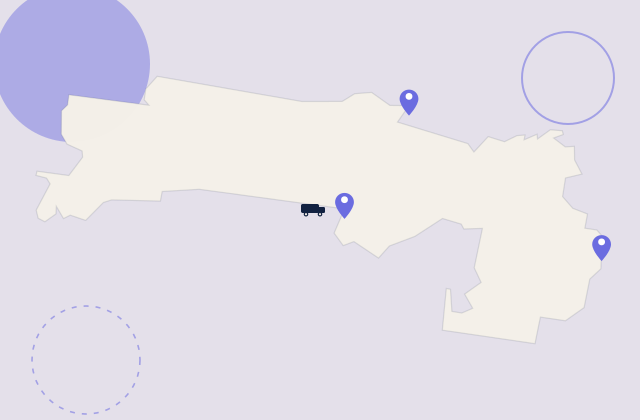
New gear lands in South Western Sydney every week. Fairfield and Liverpool get new PCs that still need printers and email. Liverpool shops want the till and the phone on the same network. Fairfield homes want the TV to actually join the Wi-Fi.

Looking for a specific service?

Need a different type of help than the examples above for Liverpool & Fairfield? Browse specialist technology categories for Liverpool & Fairfield - each card is a starting point on this page. Or call 0493 563 381 for free advice across Liverpool & Fairfield.

Call For Free Advice

Get in touch

Leave your message and we'll get back to you shortly.

Attachments

Allowed file types: jpg, jpeg, png, gif, pdf, doc, docx, xls, xlsx, odt, ppt, pptx, pps, ppsx, html, and less than 100 MB.

No file chosen

This form uses spam checks and sends your request directly to PC Scientist.

Start here

A new computer, phone, or printer that should work on day one. Several machines sourced as a programme belongs on Procurement Scientist.

What this covers

  1. 01
  2. 02
  3. 03
  4. 04
  5. 05
  1. 01Start

    New gear, still in the box

    A new laptop, phone, or printer that should work on day one.

  2. 02

    Accounts and everyday apps

    Accounts, Wi-Fi, and the apps you actually use every day.

  3. 03

    Move from the old device

    Photos, files, and mail moved from the old device where that is practical.

  4. 04

    Printers and extras

    Printers, monitors, and TV pairing that stay connected.

  5. 05

    Handover you can follow

    A handover you can follow after we leave.

Visit

How it works

  1. 1

    What it must do

    Work, school, photos, printing - the daily jobs first.

  2. 2

    Set it up

    Accounts, Wi-Fi, and the apps that matter.

  3. 3

    Show you around

    A short handover, then you keep the device.

Book device setup on the South Western Sydney Call 0493 563 381, request a call back, or ask for a quote.
Call 0493 563 381

Coverage

South Western Sydney

  • Homes
  • Shops
  • Call us

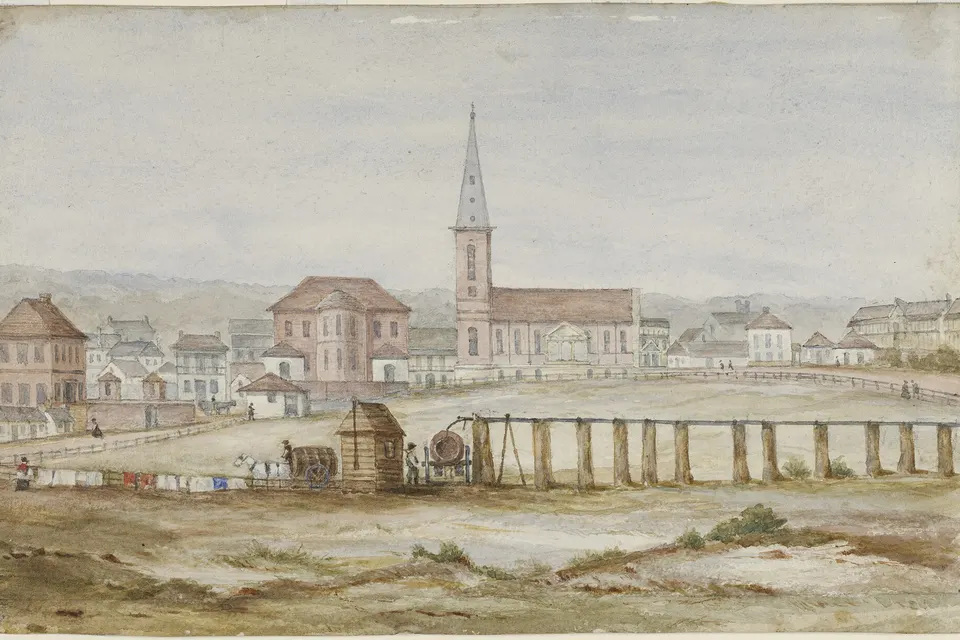
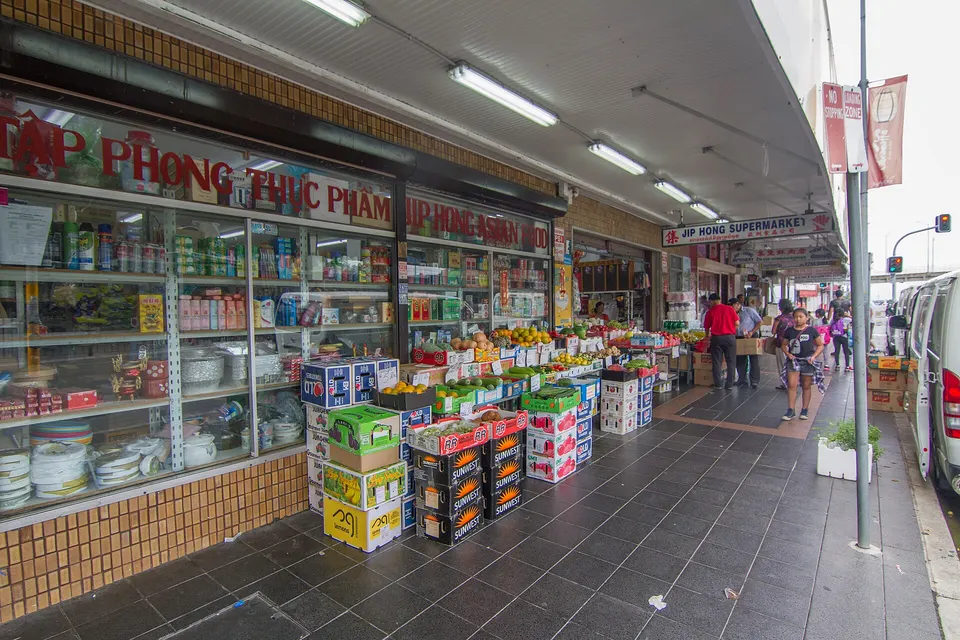
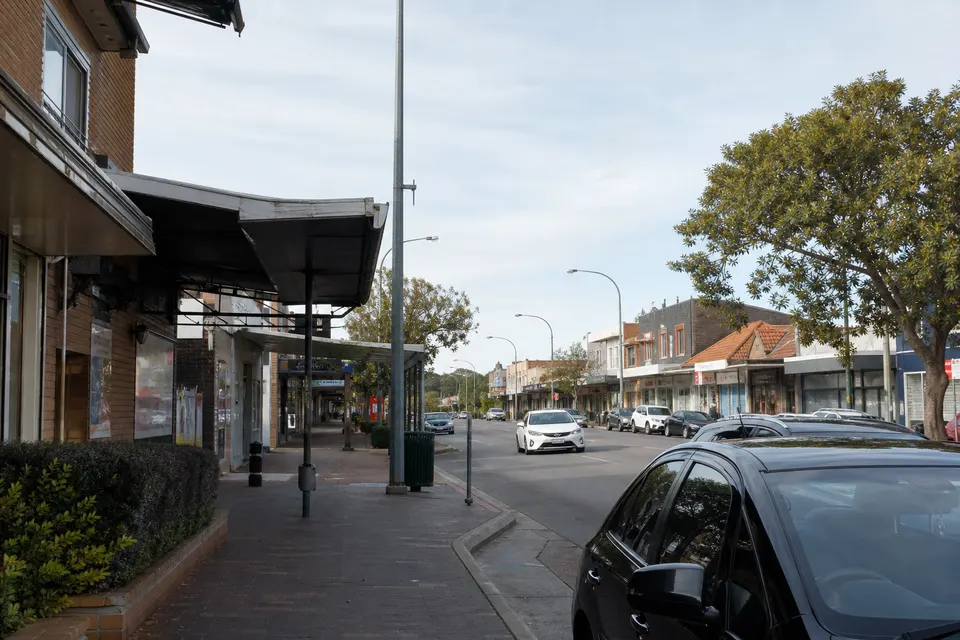
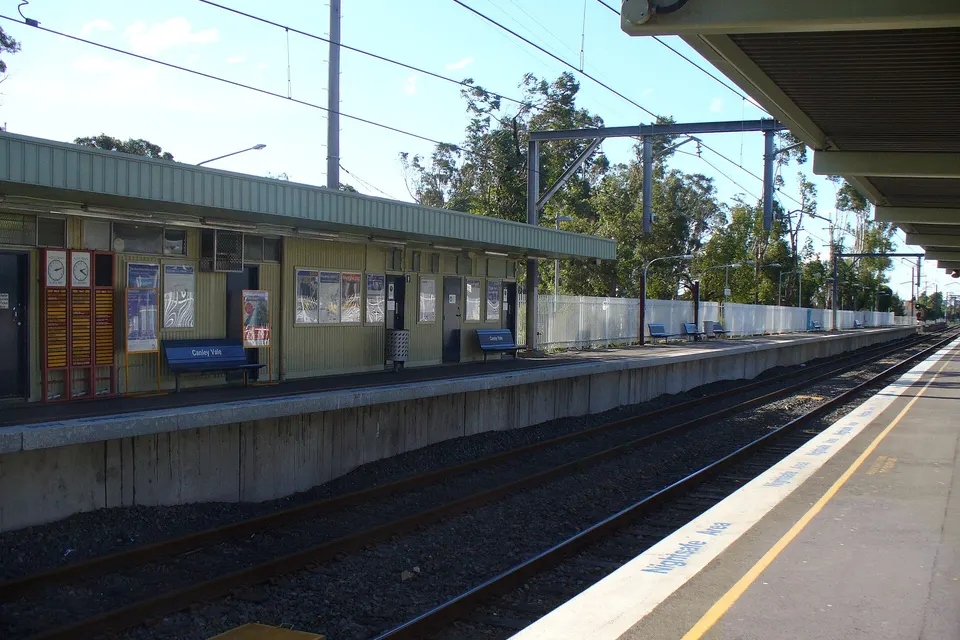
Photos of the local area.

Full list All suburbs
Call 0493 563 381
shape
image
Frequently asked questions
FAQ

Straight answers for Liverpool & Fairfield

New computers, phones, tablets, printers, smart TVs, streaming boxes, webcams, docks, and smart doorbells. New homes in Edmondson Park and Middleton Grange, family homes in Bonnyrigg and Casula, and units in Liverpool are regular visits.

Not sure what goes with what? Lay it all out and we sort the order.

Yes. We connect the NBN box and router, fix Wi-Fi reach upstairs, and set up the TV, printer, and laptops in one visit.

Smart doorbells and cameras can be added to the same visit so they are on the network from day one.

The new gear, the old device if you still have it, and the email addresses you log in with. Passwords help, though we can recover lost ones with you.

Hang on to the boxes - leads and chargers love to hide inside.

Tell us what needs setting up and you get the price before we begin. A handful of devices in one visit are quoted together.

If something turns out to be faulty, you hear about it before we spend more time on it.

shape
shape
Need help now? Not sure what to click or what to do next?

Call PC Scientist for free advice, calm and practical IT help