SOUTH WESTERN SYDNEY ยท BUSINESS EMAIL

Business email help in South Western Sydney

In South Western Sydney warehouses and shop offices, the shared inbox is often the whole front desk. When mail stops leaving the outbox and a shared mailbox will not open for the afternoon shift, orders and replies pile up fast.

PC Scientist fixes business email across South Western Sydney - Microsoft 365, shared mailboxes, and Outlook that works on the PC and the phone. Call 0493 563 381 or book when remote help fits.

Book online for eligible visits and get 10% off.

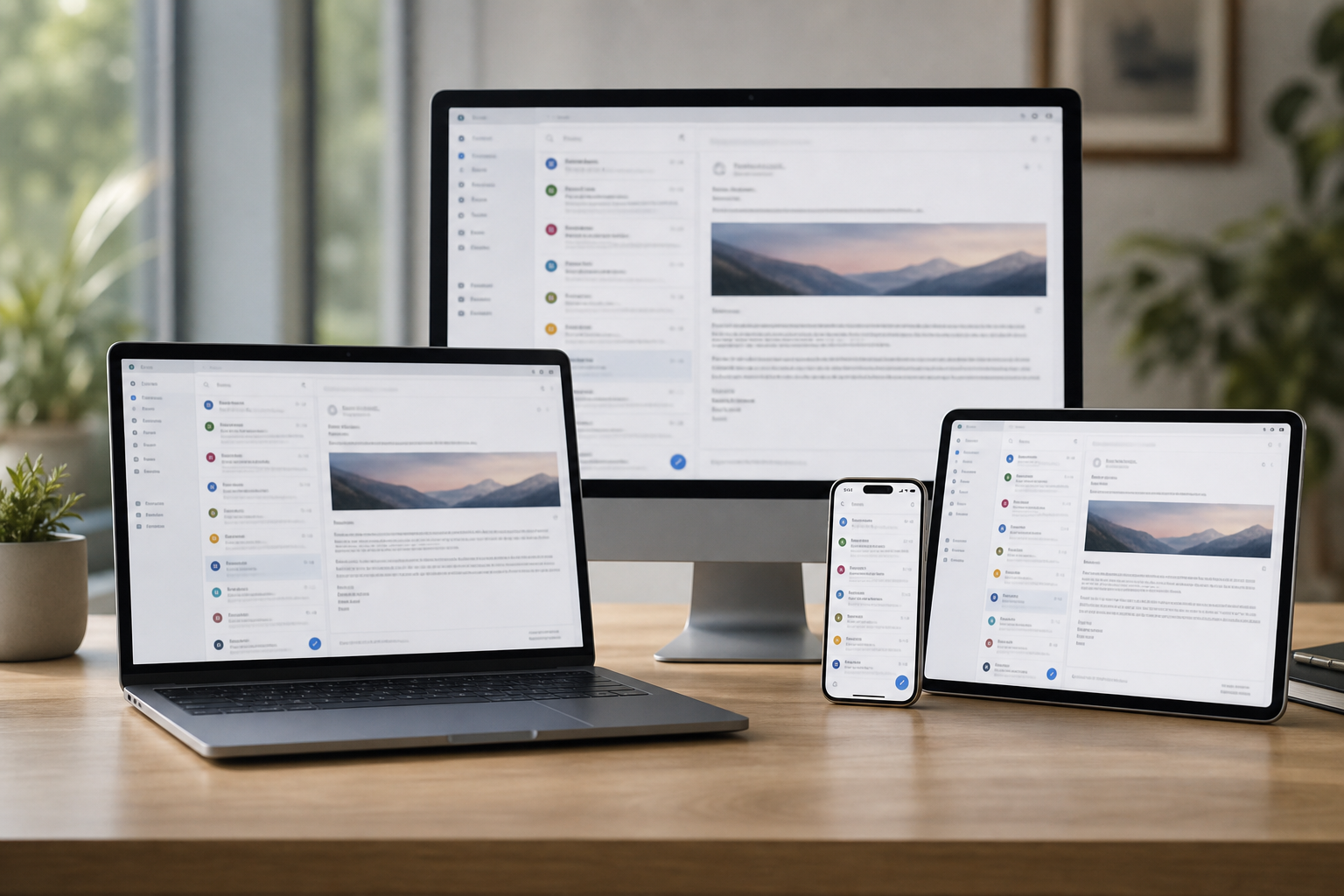
PC Scientist business email and Microsoft 365 support across South Western Sydney
South Western Sydney business email - shared inboxes and Outlook that send again.

Why South Western Sydney offices call when the shared inbox stalls

No Fix, No Fee

  • If a broken mailbox setup cannot be repaired, there is no repair fee for the attempt.
  • A straight word when the email provider or plan is the real problem.

Clear Upfront Pricing

  • A price before any mailbox or domain changes are made.
  • Moves to Microsoft 365 or Google Workspace costed in writing first.

Speak to a Real Person

  • Call 0493 563 381 and read out the bounce message, however it looks.
  • Plain answers, with the deeper detail there if you want it.

Fixed Properly First Time

  • We fix why quotes are bouncing or landing in junk, not just resend them.
  • Domain records checked so customers actually receive your mail.

Several Issues, One Visit

  • Shared inboxes, team calendars, and staff phones lined up in one visit.
  • Mailboxes for new starters created while we are on site.

Your Data Treated Carefully

  • Years of customer mail kept safe during any move.
  • Admin logins protected with two-step sign-in and handed back to you.

Is the South Western Sydney mail fault the shared mailbox, send, or phone sync?

South Western Sydney teams live in the inbox. PC Scientist restores send and receive, then checks shared access so the next shift can work.

Business email details this region brings

  • Shared mailboxes the afternoon shift cannot open.
  • Messages stuck in the outbox while the phone still receives.
  • Attachments that bounce on larger quotes and packing lists.
  • Calendars that will not sync between the counter and the office.
  • Mailbox and domain changes are priced before anything is touched.

How to contact PC Scientist

  1. Call for Free Advice - Ring 0493 563 381 and tell us which mailbox stopped and what the error says, and we say whether it can be fixed remotely
  2. Request a Call Back - Leave a short form if the phones are busy, and PC Scientist calls back about the mailboxes
  3. Request a Free Quote - Get a written plan for a Microsoft 365 or Google Workspace move before you commit, with no obligation

Use whichever suits. When the whole office has stopped sending, ring first.

What happens after you get in touch

  • We read the bounce or error with you, explain the cause, and give the price before changing anything.
  • Most mailbox faults clear remotely, and moves are scheduled after hours so the team keeps working.
  • Every staff phone, laptop, and shared inbox is tested before we call it done.

Where we visit in South Western Sydney

Work email in South Western Sydney is Outlook, Microsoft 365, and phones that stopped syncing. Fairfield and Liverpool inboxes, Liverpool shared mailboxes, Fairfield owner laptops.

Looking for a specific service?

Looking for a named service line in Liverpool & Fairfield? Jump to service categories covering Liverpool & Fairfield, pick the closest match, then call if you are still unsure across Liverpool & Fairfield.

Call For Free Advice

Get in touch

Leave your message and we'll get back to you shortly.

Attachments

Allowed file types: jpg, jpeg, png, gif, pdf, doc, docx, xls, xlsx, odt, ppt, pptx, pps, ppsx, html, and less than 100 MB.

No file chosen

This form uses spam checks and sends your request directly to PC Scientist.

Start here

Invoices stuck in outbox, a starter who cannot get mail, a shared inbox on one PC. Home mailboxes start on email support.

What this covers

  1. 01
  2. 02
  3. 03
  4. 04
  5. 05
  1. 01Start

    Mail that stops trade

    Invoices stuck in outbox, or a starter who cannot get mail.

  2. 02

    Microsoft 365 and shared inboxes

    Microsoft 365, shared inboxes, and phones in sync.

  3. 03

    New staff devices

    New staff devices without breaking the old one.

  4. 04

    Password loops

    Password and two-factor loops explained calmly.

  5. 05

    A bad message landed

    A suspicious work email - checks before more damage.

Visit

How it works

  1. 1

    Which accounts

    Who, which app, and whether send or receive failed.

  2. 2

    Fix in order

    So we do not lock the whole team out.

  3. 3

    Mail moving

    Notes so the same break is less likely next week.

Book business email and Microsoft 365 help on the South Western Sydney Call 0493 563 381, request a call back, or ask for a quote.
Call 0493 563 381

Coverage

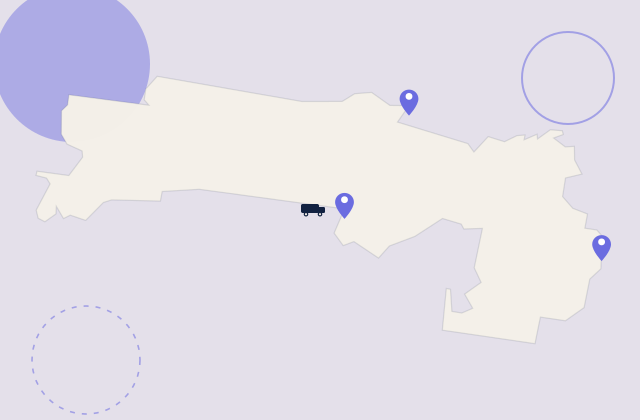
South Western Sydney

  • Homes
  • Shops
  • Call us

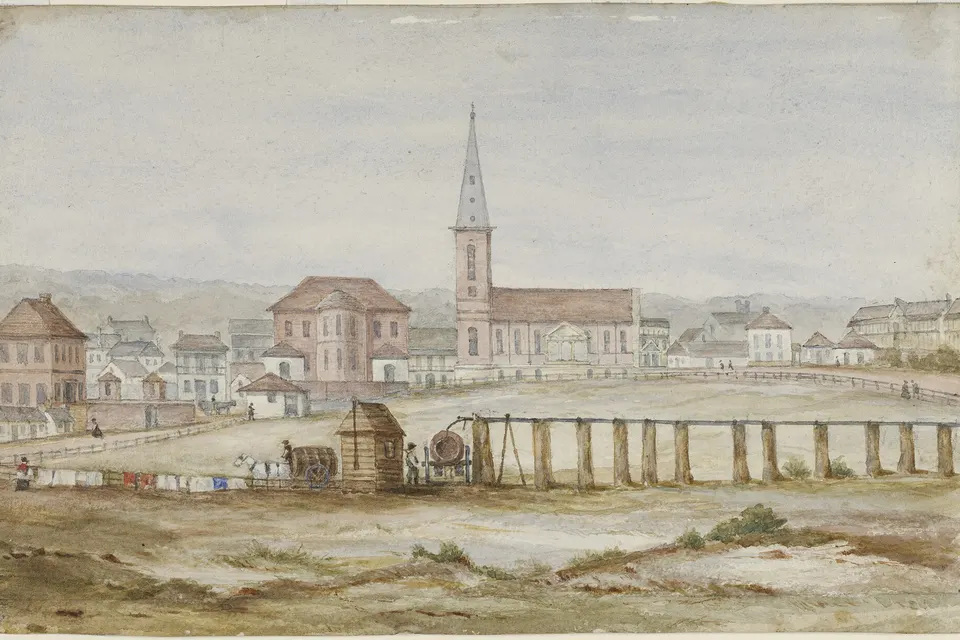
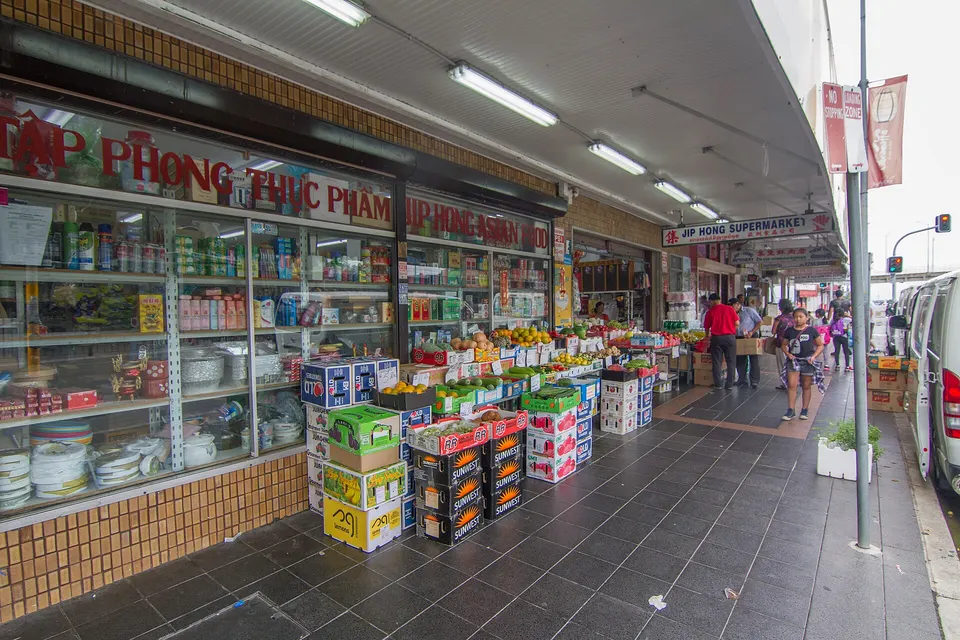
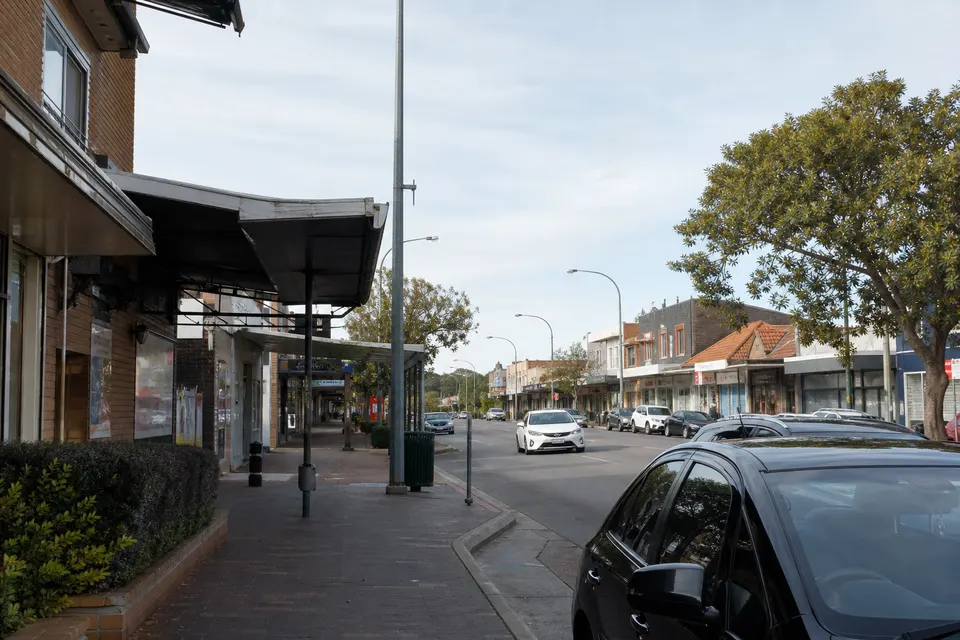
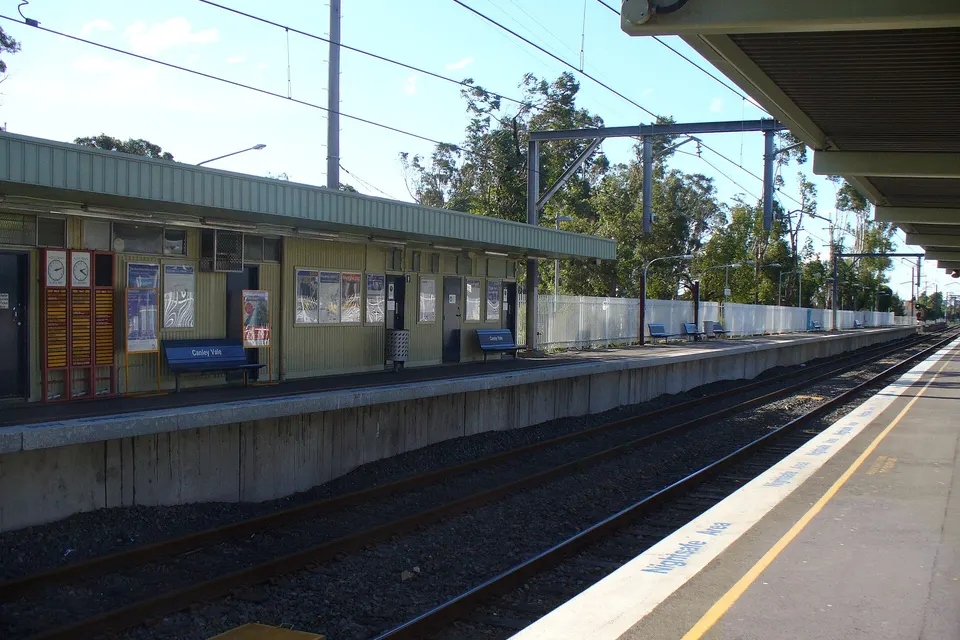
Photos of the local area.

Full list All suburbs
Call 0493 563 381
shape
image
Frequently asked questions
FAQ

If you are wondering about help in Liverpool & Fairfield

Quotes that bounce, shared inboxes out of sync, Outlook asking for passwords, full mailboxes, and domain email landing in junk. Shops in Cabramatta and Fairfield, practices in the Liverpool CBD, and trade offices in Prestons all see it.

Grab a screenshot of the error if you can. If not, just tell us what you see.

Yes. Mail, contacts, and calendars are copied first, and the switch happens after hours so nobody loses a working day.

Afterwards we check every desk and phone so no one is still pointing at the old server.

Usually missing domain records that prove your mail is genuine. It is common and fixable.

We check the domain settings and test delivery to the big mail providers before we finish.

You get the figure up front. For moves and new setups we count the mailboxes, then give a fixed quote.

No Fix, No Repair Fee applies to repair work we cannot complete.

shape
shape
Need help now? Not sure what to click or what to do next?

Call PC Scientist for free advice, calm and practical IT help