No Fix, No Fee
- If we cannot clean up an infected laptop, no repair fee is charged for it.
- If wiping and reinstalling is the safer route, we tell you up front.

In South Western Sydney, the scare is usually a pop-up, a strange login email, or an account that no longer feels like yours. Households and one-person businesses around busy households where several people are online at once want it checked without a lecture.
PC Scientist cleans up and hardens computers in South Western Sydney, then shows you the setting that was left open. Phone 0493 563 381 if you want a person first, or book online when the visit is a straightforward one.
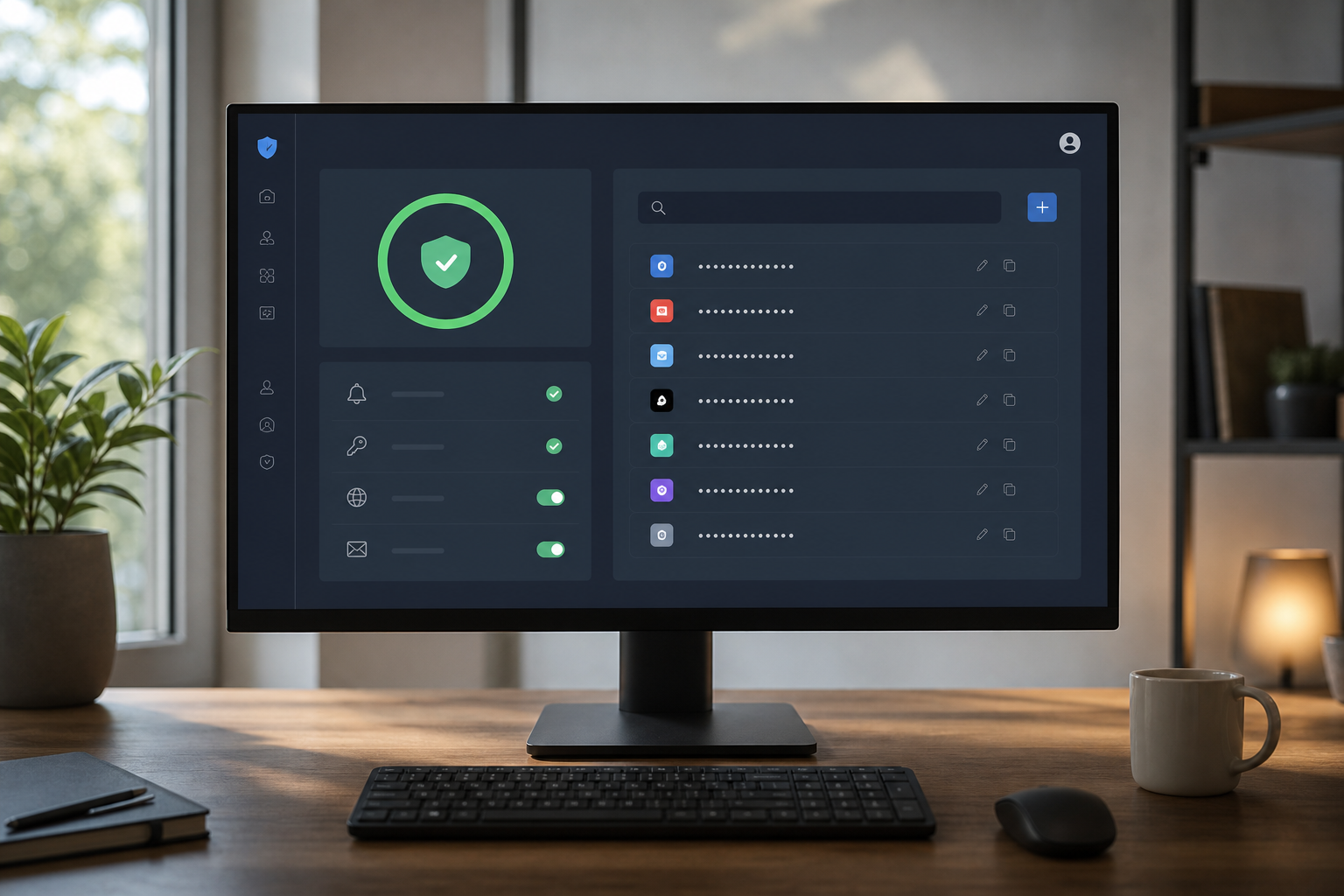
South Western Sydney homes and one-person businesses around busy household streets want scam pop-ups, odd login emails, and sticky browsers checked without a lecture. PC Scientist will say whether a visit, a remote session, or a written quote fits.
One way in is enough. If someone may have access right now, call rather than fill in a form.
Scam calls and odd pop-ups land in South Western Sydney - Fairfield homes, Liverpool shops, Liverpool desks, Fairfield family PCs. We keep it calm. No scare script. Tell us what appeared on the screen.
Need a different type of help than the examples above for Liverpool & Fairfield? Browse specialist technology categories for Liverpool & Fairfield - each card is a starting point on this page. Or call 0493 563 381 for free advice across Liverpool & Fairfield.

Leave your message and we'll get back to you shortly.
Start here
A scam call, a pop-up, or a login alert from somewhere you never visited. If the only problem is slow software with no scare, start with computer support.


A scam call, a pop-up, or a login alert from a place you never visited.

What you clicked or shared, before anyone changes settings.

Pop-ups, redirects, and unwanted software removed with caution.

Password and two-factor recovery after a scare.

Simple habits that reduce repeat scares - no panic software.
Visit

Call, pop-up, email, or login alert - and whether anything was shared.

Lock what is at risk first. Cleanup can wait a beat.

The accounts and the PC, explained without a lecture.
If this is not the job
Want the longer guide? Cybersecurity Scientist.



Scam text and call checks, malware and pop-up clean-ups, account recovery after a strange login, password tidy-ups, and parental controls. Families in Cabramatta and Fairfield, older residents in Busby and Carramar, and home offices in Casula all call.
You get a plain account of what happened, then help locking things down, with no judgement.
Hang up, and do not install anything they asked for. If they already connected, switch the computer off and call us before using it again.
Then ring your bank on the number on your card to check nothing has moved.
We explain everything in plain English and are happy for a family member to join the call or visit to help translate.
Many calls from Cabramatta and Fairfield are made by a son or daughter on behalf of a parent, and that works well.
After a short chat about what you saw, we explain the options and the cost before any work. Larger clean-ups get a clear figure once diagnosed.
If the clean-up cannot be done, you pay no repair fee and still leave knowing what to do next.