PARRAMATTA ยท COMPUTER SUPPORT

Parramatta households with a computer everyone uses and nobody trusts

One person needs it for work, another for study, someone else for video calls with family overseas. Each has changed a setting, installed something, or saved a password in a different place, and now the whole thing runs slowly and nobody is quite sure why.

PC Scientist tidies it up onsite in Parramatta or through a remote session - speed, sign-ins, printing, and separate accounts so people stop tripping over each other. The price comes before we start. Call, request a call back, or book an eligible visit online.
Book online for eligible visits and get 10% off.

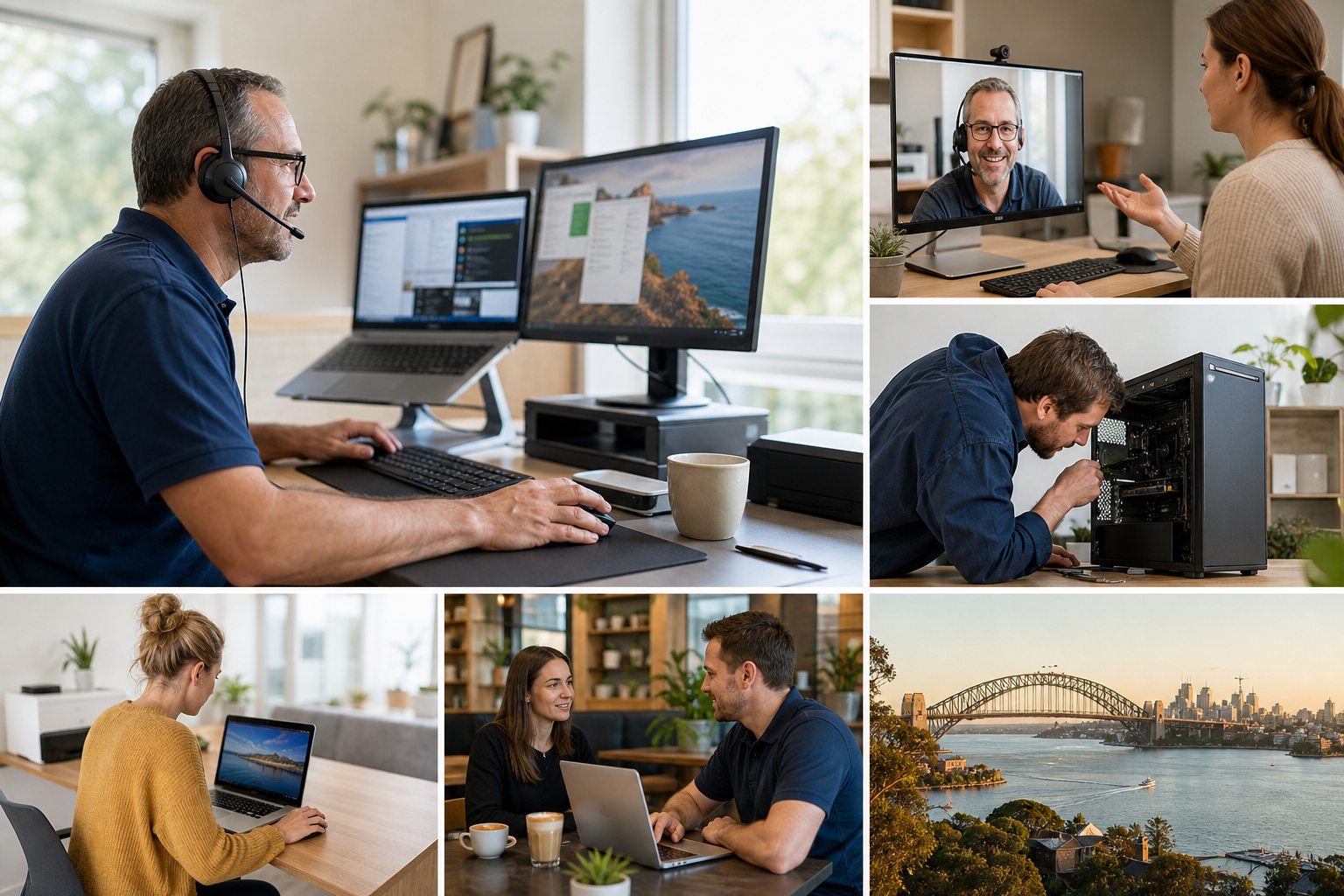
PC Scientist computer support for slow PCs and everyday fixes across Parramatta
Parramatta computer support for busy family homes, CBD apartments, and students - patient help with calls, logins, and slow PCs.

What Parramatta households notice when everyday computers stall

No Fix, No Fee

  • If a support fix on your computer does not work out, no repair fee is charged for it.
  • No paying to watch someone guess.

Clear Upfront Pricing

  • A likely cost given before we connect remotely or pull up a chair.
  • Larger jobs, like setting up several family devices, get a firm figure first.

Speak to a Real Person

  • Call 0493 563 381 and explain the frozen video call or password loop in everyday words.
  • Patient help for grandparents, students, and busy parents alike.

Fixed Properly First Time

  • We work out why the computer keeps slowing, not just clear it for a week.
  • Video calling apps, cameras, and microphones set up so calls to family just connect.

Several Issues, One Visit

  • A grandparent's tablet, a student's laptop, and the family printer sorted in one visit.
  • Keyboard languages and display settings set the way each person needs them.

Your Data Treated Carefully

  • Documents and family photos left exactly where you keep them.
  • Logins treated carefully, and any new ones passed straight to their owner.

Is the Parramatta problem a slow desktop, a login loop, or software that will not open?

Homes and apartments around Parramatta rely on one or two machines. PC Scientist helps with cleanup, updates, and practical everyday support.

Support situations in Parramatta

  • Study PCs that crawl through school and work portals.
  • Logins that loop after a quiet Windows update.
  • Printers that stop talking to the only working laptop.
  • File transfers from an old machine that never quite finished.
  • Clear pricing before work. You stay in control.

How to contact PC Scientist

  1. Call for Free Advice - Ring 0493 563 381 and describe what the computer is doing - slow, stuck, locked out - and we suggest remote help or a home visit
  2. Request a Call Back - Leave your number if the day is full, and PC Scientist calls back when you are near the computer
  3. Request a Free Quote - Ask for a written outline if several family devices need sorting, with no obligation

Any one of these works. Most calls start with a short chat about what changed.

What happens after you get in touch

  • Symptoms first for Parramatta: when it started, what changed, and whether one device or the whole house is affected.
  • Same-day timing for Parramatta is often possible when the calendar allows; we are honest when it does not.
  • In Parramatta you hear practical options next, with clear pricing before work starts, and nothing goes ahead until you are comfortable.

Where we visit in Parramatta

Everyday PC jobs run in Parramatta, not only the pretty streets. We see slow Windows boxes and login loops in North Parramatta and Parramatta, printers that vanish in Harris Park, and home-office desks in Westmead that need the machine usable before nine.

Looking for a specific service?

Need a different type of help than the examples above for Parramatta? Browse specialist technology categories for Parramatta - each card is a starting point on this page. Or call 0493 563 381 for free advice across Parramatta.

Call For Free Advice

Get in touch

Leave your message and we'll get back to you shortly.

Attachments

Allowed file types: jpg, jpeg, png, gif, pdf, doc, docx, xls, xlsx, odt, ppt, pptx, pps, ppsx, html, and less than 100 MB.

No file chosen

This form uses spam checks and sends your request directly to PC Scientist.

Start here

Slow PCs, frozen programs, stuck updates, printers, and logins. A machine that will not power on belongs on computer repair.

What this covers

  1. 01
  2. 02
  3. 03
  4. 04
  5. 05
  1. 01Start

    General computer assistance

    You do not need the right label. Tell us the last thing that failed.

  2. 02

    Windows and Mac support

    Everyday Windows help, and Mac setup, accounts, and printers.

  3. 03

    Software, printers, and logins

    Stuck updates, vanished printers, and login loops - often one visit.

  4. 04

    Setup and performance

    A new PC that feels unfinished, or an old one that crawled after clutter.

  5. 05

    Remote or onsite

    Remote when the connection holds. Onsite when we need to see the room.

Visit

How it works

  1. 1

    Talk it through

    Suburb, device, and what changed - no quiz and no jargon required.

  2. 2

    Pick the path

    Remote, onsite, or a mix. Pricing before work starts.

  3. 3

    Leave it usable

    The issue you rang about, plus the small extras in the same visit when they fit.

Book computer support on the Parramatta Call 0493 563 381, request a call back, or ask for a quote.
Call 0493 563 381

Coverage

Parramatta

  • Homes
  • Shops
  • Call us

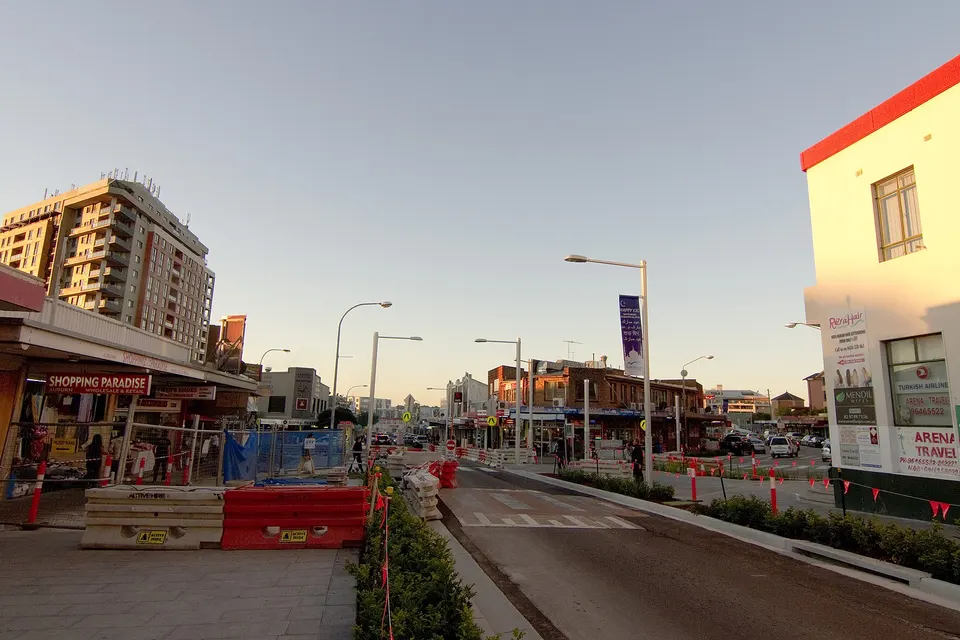
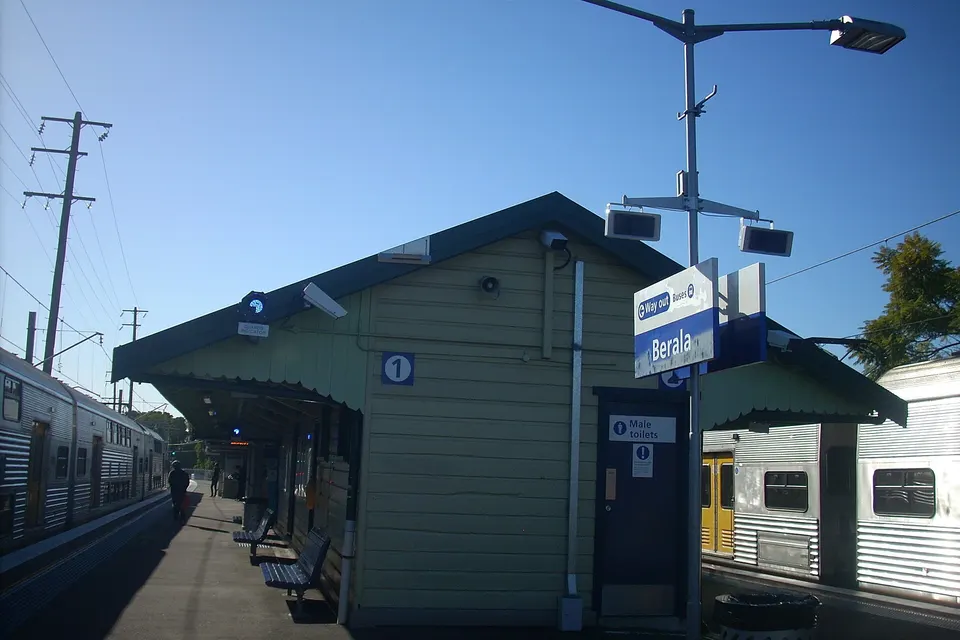
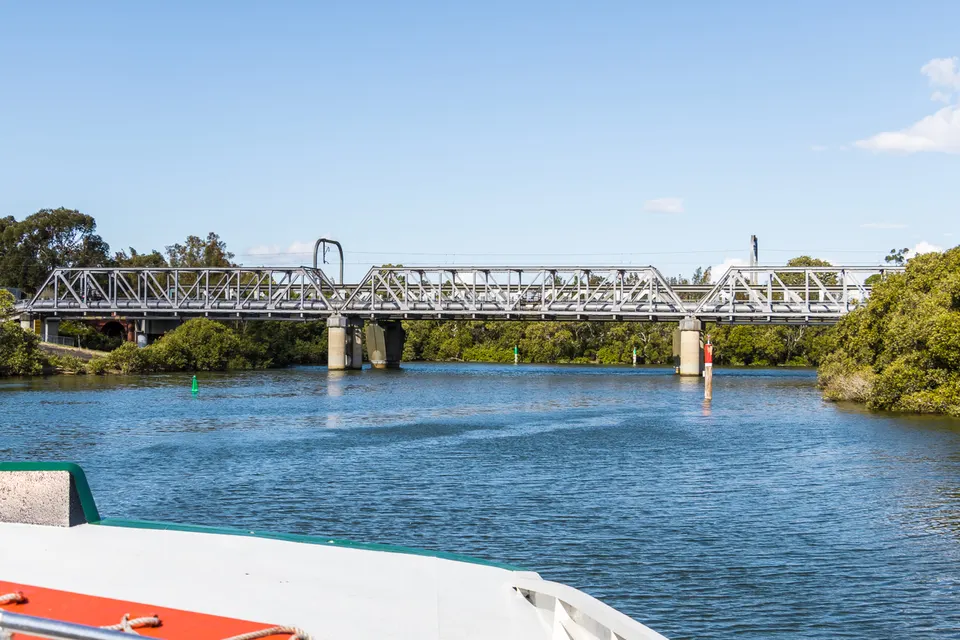
Photos of the local area.

Full list All suburbs
Call 0493 563 381
shape
image
Frequently asked questions
FAQ

Common questions about Parramatta IT help

Slow or frozen computers, video calls that will not connect, login and account tangles, updates that broke something, printers, and moving to a new laptop. Calls come from CBD apartments, family homes in North Parramatta, Northmead, and Toongabbie, and units in Harris Park.

Windows, Mac, tablets, and phones are all fine.

Yes. We set up the app, camera, and microphone, and walk the person through making and answering a call until they are comfortable.

We can leave simple written steps by the computer too.

Yes. We add the keyboard languages and display settings each person needs, and show how to switch between them.

Everyone in the house can use the same computer the way that suits them.

Often. Account and software help usually clears in a remote session, with your permission.

We visit when a printer, the network, or several devices are involved.

shape
shape
Need help now? Not sure what to click or what to do next?

Call PC Scientist for free advice, calm and practical IT help