PC Scientist · Parramatta · Business cybersecurity

Business cybersecurity in Parramatta

Tax season in a Parramatta accounting office means a flood of client attachments, and one of them asks staff to log in again to view a document. It looks routine, which is exactly the point. A small practice can lose a mailbox before lunch without anyone noticing.

PC Scientist secures the mailbox, checks the computer that opened it, and sets up sign-ins that stop a stolen password from working on its own. Call 0493 563 381, or book an eligible visit online if a computer needs looking at.

Book online for eligible visits and get 10% off.

  • Computer repairs
  • IT support
  • Wi-Fi
  • CCTV
  • Data recovery
  • No Fix, No Repair Fee
  • One-on-one help - a PC Scientist technician sitting with an older client at her laptop.

We accept payments

Visa
Mastercard
American Express
JCB
Apple Pay
Google Pay
Afterpay
Zip
Bank debit

Real Google reviews

What locals say after a PC Scientist visit.

Word for word, from people we have visited.

★★★★★

Great service and the technician is very friendly and he is a champion! Very skilled and knowledgeable to everything especially in troubleshooting amd giving the beat solution to the problem

Manuel Luzuriaga

★★★★★

Amazing service and very personable! Quick diagnosis and fix even though it was the weekend

Alec Rohrs

★★★★★

Sam was very friendly and helpful and fixed our computer and keyboard problem in Kanwal 2259 Central Coast. We will definitely use him again.

Tony Grant

Read all our Google reviews

Business cybersecurity · Parramatta

Did a client document link in your Parramatta inbox ask for a password it should not need?

Accountants, agents, clinics and family businesses around Parramatta handle identity documents and bank details daily. That makes their inboxes worth targeting. We check what was reached, lock it down, and explain the result in language the whole office can follow.

Parramatta office scares, most common first

  • A shared document link asking staff to sign in again to read a client file.
  • Client ID scans sitting in an inbox that someone outside may have read.
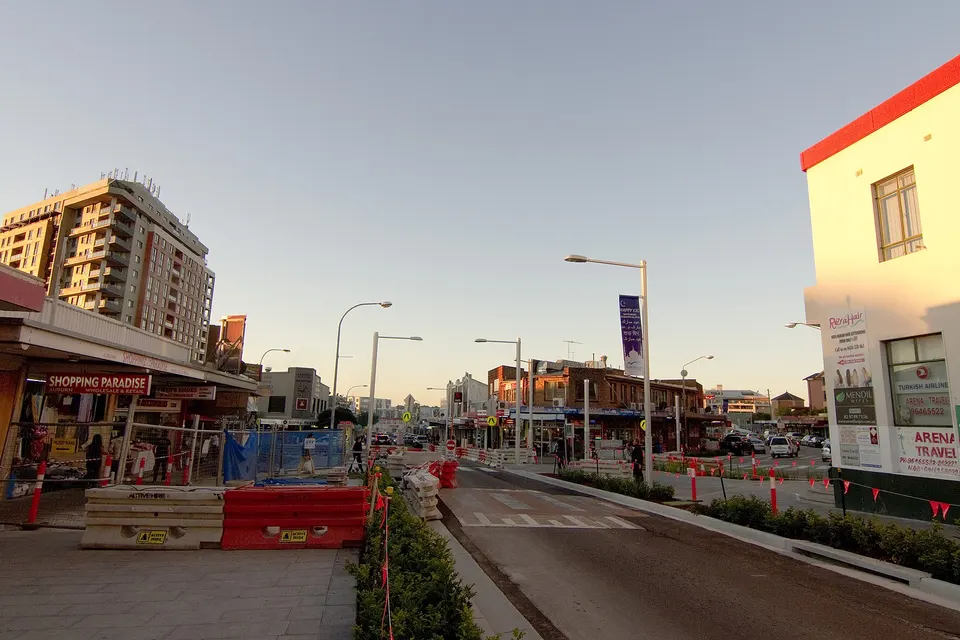
  • A Harris Park shopfront computer offering fake update messages every afternoon.
  • Messages written in another language that staff were unsure how to judge.
  • The cost spelt out before we sign in or touch a computer.

Steps once you have reached us

  • We ask what was opened and whether any password was typed into the page.
  • The affected mailbox is secured and checked for rules forwarding client mail elsewhere.
  • You get a short summary of what was exposed, useful if clients need to be told.

Parramatta suburbs on our list

Practices in North Parramatta and Northmead, shopfronts in Harris Park and Granville, and family businesses through Merrylands and Auburn all ring after a suspicious link. When the office computer needs hands-on attention we come in, and we keep client appointments running while it is checked.

Why Business cybersecurity calls us

Why Parramatta practices call when a client email asks for one more login

  • Client documents protected

    • Identity scans and financial files moved out of inboxes and into safer storage.
    More
    • Access limited to the staff who actually need each folder.
  • Sign-ins that resist theft

    • Two-step codes switched on for every mailbox that handles client data.
    More
    • Old shared logins replaced with one sign-in per person in the office.
  • A word for your clients

    • Help deciding whether clients should be told, and what to say to them.
    More
    • Plain notes you can keep if an insurer or adviser asks later.
  • Price agreed at the start

    • Cleanup and lockdown quoted before we touch the affected computer.
    More
    • Office-wide work staged across weeks if that suits the budget.
  • Repair fee follows a clean PC

    • If an infected office computer cannot be cleaned, no repair fee applies.
    More
    • Straight advice when a rebuild is the safer way to finish.
  • Busy season friendly

    • Work planned around client appointments and lodgement deadlines.
    More
    • Staff kept working while one computer at a time is checked.

Start here

What this covers

Maybe a fake invoice, a phone caller wanting access to the office PC, or an unexpected login alert. If it happened on a home device, see cybersecurity.

  1. 01

    Scams aimed at the practice

    A fake invoice, a caller after remote access, or a login alert on a computer holding client records.

  2. 02

    Which link, which page

    We establish what was clicked and whether a password went in before any cleanup starts.

  3. 03

    Reception desk pop-ups

    Fake update messages and unwanted programs removed from the front computer, client appointments left untouched.

  4. 04

    Microsoft 365 after phishing

    Mailbox forwarding, sign-in history and shared mailbox permissions checked once a suspicious link is reported.

  5. 05

    Sensible office defaults

    Safer settings on the desktops and laptops staff use for client work across Parramatta.

The visit

How it works

  1. 1

    Note the link

    What was opened, and whether a password was entered.

  2. 2

    Seal the mailbox

    Client mail secured, forwarding checked, the computer cleaned.

  3. 3

    Tidy the files

    Sensitive documents moved somewhere only the right people see.

Two fixed-price options

Online booking prices

  1. Start here

    Later date

    $190

    If it's not urgent

  2. If it can't wait

    Same day

    $207

    When available

  • 10% discount already in
  • Extra work quoted first

Peace of mind

No Fix, No Repair Fee.

If we cannot get the agreed work done under our terms, you do not pay that service fee.

We will be straight with you first. You decide.

Read the Terms & Conditions

How to start

From the first message to the visit.

  1. You pick how

    Book online, call for free advice, , or .

  2. You tell us what's going on

    In the booking, on the call, or in the quote. Same idea.

  3. We lock the visit

    You see the price. If you agree, we lock a date that suits.

  4. We come to you

    That's the visit. We work through your list on the day.

Areas we cover

Business cybersecurity across Parramatta

Pick a place for its own local page, or call and we will check your street.

Can't see your suburb?

We still come. Call and we will check.

If your street is just over the line, we usually still come.

FAQ

Questions we hear in Parramatta

It can be, but acting quickly helps a lot. Change the password from another device and call us.

We sign out every session, look for rules quietly forwarding client mail, check what the mailbox holds, and turn on two-step sign-in so the stolen password is useless on its own.

That depends on what the mailbox held and who could see it. We help you work out what was likely reached, in plain terms, so you can make that call with the facts in front of you.

For legal obligations your adviser has the final word, but our notes make that conversation much easier.

The warning signs are the same in any language: an unexpected login request, pressure to act quickly, or a sender address that is slightly off.

We walk the team through real examples and agree a simple rule, such as checking any payment or login request by phone first.

We give you the figure before starting. One mailbox or computer is usually priced on the call, while office-wide changes get a written quote you can approve.

Where a cleanup cannot be finished, No Fix, No Repair Fee means you are not charged for that repair.

Sounds fair enough?

Today, or another day?

Book online Save 10% Call for free advice 0493 563 381