FOREST DISTRICT ยท RETAIL & CAFE WI-FI

Retail and cafe Wi-Fi in the Forest District

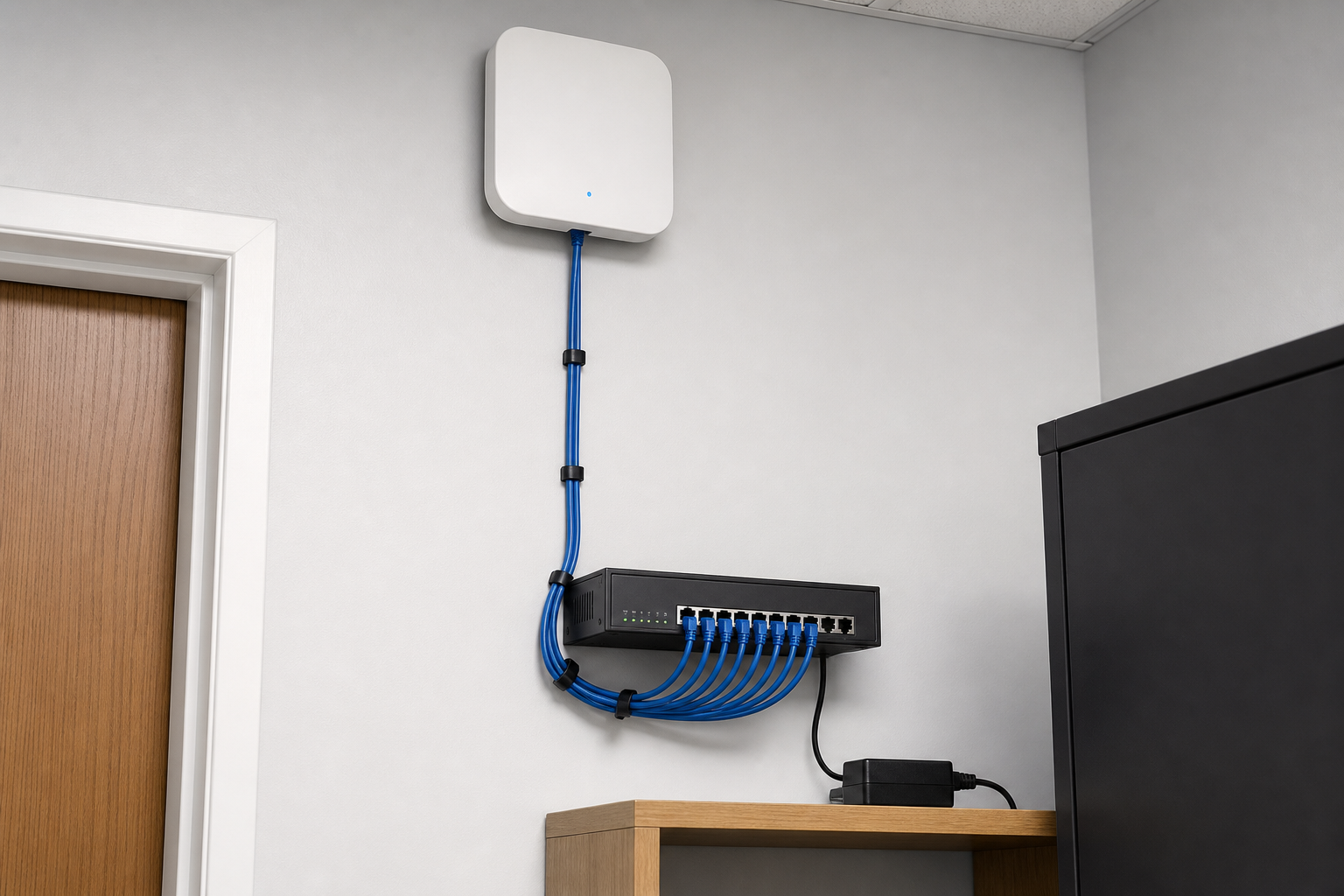
In the Forest District, the guest Wi-Fi and the till should not be on the same network. When the lunch rush knocks the POS offline, the queue at the counter feels it before anyone can find the router.

PC Scientist sets up shop and cafe Wi-Fi across the Forest District so staff stay on one network and guests stay on another. A short call tells us whether it needs a visit, a remote session, or a written quote.

Book online for eligible visits and get 10% off.

PC Scientist retail and cafe Wi-Fi support across Forest District
Forest District shop and cafe Wi-Fi - separate the till from the guest network before the next rush.

Why Forest District counters drop off at the worst moment

No Fix, No Fee

  • If a POS network fault cannot be fixed, no repair fee is charged for that attempt.
  • Honest advice if the internet plan, not the shop Wi-Fi, is the limit.

Clear Upfront Pricing

  • Shop network work quoted before we touch a cable.
  • Options ranked so the till connection is fixed first.

Speak to a Real Person

  • Call 0493 563 381 and tell us when the card terminal drops out.
  • Someone who knows a queue at the counter cannot wait.

Fixed Properly First Time

  • Wi-Fi placed so the back room, counter, and floor all hold a signal.
  • Tested with the POS running, not just a phone speed test.

Several Issues, One Visit

  • Wi-Fi, POS link, office PC, and CCTV looked at in one visit.
  • Printers and label machines reconnected while we are there.

Your Data Treated Carefully

  • Card terminals kept off the customer Wi-Fi.
  • Sales and customer data handled carefully throughout.

Is the Forest District problem the till, the guest Wi-Fi, or both?

Forest District cafes and retail counters need guest Wi-Fi that stays off the till. When peak trade knocks staff devices offline, PC Scientist separates networks and fixes tree-shadowed dead zones.

What Forest District people bring us - Wi-Fi that dies upstairs, home printer the computer cannot find, slow laptop

  • Tills that drop when guest phones flood the network at lunch.
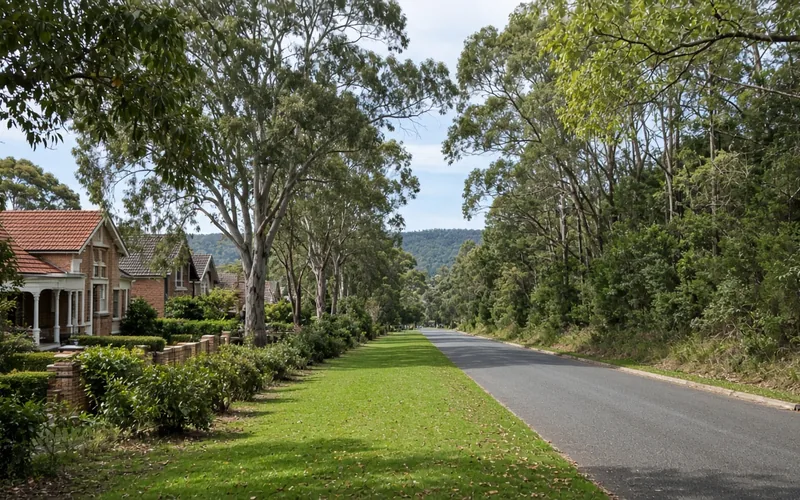
  • Stockrooms under tree cover with no usable staff signal.
  • Landlord modems that leave guests and staff on one password.
  • Forest District shops needing a calm coverage survey.
  • Plan approved before access points or cabling change.

How to contact PC Scientist

  1. Call for Free Advice - Ring 0493 563 381 and tell us what drops out at the counter, and we plan a visit around quiet trade
  2. Request a Call Back - Leave a short form if you are serving customers, and PC Scientist calls back after close
  3. Request a Free Quote - Get a written scope for shop Wi-Fi or POS network work before approving it, with no obligation

One path is enough. The time of day the till drops out is a useful place to start.

What happens after you get in touch

  • In Forest District you hear practical options next, with clear pricing before work starts, and nothing goes ahead until you are comfortable.
  • Same-day timing for Forest District is often possible when the calendar allows; we are honest when it does not.
  • Support for Forest District can be onsite, remote over the internet, or a mix, depending on access, urgency, and what the issue actually needs across Forest District.

Where we visit in the Forest District

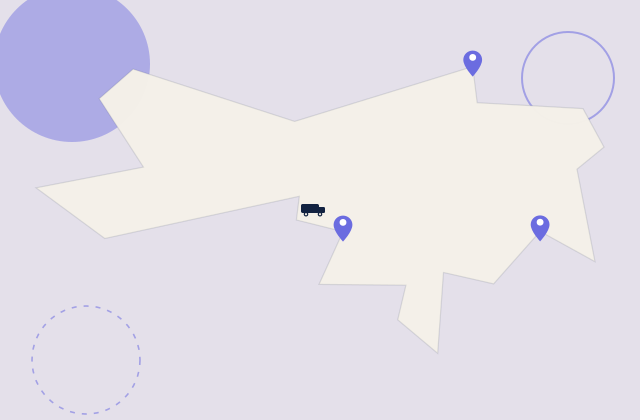
Retail Wi-Fi in the Forest District is tills, staff, and the odd back room. Frenchs Forest and Belrose shops, Davidson malls, Frenchs Forest strip stores. We start with what dropped, not a new router on day one.

Looking for a specific service?

Looking for a named service line in Forest District? Jump to service categories covering Forest District, pick the closest match, then call if you are still unsure across Forest District.

Call For Free Advice

Get in touch

Leave your message and we'll get back to you shortly.

Attachments

Allowed file types: jpg, jpeg, png, gif, pdf, doc, docx, xls, xlsx, odt, ppt, pptx, pps, ppsx, html, and less than 100 MB.

No file chosen

This form uses spam checks and sends your request directly to PC Scientist.

Start here

Till fine, staff iPad dead, guest Wi-Fi dead at lunch. A fuller office plan also lives on business networks.

What this covers

  1. 01
  2. 02
  3. 03
  4. 04
  5. 05
  1. 01Start

    When the floor is full

    The till is fine, the staff iPad is dead, lunch Wi-Fi dies.

  2. 02

    Tills and handhelds

    Tills, printers, and handhelds on the right network.

  3. 03

    Guest versus staff

    Guest Wi-Fi that should not see the staff computers.

  4. 04

    The cupboard modem

    A modem in a cupboard that never covers the floor.

  5. 05

    Is it the provider?

    Evidence when the provider says the line is fine.

Visit

How it works

  1. 1

    Which device fails

    Till, handheld, guest phone, or the printer - and when.

  2. 2

    Plan before gear

    Placement, split networks, or cabling - quoted first.

  3. 3

    Onsite when needed

    Walk the floor at a time that matches the fault.

Book retail and cafe Wi-Fi help on the Forest District Call 0493 563 381, request a call back, or ask for a quote.
Call 0493 563 381
shape
image
Frequently asked questions
FAQ

If you are wondering about help in Forest District

POS and card terminal connectivity, shop floor Wi-Fi, separate customer and staff networks, back office PCs, and CCTV links. Shops around the Forest Way and Glenrose centres and bulky-goods stores in Belrose are the kind we see.

We work around trading hours so the till keeps running.

Often weak Wi-Fi at the counter, a crowded network, or a modem struggling in a back room. Sometimes it is the internet plan.

We test where the terminal actually sits and fix the cause in order of impact.

Where we can, yes. Network changes are best done when customers are not queuing.

Tell us your quiet times when you call and we plan around them.

Your internet provider, where the modem sits, which devices drop out, and your busiest times.

If you are unsure, we map it out during the visit.

shape
shape
Need help now? Not sure what to click or what to do next?

Call PC Scientist for free advice, calm and practical IT help