No Fix, No Fee
- If a workstation or network fault cannot be fixed, no repair fee applies for that attempt.
- Straight advice when older machines are slowing the whole team.

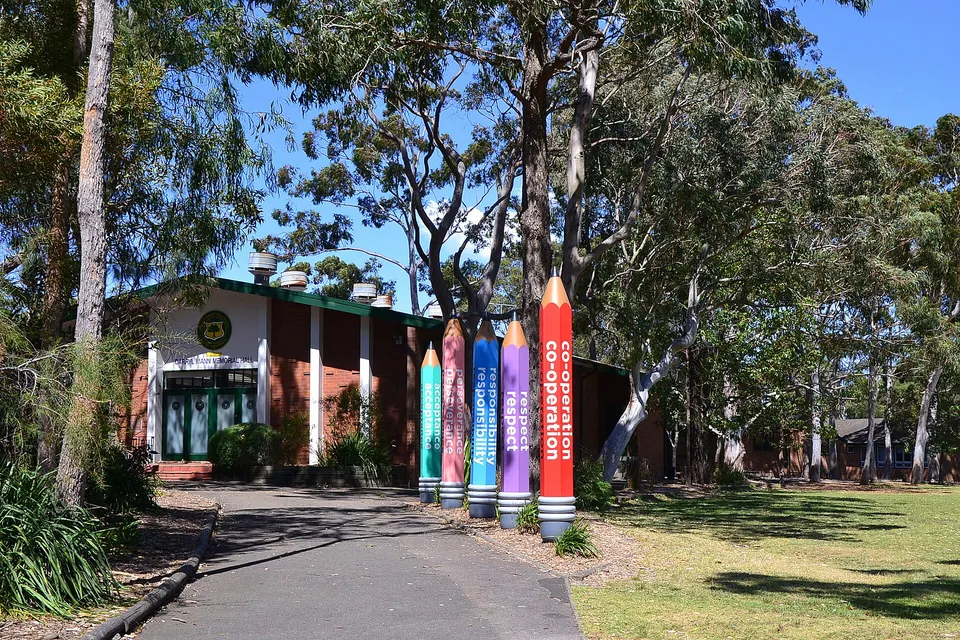
Forest District clinics sit in low buildings under the trees. A scan-to-email that worked at the front desk stops, and the afternoon list backs up.
PC Scientist supports professional offices in the Forest District with networks, Microsoft 365, and calm security hygiene. Remote help covers many account faults; visits suit the rooms and printers.
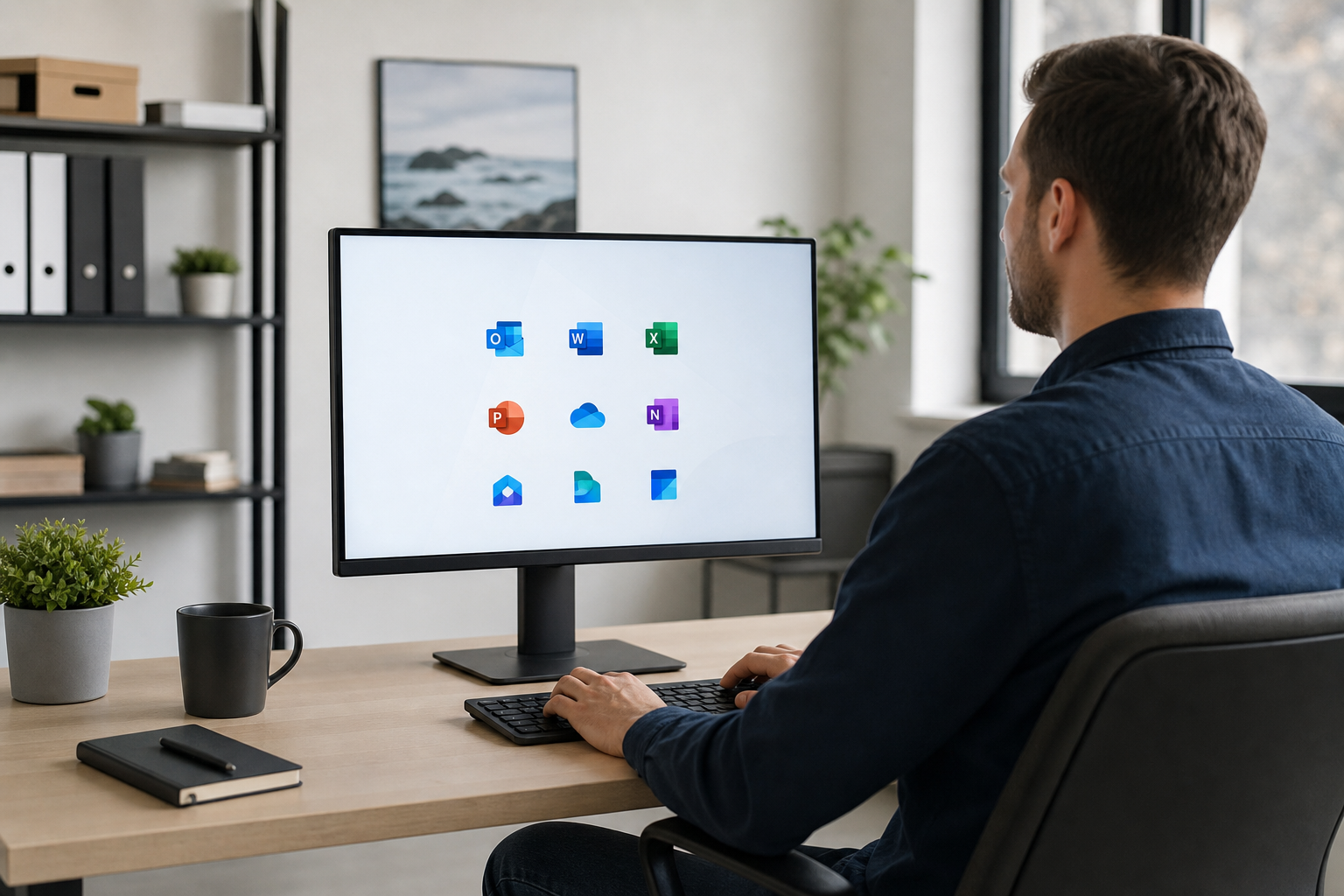
Forest District professional rooms need reliable mail, files, and Wi-Fi for client days. PC Scientist keeps the stack practical for small teams without full-time IT staff.
Pick one. Most office calls start with the problem that interrupts the team most often.
Offices in the Forest District want email, files, and Wi-Fi that does not drop mid-client. Davidson, Frenchs Forest, Belrose, and Frenchs Forest practices get a calm next step, then a clear price.
Need a different type of help than the examples above for Forest District? Browse specialist technology categories for Forest District - each card is a starting point on this page. Or call 0493 563 381 for free advice across Forest District.

Leave your message and we'll get back to you shortly.
Start here
Mail, files, or the network before a client meeting. Accountants, lawyers, clinics, and consultants across the Forest District.


Mail, files, or the network before a client meeting.

Microsoft 365, shared mailboxes, and calendars in sync.

Backups you can actually restore from.

Consulting rooms and desks that stay on Wi-Fi.

Safer defaults after a scare - no panic selling.
Visit

Mail, files, a room, or a staff PC.

Machines that hold client work are not touched first.

The stall sorted, with a note for anything that can wait.
If this is not the job
Want the longer guide? Professional offices.



Secure networks, Microsoft 365 and email, workstation support, printers and scanners, backups, and security hardening. Accountants, allied health rooms near the hospital, and consultants in the Belrose business park are typical.
We fit around appointments and client work, so the office keeps running while we sort things.
Yes. Small teams without IT staff are our usual fit. We can help as issues arise or check in regularly.
Tell us how many people and devices there are and we suggest a sensible level of support.
We work within your existing access, change passwords only with your say-so, and keep files where they belong.
We also check backups and account security so one mistake does not expose client records.
A list of staff and devices, who provides your internet and email, and the problems causing the most disruption.
If some of that is unknown, we work it out on the first visit.