No Fix, No Fee
- If we cannot clean up an infected Forestville laptop, no repair fee is charged for it.
- You hear straight away if a reinstall is the safer path.

In the Forest District, the scare is usually a pop-up, a strange login email, or an account that no longer feels like yours. Whether it is the family laptop or the office PC, you want it checked calmly, without a lecture.
PC Scientist cleans up and hardens computers across the Forest District, then shows you which setting was left open. Tell us what you clicked or what you saw, and we take the next small step with you.
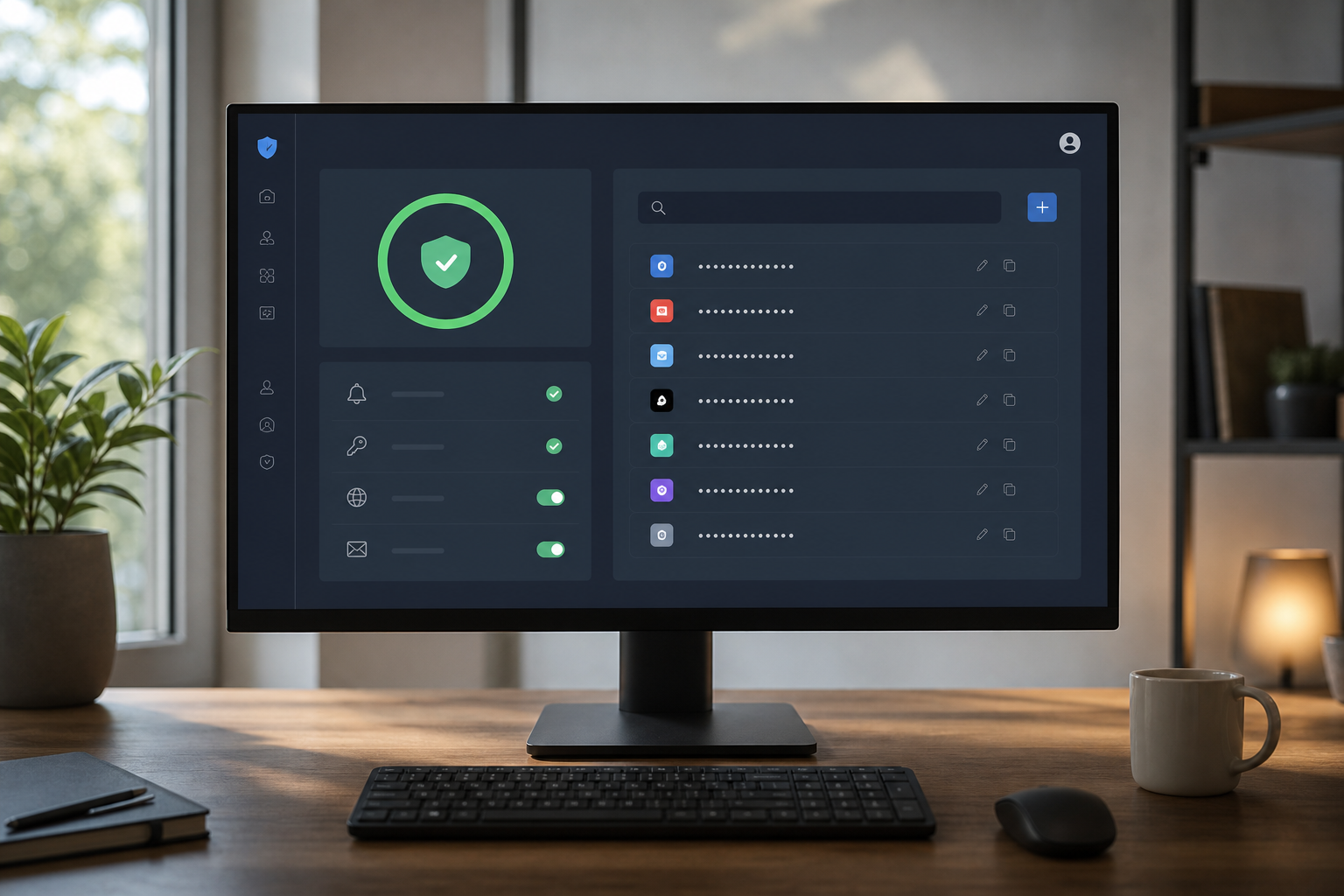
Forest District homes and small offices get shaken by scam pop-ups, odd login emails, and accounts that suddenly feel wrong. PC Scientist cleans up malware and hardens the settings that were left open.
One way in is enough. If you think someone has access right now, call rather than fill in a form.
Scam calls and odd pop-ups land in the Forest District - Frenchs Forest homes, Belrose shops, Davidson desks, Frenchs Forest family PCs. We keep it calm. No scare script. Tell us what appeared on the screen.
Need a different type of help than the examples above for Forest District? Browse specialist technology categories for Forest District - each card is a starting point on this page. Or call 0493 563 381 for free advice across Forest District.

Leave your message and we'll get back to you shortly.
Start here
A scam call, a pop-up, or a login alert from somewhere you never visited. If the only problem is slow software with no scare, start with computer support.


A scam call, a pop-up, or a login alert from a place you never visited.

What you clicked or shared, before anyone changes settings.

Pop-ups, redirects, and unwanted software removed with caution.

Password and two-factor recovery after a scare.

Simple habits that reduce repeat scares - no panic software.
Visit

Call, pop-up, email, or login alert - and whether anything was shared.

Lock what is at risk first. Cleanup can wait a beat.

The accounts and the PC, explained without a lecture.
If this is not the job
Want the longer guide? Cybersecurity Scientist.



Scam message checks, malware and pop-up clean-ups, account recovery after a strange login, password tidy-ups, safer browser and email settings, and parental controls.
We explain what happened in plain words, then help you lock things down without making you feel silly.
Do not pay anything and do not install anything a caller asked for. Note what you clicked and which accounts might be affected, then call us.
If a stranger has remote access to your computer, turn it off and ring before using it again.
Many scam checks and account fixes can be done remotely once we know the device is safe to connect to. If a computer may be compromised, a visit is clearer.
Several devices or a small office usually suit a visit so everything is checked in one go.
After a short chat about what you saw, we explain the options and the cost before any work. Larger clean-ups get a clear figure once diagnosed.
If a clean-up is not possible, there is no repair fee, and you still leave with a safe next step.