PC Scientist · Northern Beaches · Device setup

Northern Beaches device setup that is actually finished when we leave

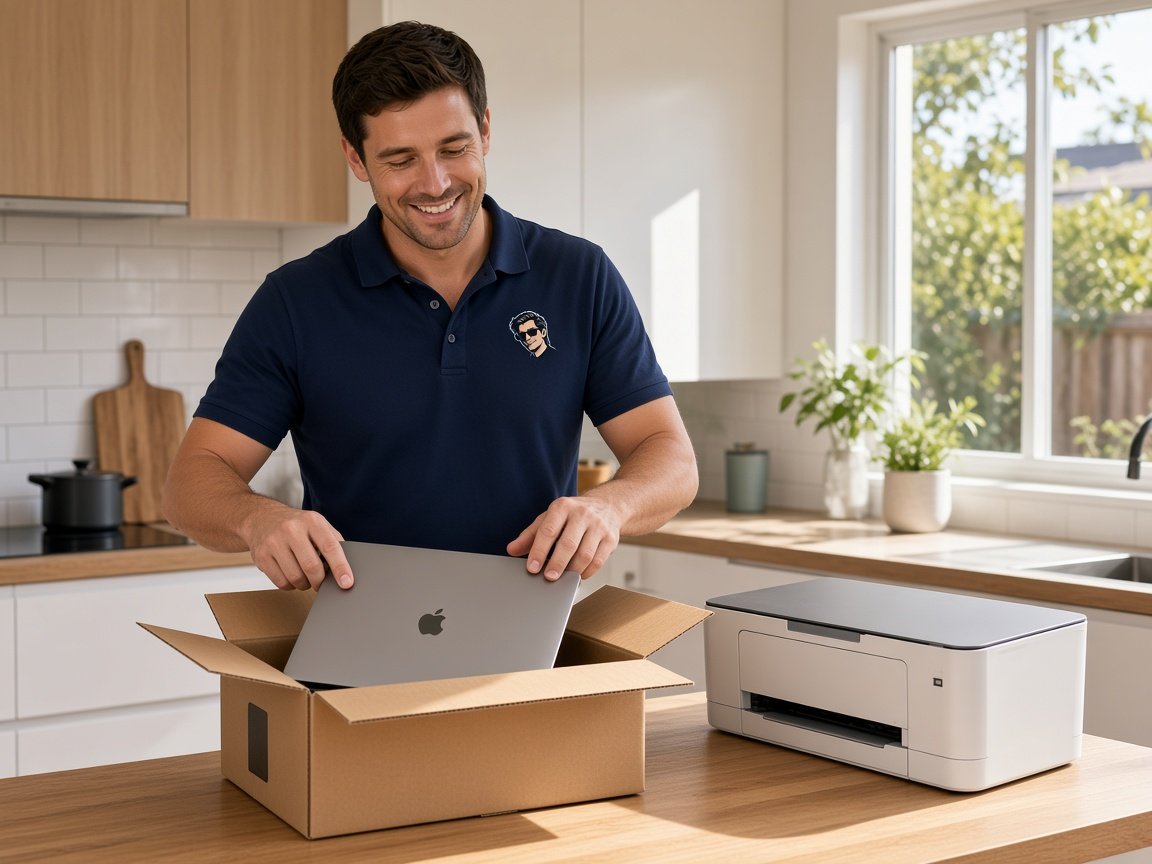
Your move from the family home in Belrose to a Dee Why unit went well, apart from the tech. The new iPad will not show the grandkids' photos, and the printer has no idea the internet changed.

We set up the new gear, reconnect the old, and stay until it all makes sense to you. Call 0493 563 381 to talk it through, or request a call back at a time that suits.

Book online for eligible visits and get 10% off.

Let us help you today

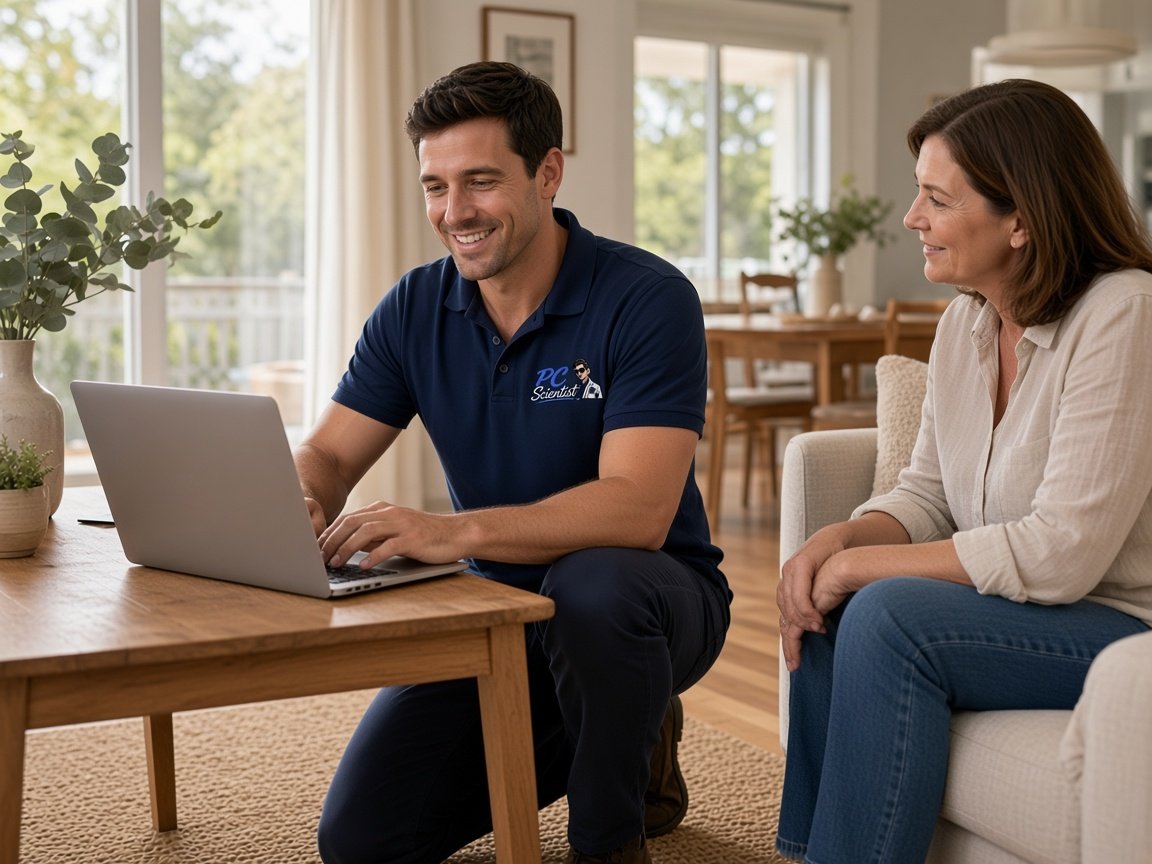
  • One-on-one help - a PC Scientist technician sitting with an older client at her laptop.

We accept payments

Visa
Mastercard
American Express
JCB
Apple Pay
Google Pay
Afterpay
Zip
Bank debit

Real Google reviews

What locals say after a PC Scientist visit.

Word for word, from people we have visited.

★★★★★

Sam sorted my computer issues out very quickly. Very impressed with his knowledge and will use him again if I have any computer issues.

Jan Louw

★★★★★

Sam is a lovely guy....he explains everything well and seems very knowledgeable..

Jenny Downing

★★★★★

Sam gave us fantastic Customer Service! Prompt response and fixed our problem with amazing expertise.

Jo Scarsbrick

Read all our Google reviews

Device setup · Northern Beaches

Moved, downsized or just upgraded on the Beaches, and the devices have not caught up yet?

A change of address or a new internet plan quietly breaks a lot on the Northern Beaches. Printers lose their way, TVs forget the network, and new tablets arrive without the photos. We reconnect what you kept and set up what you bought.

What the Beaches hands us after a move

  • A printer that worked for years and went silent after the new internet went in.
  • A new iPad that needs the family photo album and video calls set up.
  • Smart TVs and speakers that forgot the network when the router changed.
  • A small studio or home business laptop that needs its email on the phone too.
  • Everything priced together, and nothing starts until you say yes.

How a Beaches setup visit comes together

  • We ask what moved, what is new, and what has stopped working since.
  • You get a price for the whole visit, and we book a time that suits.
  • Each device is checked in the room it will live in before we go.

Beaches suburbs on our setup run

We set up devices from Balgowlah and Curl Curl up through Dee Why, Collaroy and Brookvale, across to Belrose and Davidson, and out to Avalon Beach and Church Point. Units, family homes and home studios all get the same patience, whether it is one tablet or the whole house.

Why Device setup calls us

Why you call us: Northern Beaches homes call once the moving boxes are flat

  • What you can expect: Reconnected after the move

    • You get printers, TVs and speakers joined to the new internet, not left guessing.
    • You get old network names cleared out so devices stop hunting for them.
  • What you can expect: Price known before unpacking

    • For you, the whole visit costed upfront, whether it is two devices or ten.
    • We give you nothing added on the day without a word from you first.
  • For you: Video calls with family

    • For you, tablets set up so calling the grandkids is one tap, not five.
    • For you, photos shared from family albums so they arrive without anyone asking.
  • How we help: Time to learn it

    • We go at your pace and repeat the bits that matter most.
    • Written notes left beside the device, in plain words you can follow.
  • What you can expect: Home business gear too

    • We give you work email, calendar and invoicing apps set up on the laptop and phone.
    • For you, business and personal accounts kept apart so nothing gets muddled.
  • What you can expect: Careful with old gear

    • For you, old tablets and laptops checked for photos before they are cleared.
    • Devices you are giving away wiped so your accounts stay private.

When you are ready. Call, or book a technician.

0493 563 381

Start here

What this covers

Whatever came home in the box, set up to suit how you live now. If you are buying several computers for a studio or office, see Procurement Scientist.

  1. 01

    Unboxed and updated

    The new tablet, phone, laptop or printer brought up to date and checked before anyone relies on it.

  2. 02

    Sign-ins that make sense

    Your email, Apple or Google account and everyday apps signed in, with passwords you can find again.

  3. 03

    Carrying the past across

    Photos, messages and documents moved from the old device, as far as the old device lets us.

  4. 04

    The rest of the house

    Printer, TV, speakers and any extra screen rejoined so they keep working after a restart.

  5. 05

    Notes you can keep

    A plain handover and a short written list of what changed, kept right by the device.

The visit

How it works

  1. 1

    Tell us what changed

    New address, new internet, new device - whatever started the trouble.

  2. 2

    Reconnect and set up

    Old gear rejoined, new gear signed in, each one tested in place.

  3. 3

    Walk through together

    You try the everyday tasks while we are still in the room.

How it works

How to start

For Device setup, the lightest next step is a phone chat. Book online if you already know you need a visit.

  1. 1

    Choose how to reach us

    Book online, call for free advice, , or .

  2. 2

    You tell us what's going on

    In the booking, on the call, or in the quote. Same idea.

  3. 3

    Lock in the visit

    We agree the visit on the call, in the booking, or in the quote. Agree, and that date stays yours.

  4. 4

    We come to you

    That's the visit. We work through your list on the day.

FAQ

Straight answers for Northern Beaches

Usually with the new router or modem. Printers, TVs and speakers remember the old network, so each one needs to be introduced to the new one.

We go through them one by one, test each in the room it lives in, and clear out the old network details so they stop looking for a connection that is gone.

Yes. We set it up with a larger text size, the apps they will use, and simple video calling with family.
Then we sit with them while they try it. If a second short visit would help it stick, we can plan that too.

Yes. Business email, calendar, shared files and the apps you invoice from can all go on the laptop and phone together.
We keep work and personal accounts separate where that helps, and you get the price before the visit is booked.

Often the older printer is fine and only needs setting up again on the new network. Sometimes the maker has stopped supporting it on newer computers.

We check before you spend anything and tell you plainly which way makes sense. Either way, the choice stays with you.

When you are ready

Need a hand with your technology?

Book online Save 10% Call for free advice 0493 563 381