PC Scientist · Northern Beaches · Email support

Northern Beaches email that behaves the same on every device

Someone in your house changed the Microsoft password on Saturday. By Monday the iPad, the work laptop and the Dee Why office computer were all asking for it, and each one wanted a different code. One small change, five confused devices.

We untangle sign-ins and sync so every device shares the same password and the same inbox again, at home on the Northern Beaches or over a remote session. Price first, then work. Request a call back or book an eligible visit online.

Book online for eligible visits and get 10% off.

Let us help you today

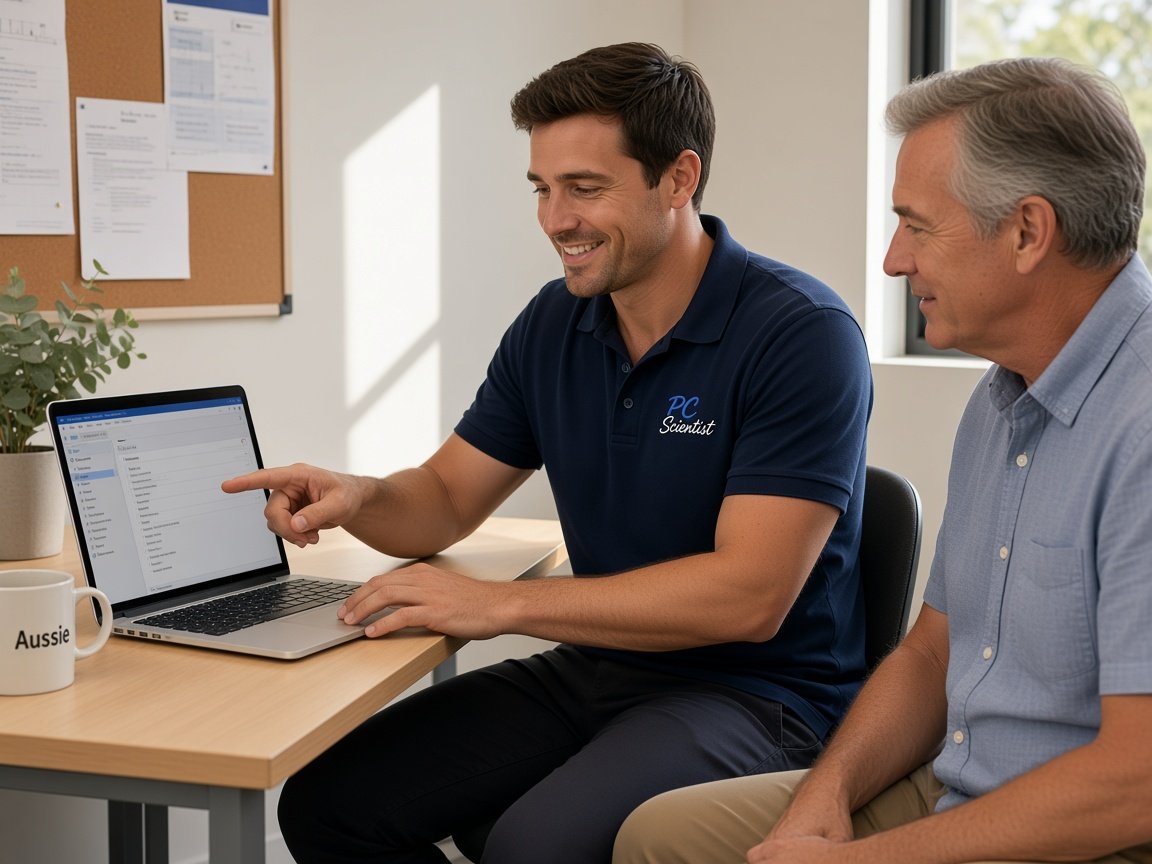
  • One-on-one help - a PC Scientist technician sitting with an older client at her laptop.

We accept payments

Visa
Mastercard
American Express
JCB
Apple Pay
Google Pay
Afterpay
Zip
Bank debit

Real Google reviews

What locals say after a PC Scientist visit.

Word for word, from people we have visited.

★★★★★

Service was excellent and prompt response

Bob Sands

★★★★★

Excellent service and very fast and reliable. Highly recommend

Leigh Palmer

★★★★★

Great work. Really Happy with the service

Rosemary Vituseck

Read all our Google reviews

Email support · Northern Beaches

Did one password change on the Northern Beaches knock every device off your email?

A password changed on one phone does not tell the others. Each device keeps trying the old one, gets refused, and eventually the account starts locking itself. We reset it once, properly, then sign each device back in so the loop stops.

Northern Beaches email calls we keep getting

  • Every device demanding a password after one person changed it on their phone.
  • Two-step codes going to a partner's mobile while they are away for the week.
  • A small Brookvale workshop's shared quotes inbox that went quiet after a staff change.
  • iCloud and Gmail both on one iPhone, sending replies from the wrong address.
  • The price is set out first, and you say go before anything changes.

What we do once you call

  • We ask who changed what and when, because the last change usually explains the rest.
  • Most sign-in tangles clear remotely; a visit helps when the whole household's devices need resetting.
  • Before we finish, each device sends and receives a test message while you watch.

Beaches suburbs we cover for email

We sort sign-in and sync trouble for homes and small workshops in Balgowlah, Dee Why, Collaroy and Belrose, and up to Avalon Beach and Church Point. Wherever the devices are, each one is reset and tested in turn, so the household ends up on a single password again.

Why Email support calls us

We help in the Northern Beaches when one password locks out every device

  • How we help: One reset, done properly

    • We change the password once and update it everywhere, rather than chasing each prompt.
    • For you, old saved passwords removed so devices stop retrying the wrong one.
  • For you: Codes on the right phone

    • We give you two-step codes moved to a number and app you actually carry.
    • Backup codes printed or saved where you can find them later.
  • How we help: No repair fee if stuck

    • If we cannot get the account working, no repair fee is charged for the attempt.
    • If the email host is at fault, we show you what to tell them.
  • How we help: Price before passwords

    • You hear the cost before we touch any sign-in or setting.
    • For you, a whole household reset is quoted as one figure, not per device.
  • How we help: A person on the line

    • For you, call 0493 563 381 and describe what each device is saying.
    • We explain the fix in plain words, without a lecture on servers.
  • We look after your sign-ins stay yours

    • For you, new passwords chosen by you and never stored on our side.
    • We check for unknown sign-ins once you are back in.

When you are ready. Call, or book a technician.

0493 563 381

Start here

What this covers

Sign-in loops, an empty phone inbox and mail that will not leave the outbox are handled here. For a workshop or office inbox shared by staff, the business email page is the better start.

  1. 01

    Mail that stopped flowing

    Replies stuck unsent, or a phone inbox frozen since the password changed on another device in the house.

  2. 02

    Outlook, Gmail and iCloud

    Whichever mix the house uses, set up so each app reads the right account and sends from the right address.

  3. 03

    Shared and new mailboxes

    A shared quotes inbox for a small workshop, a brand-new address, or forwarding between partners.

  4. 04

    Two-step and lockouts

    Codes going to someone else's phone, or an authenticator app lost with an old handset, sorted calmly.

  5. 05

    Strange messages

    A login alert you did not expect or an email asking you to verify, checked together before you act.

The visit

How it works

  1. 1

    Find the last change

    Who changed which password or device, and when the trouble began.

  2. 2

    Reset once

    One clean reset, then each device signed back in carefully.

  3. 3

    Prove each device

    Test mail on every phone, tablet and computer before we go.

How it works

How to start

For Email support, the lightest next step is a phone chat. Book online if you already know you need a visit.

  1. 1

    Choose how to reach us

    Book online, call for free advice, , or .

  2. 2

    You tell us what's going on

    In the booking, on the call, or in the quote. Same idea.

  3. 3

    Lock in the visit

    We agree the visit on the call, in the booking, or in the quote. Agree, and that date stays yours.

  4. 4

    We come to you

    That's the visit. We work through your list on the day.

FAQ

If you are wondering about help in Northern Beaches

Each device saves its own copy of the password. After a change, the others keep trying the old one until the account gets suspicious and starts refusing them.

We update the password on every device in one sitting and remove the stale copies, so the prompts stop instead of creeping back next week.

Yes, from Balgowlah up to Avalon Beach. Many sign-in problems clear remotely, though, so we usually start there and book a visit only if it is still needed.

A visit makes sense when a whole household of phones and tablets needs resetting at once.

Yes. With both of you on hand, we move the codes to your own number or an authenticator app, then save backup codes somewhere you can reach.
It takes a few minutes and saves a lot of waiting for a text that is sitting on someone else's phone.

You get the figure before we start. A household with several devices is usually priced as one job rather than device by device.

If the account cannot be recovered or fixed, No Fix, No Repair Fee applies, so you are not paying a repair fee for a dead end.

When you are ready

Ready for a visit, or a call first?

Book online Save 10% Call for free advice 0493 563 381