FOREST DISTRICT ยท DATA RECOVERY

Data recovery in the Forest District, starting with a pause

The drive clicked once in a Belrose study and the photo folder went blank. That first hour matters most, because every restart and every recovery app downloaded in a hurry can write over the files you are trying to save.

PC Scientist looks at what failed and how, then tells you honestly which recovery path is realistic and what it is likely to cost. Leave the drive unplugged and call 0493 563 381, or request a call back.

Book online for eligible visits and get 10% off.

PC Scientist data recovery help for missing files and failing drives across Forest District
Forest District data recovery and backup planning - find what is still there, then protect what remains.

When Forest District files go missing

No Fix, No Fee

  • If files cannot be recovered through our pathway, there is no repair fee for that attempt.
  • Honest odds early, before you spend on a drive that is past saving.

Clear Upfront Pricing

  • An assessment first, then a clear price for the recovery path we recommend.
  • If a specialist lab is needed, you hear why and what it involves before anything is sent.

Speak to a Real Person

  • Call 0493 563 381 and tell us what went missing and when you last saw it.
  • Calm help when family photos or business records suddenly vanish.

Fixed Properly First Time

  • We stop further damage first, then work on getting files back.
  • A backup set up afterwards so it does not happen twice.

Several Issues, One Visit

  • Recovery, a new drive, and automatic backups planned in one visit.
  • Old laptop files moved to the new one while we are there.

Your Data Treated Carefully

  • Your photos and records handled privately and with care.
  • Nothing written to the failing drive while we assess it.

What disappeared in Forest District, and where did it last live?

Forest District families panic when photos, client files, or years of documents vanish from a drive that will not open. PC Scientist assesses recovery pathways and backup so the next failure is smaller.

Forest District mix: PC that will not boot plus computer that got slow this week and home PC that overheats

  • External drives packed with family and work archives that suddenly fail.
  • Laptops that boot with empty Documents and Desktop folders.
  • USB and SSD volumes that Windows wants to format before opening.
  • Forest District households needing an honest recovery talk.
  • Options shown before deep recovery work begins.

How to contact PC Scientist

  1. Call for Free Advice - Ring 0493 563 381 as soon as files go missing, and we tell you what to stop doing so recovery stays possible
  2. Request a Call Back - Leave your number if you are at work, and PC Scientist calls back to talk through what was lost
  3. Request a Free Quote - Ask for the recovery options in writing before deciding, with no obligation

One path is plenty. If a drive is making odd noises, a call is the safest first step.

What happens after you get in touch

  • In Forest District you hear practical options next, with clear pricing before work starts, and nothing goes ahead until you are comfortable.
  • For Forest District, we listen to what you were doing when the problem showed up, in everyday words - not a checklist of buzzwords.
  • Same-day timing for Forest District is often possible when the calendar allows; we are honest when it does not.

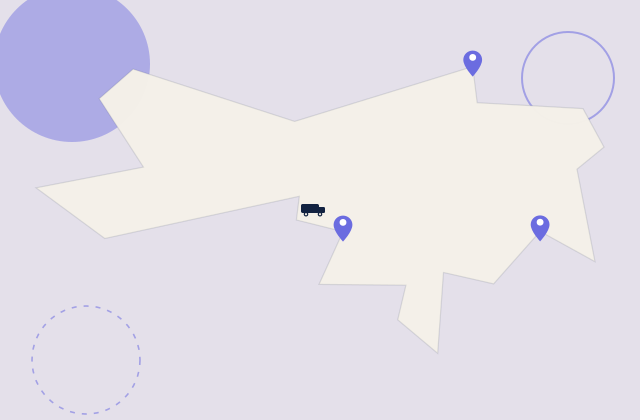
Where we visit in the Forest District

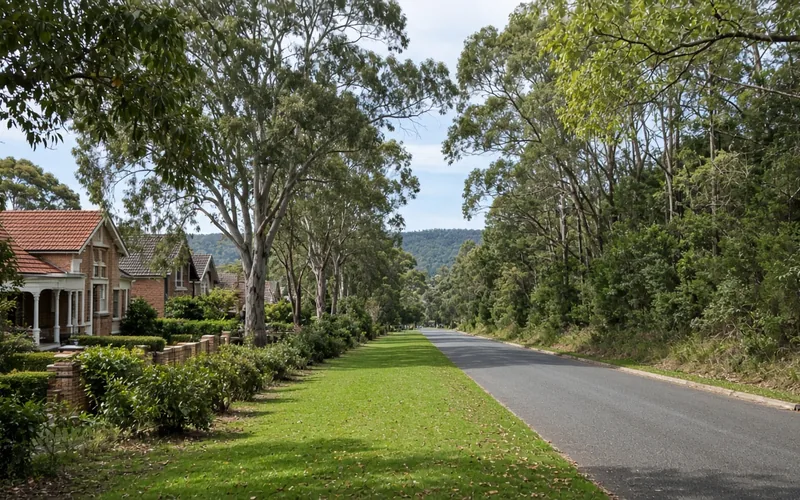
Missing files in the Forest District are handled carefully. Belrose and Davidson bring drives that click. Frenchs Forest has the laptop that will not boot with photos still on it. Frenchs Forest wants a backup plan so this is the last scare.

Looking for a specific service?

Need a different type of help than the examples above for Forest District? Browse specialist technology categories for Forest District - each card is a starting point on this page. Or call 0493 563 381 for free advice across Forest District.

Call For Free Advice

Get in touch

Leave your message and we'll get back to you shortly.

Attachments

Allowed file types: jpg, jpeg, png, gif, pdf, doc, docx, xls, xlsx, odt, ppt, pptx, pps, ppsx, html, and less than 100 MB.

No file chosen

This form uses spam checks and sends your request directly to PC Scientist.

Start here

Missing files, a drive that will not open, or a PC that will not boot with photos still on it. If the machine still runs, use computer repair or computer support.


What this covers

  1. 01
  2. 02
  3. 03
  4. 04
  5. 05
  6. 06
  1. 01Start

    What to do first

    Stop using the drive. Do not format, reset, or keep saving over it.

  2. 02

    Hard drive data recovery

    A drive that vanished, stalled on the logo, or makes new noises.

  3. 03

    SSD and NVMe recovery

    An SSD that is not detected, or files that open as garbage.

  4. 04

    External drives, USB, and missing folders

    USB sticks, camera cards, and folders deleted from a PC that still turns on.

  5. 05

    Computer will not boot, files still matter

    The machine will not start, and the files inside it matter more than the PC.

  6. 06

    How we assess it

    You hear likely paths and limits before recovery work starts.

Visit

How it works

  1. 1

    Leave it

    Stop writing to the drive if it is clicking, missing, or asking to format.

  2. 2

    Tell us what happened

    Device type, when it started, and whether the files still matter more than the PC.

  3. 3

    Honest next step

    Local attempt, leave it off, or a lab path - quoted before work.

Book data recovery help on the Forest District Call 0493 563 381, request a call back, or ask for a quote.
Call 0493 563 381
shape
image
Frequently asked questions
FAQ

Questions we hear in Forest District

Deleted files, missing folders, external drives that stopped showing up, dead laptops with work on them, and photos stuck on old phones. Calls come from homes in Belrose and Killarney Heights and small offices in Frenchs Forest.

We assess first and explain the recovery path before anything is tried.

Stop using the device if you can, and do not install recovery apps onto the same drive. Note what was lost and roughly when.

If a drive is clicking or grinding, unplug it and call. Running it longer can make things worse.

Assessment often starts remotely or at your place. Drives with physical damage may need a specialist pathway, and we explain that honestly.

Either way, you know the plan before any drive leaves your hands.

We start with an assessment and tell you the likely outcome and cost before any recovery work. You decide from there.

If our recovery attempt does not get files back, no repair fee applies.

shape
shape
Need help now? Not sure what to click or what to do next?

Call PC Scientist for free advice, calm and practical IT help