WESTERN SYDNEY · NETWORK & WI-FI

Wi-Fi and network help in Western Sydney

Western Sydney homes call when the phone will not stay on home Wi-Fi and video calls drop in the back bedroom. A desktop that crawls on the weak end of the house usually sits in the same story.

PC Scientist comes to Western Sydney, or helps remotely when the problem is the router login or the software. Mesh nodes that never paired can wait until we have looked. We talk it through honestly, then you choose the next step.

Book online for eligible visits and get 10% off.

PC Scientist Wi-Fi and network help for dropouts and weak signal across Western Sydney
Western Sydney Wi-Fi help when phones will not stay on home Wi-Fi, with clear pricing before work starts.

Why Western Sydney homes call about phones that will not stay on Wi-Fi

No Fix, No Fee

  • If a Wi-Fi fault we take on cannot be fixed, there is no repair fee for that work.
  • An honest answer when the router the provider sent is the real bottleneck.

Clear Upfront Pricing

  • You hear the cost of a mesh system or access point before anything is ordered.
  • Cabling, extenders, and setup priced separately so you can see where the money goes.

Speak to a Real Person

  • Call 0493 563 381 and tell us which room drops out and when.
  • Plain talk about coverage, without a lecture on frequencies.

Fixed Properly First Time

  • We walk the house and test each room, not just reboot the modem and leave.
  • Every TV, printer, and phone reconnected and tested before we pack up.

Several Issues, One Visit

  • The upstairs dead zone, the buffering TV, and the offline printer in one booking.
  • Granny flats, sheds, and home offices brought onto the same network.

Your Data Treated Carefully

  • The default Wi-Fi password changed to something only your household knows.
  • Guest access kept apart from the devices that hold your files.

What failed last in Western Sydney - the phone off home Wi-Fi, or video calls that drop in the back bedroom?

Estates and older streets across the west need coverage that matches the layout. Bring the drop or the weak corner. PC Scientist will say whether a visit, a remote session, or a written quote fits.

What Western Sydney people bring us for Wi-Fi

  • A phone that will not stay on home Wi-Fi
  • Video calls that drop in the back bedroom
  • A desktop that crawls on the weak end of the house
  • Mesh nodes that never quite paired
  • You approve the work before it starts - the price is clear first

How to contact PC Scientist

  1. Call for Free Advice - Ring 0493 563 381 and tell us which rooms drop out - we say whether a visit or a remote check makes sense first
  2. Request a Call Back - Leave a short form if the kids are home and the house is loud, and PC Scientist calls back when it is quieter
  3. Request a Free Quote - Ask for a written quote on mesh, cabling, or a new router before you commit, with no obligation

One of these is enough. If nobody in the house can get online, call.

What happens after you get in touch

  • Support for Western Sydney can be onsite, remote over the internet, or a mix, depending on access, urgency, and what the issue actually needs across Western Sydney.
  • In Western Sydney you hear practical options next, with clear pricing before work starts, and nothing goes ahead until you are comfortable.
  • Same-day timing for Western Sydney is often possible when the calendar allows; we are honest when it does not.

Where we visit in Western Sydney

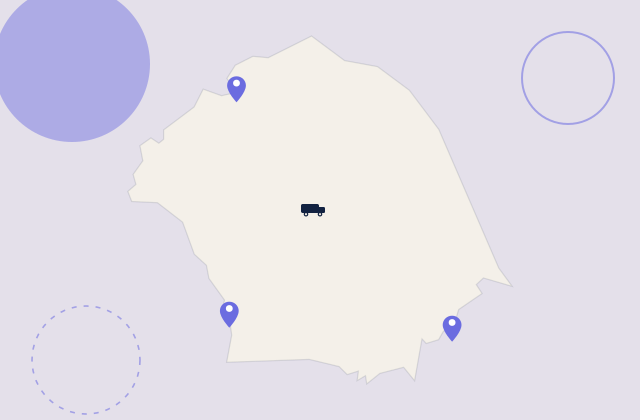
Wi-Fi jobs are a map in Western Sydney. Dead rooms in Blacktown, mesh that never quite landed in Mount Druitt, shop networks in Penrith, and NBN boxes hiding in laundries in Penrith. We start with what you can see, then the gear.

Looking for a specific service?

Need a different type of help than the examples above for Western Sydney? Browse specialist technology categories for Western Sydney - each card is a starting point on this page. Or call 0493 563 381 for free advice across Western Sydney.

Call For Free Advice

Get in touch

Leave your message and we'll get back to you shortly.

Attachments

Allowed file types: jpg, jpeg, png, gif, pdf, doc, docx, xls, xlsx, odt, ppt, pptx, pps, ppsx, html, and less than 100 MB.

No file chosen

This form uses spam checks and sends your request directly to PC Scientist.

Start here

Slow Wi-Fi, dropouts, dead rooms, and routers that never quite behave. If only one laptop fails and the phone Wi-Fi is fine, start with computer support.

What this covers

  1. 01
  2. 02
  3. 03
  4. 04
  5. 05
  1. 01Start

    Slow Wi-Fi, weak signal, and dead zones

    Dead rooms, upstairs dropouts, granny flats, and weak calls.

  2. 02

    Dropouts and video calls

    Zoom and Teams that freeze - we find the smallest change that holds.

  3. 03

    Routers, NBN, and mesh

    NBN boxes, mesh in a cupboard, and settings before another extender.

  4. 04

    Home, business, and larger properties

    Homes, shops, and separate staff and guest Wi-Fi when that is the job.

  5. 05

    Is it the internet provider?

    Sometimes the line is the problem. We help you call the provider with evidence.

Visit

How it works

  1. 1

    Which rooms fail

    Time of day, which devices, and whether the modem lights stay happy.

  2. 2

    Local vs provider

    We say which side of the socket the fault looks like.

  3. 3

    Sensible fix

    Placement, settings, mesh, or cabling - quoted before new gear.

Book network and Wi-Fi help on the Western Sydney Call 0493 563 381, request a call back, or ask for a quote.
Call 0493 563 381

Coverage

Western Sydney

  • Homes
  • Shops
  • Call us

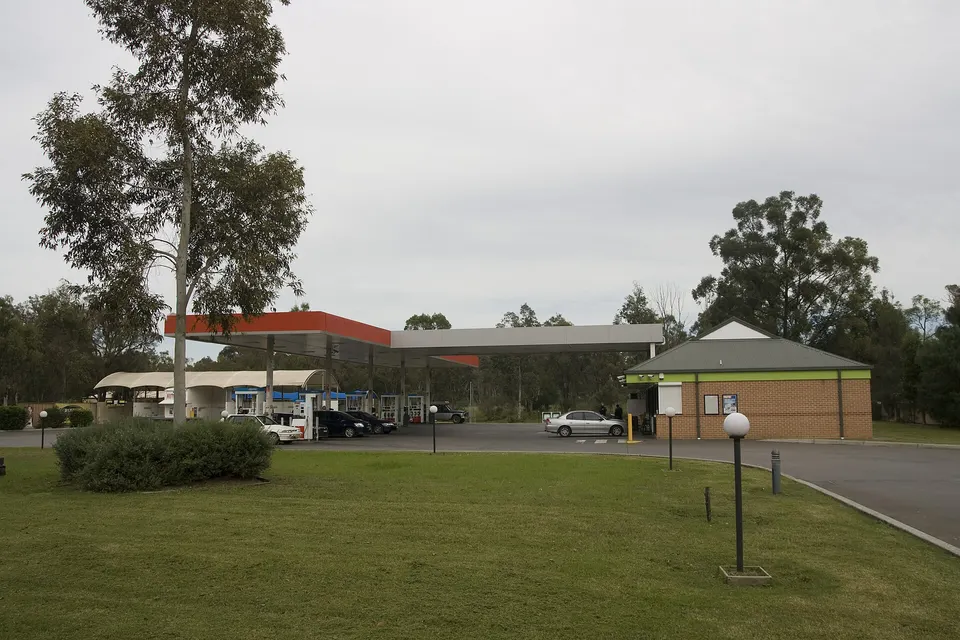
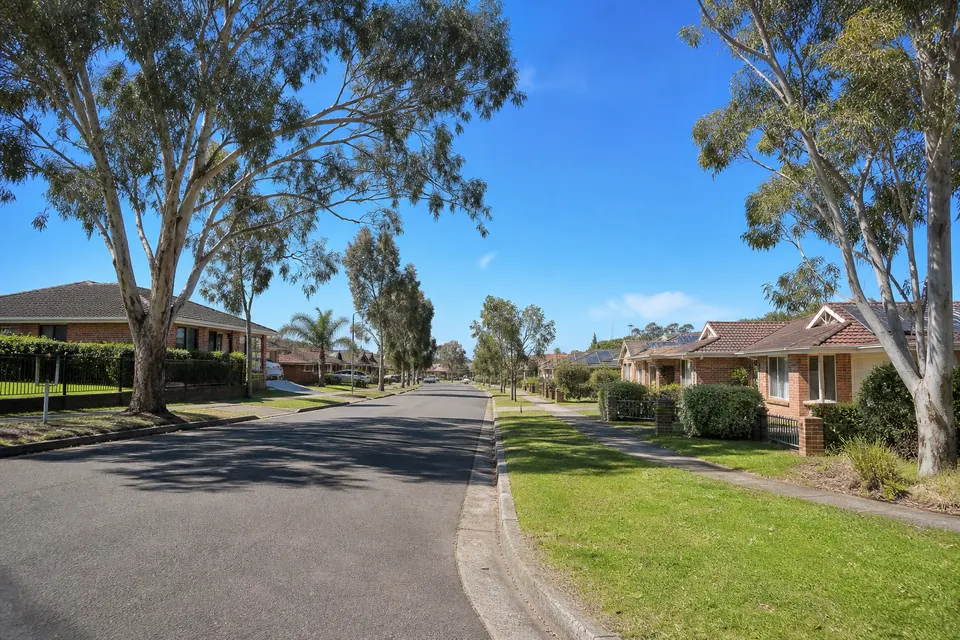
Photos of the local area.

Full list All suburbs
Call 0493 563 381
shape
image
Frequently asked questions
FAQ

Questions we hear in Western Sydney

Upstairs bedrooms in new Marsden Park and Schofields builds where the NBN box sits in the garage, brick homes in Seven Hills and Marayong where the signal dies behind internal walls, and acreage in Llandilo and Mulgoa where the shed has never had Wi-Fi.

Tell us which rooms struggle and what time of day it gets worse, and we work back from there.

We test the line, the modem, and the Wi-Fi separately so you know which one is letting you down.

If it is the provider, we tell you exactly what to ask them to check.

Sometimes a better spot or a settings change is enough. Larger two-storey homes and acreage often need mesh or a wired access point.

We tell you which one your home needs before you buy anything.

Small fixes are priced before we start. Mesh systems, cabling, and access points get a clear figure before anything is ordered.

No Fix, No Repair Fee applies to repair work we cannot complete.

shape
shape
Need help now? Not sure what to click or what to do next?

Call PC Scientist for free advice, calm and practical IT help