WESTERN SYDNEY · EMAIL SUPPORT

Western Sydney inboxes that went quiet right when a client was waiting

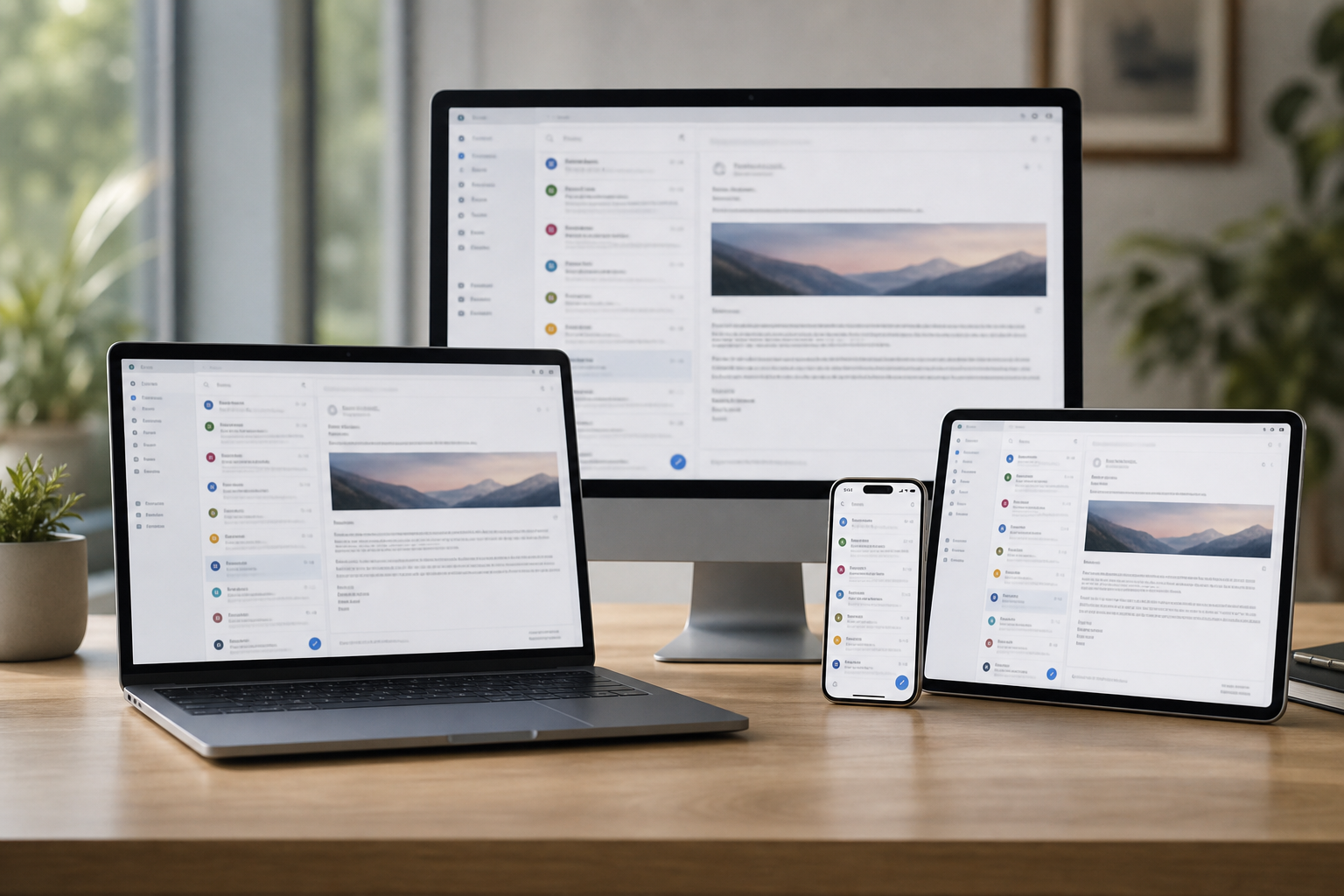
Outlook stops receiving on a Monday morning after an update. A shared mailbox fills up and clients start getting bounce-backs. The phone still shows new mail, which only makes the desktop more puzzling.

Email Systems Scientist sorts Western Sydney mail onsite or remotely - Outlook, Microsoft 365, shared mailboxes, and staff phones. Tell us what stopped and who it affects. We price it first, then you choose a visit, a remote session, or a quote.

Book online for eligible visits and get 10% off.

Western Sydney email support for Penrith and Blacktown offices - shared inboxes, Microsoft 365, and staff phones in sync.

Why Penrith and Blacktown offices call when the inbox stalls

No Fix, No Fee

  • If we cannot fix the office email fault, there is no repair fee.
  • A straight answer if the provider, not your office, is the weak link.

Clear Upfront Pricing

  • The cost of the fix or the Microsoft 365 move is agreed before we start.
  • A Blacktown office moving to domain email gets a clear written quote.

Speak to a Real Person

  • Call 0493 563 381 and read us the error the front desk is seeing.
  • Clear explanations the office manager can pass on to staff.

Fixed Properly First Time

  • We find why the shared inbox stopped, not just resend the stuck message.
  • Every staff phone, laptop, and webmail login checked before we finish.

Several Issues, One Visit

  • Shared inboxes, staff accounts, and calendars sorted in the same visit.
  • New starters and leavers set up or closed off while we are there.

Your Data Treated Carefully

  • Client correspondence carried across intact through any provider move.
  • Two-step sign-in set up so a leaked password does not open the whole office.

What failed last in Western Sydney - mail stuck on the phone, or the password prompt that never settles?

Western Sydney office email runs through Penrith accountants and agents, Blacktown real estate and trade offices, and Mount Druitt service businesses. When the shared inbox stalls or Microsoft 365 starts looping passwords, the front desk stops. PC Scientist tells you whether that needs a visit, a remote session, or a written quote.

What Western Sydney people bring us for email

  • A Penrith office where Outlook stops receiving after a weekend Microsoft 365 update.
  • A Blacktown shared inbox that bounces clients once one mailbox fills up.
  • Staff phones that stop syncing office calendars after a password reset.
  • A new starter in a Mount Druitt office who cannot get into the team mailbox.
  • Before any mailbox is touched, the office knows the cost.

How to contact PC Scientist

  1. Call for Free Advice - Ring 0493 563 381 and tell us which mailboxes are affected and what the error says - we say what comes next
  2. Request a Call Back - Leave a short form if the office is flat out, and PC Scientist calls back to sort it
  3. Request a Free Quote - Ask for a written quote for a Microsoft 365 move or a shared-mailbox setup for the office, with no obligation

Any of these is fine. If the whole office has lost email, call straight away.

What happens after you get in touch

  • We find out which staff and devices are affected, then give you options and a price.
  • Remote first where possible, so staff keep working; several desks at once may be quicker in person.
  • We test sending and receiving on every staff mailbox before we sign off.

Where we visit in Western Sydney

Office email work across Western Sydney covers Penrith accountants and agents, Blacktown real estate and trade offices, and Mount Druitt service businesses. Each office hears the price before we change a thing.

Looking for a specific service?

Looking for a named service line in Western Sydney? Jump to service categories covering Western Sydney, pick the closest match, then call if you are still unsure across Western Sydney.

Call For Free Advice

Get in touch

Leave your message and we'll get back to you shortly.

Attachments

Allowed file types: jpg, jpeg, png, gif, pdf, doc, docx, xls, xlsx, odt, ppt, pptx, pps, ppsx, html, and less than 100 MB.

No file chosen

This form uses spam checks and sends your request directly to PC Scientist.

Start here

Mail stuck in outbox, empty on the phone, or looping a password. Work mailboxes and shared inboxes also live on business email.

What this covers

  1. 01
  2. 02
  3. 03
  4. 04
  5. 05
  1. 01Start

    When mail stops

    The front desk inbox stops at 9am and clients start ringing instead.

  2. 02

    Outlook, Gmail, and phones

    Outlook on office PCs, Microsoft 365 on staff phones, and webmail at home.

  3. 03

    Setup and shared mail

    Shared mailboxes, forwarding, and new starter accounts set up properly.

  4. 04

    Passwords and recovery

    Staff locked out after a reset, with the office waiting on them.

  5. 05

    Suspicious mail

    A convincing email asking accounts to change bank details - verified before money moves.

Visit

How it works

  1. 1

    Which mailbox

    App, device, and whether send, receive, or both failed.

  2. 2

    Change one thing

    Settings in an order that does not lock you out further.

  3. 3

    Leave it sending

    Mail moving again, with notes if you need to repeat a step.

Book email support on the Western Sydney Call 0493 563 381, request a call back, or ask for a quote.
Call 0493 563 381

Coverage

Western Sydney

  • Homes
  • Shops
  • Call us

Photos of the local area.

Full list All suburbs
Call 0493 563 381
shape
image
Frequently asked questions
FAQ

Common questions about Western Sydney IT help

Outlook that stops receiving after an update, shared inboxes that bounce, staff phones that will not sync calendars, full mailboxes, and accounts that look hacked.

Read us the error if you can. If not, describe what staff are seeing.

Yes. Penrith and Blacktown offices are a big part of our Microsoft 365 work - new tenancies, staff accounts, shared mailboxes, and domain email.

Moves off older ISP mail are handled as one planned job.

Yes. We plan the move around your quiet hours, copy mail, contacts, and calendars, then check every staff device.

The old provider stays on until everyone is happy.

You get the price before we change a setting. A whole-office move is quoted as one fixed job.

An email fault we cannot resolve carries no repair fee.

shape
shape
Need help now? Not sure what to click or what to do next?

Call PC Scientist for free advice, calm and practical IT help