PC Scientist · Western Sydney · Computer support

Western Sydney computers carrying the banking, the school forms, and the work email

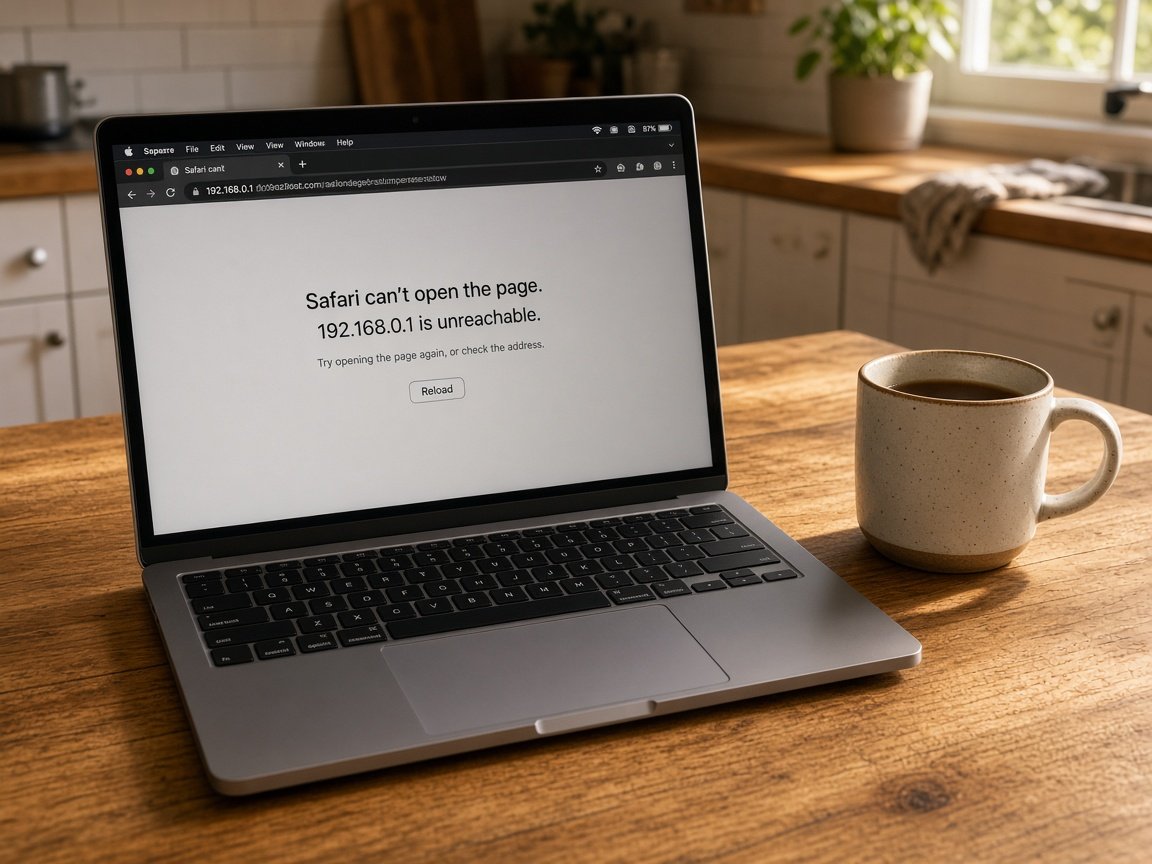
After a full day on site, the invoices need sending from your home computer in Cranebrook, and it takes ten minutes just to open the accounting program. Then a pop-up claims your computer is infected and gives a number to call. Western Sydney evenings deserve better than that.

We sort slow home-business computers, misleading pop-ups and everyday software, onsite or remotely, with the price set before we start. Request a call back, or book an eligible visit online when it suits.

Book online for eligible visits and get 10% off.

Let us help you today

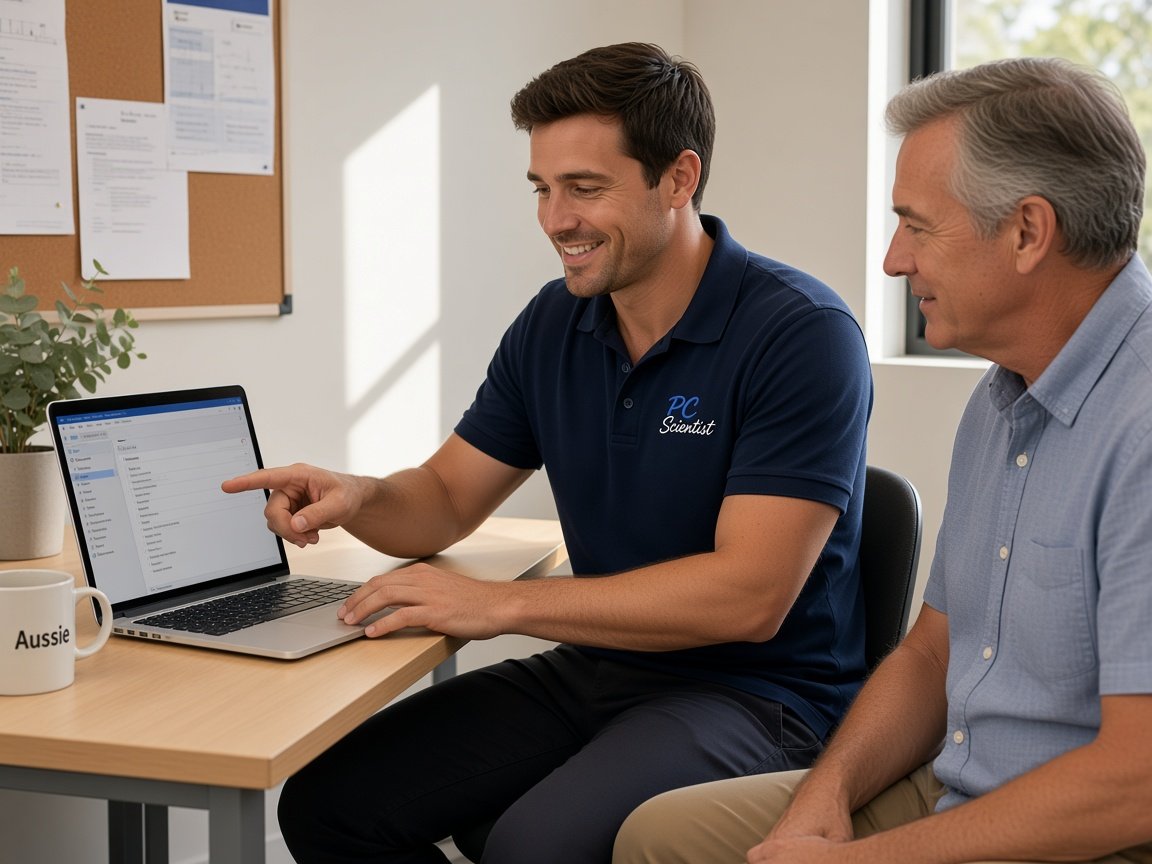
  • One-on-one help - a PC Scientist technician sitting with an older client at her laptop.

We accept payments

Visa
Mastercard
American Express
JCB
Apple Pay
Google Pay
Afterpay
Zip
Bank debit

Real Google reviews

What locals say after a PC Scientist visit.

Word for word, from people we have visited.

★★★★★

Sam was very friendly and helpful and fixed our computer and keyboard problem in Kanwal 2259 Central Coast. We will definitely use him again.

Tony Grant

★★★★★

Sam was amazing he was He was on time punctual. He was courteous and I give him 100%. so anyone on the Central Coast give Sam a call.

Madeline D'anastasi

★★★★★

I frantically called Sam in the morning and he was at my home by mid afternoon. He had my compuuter repaired and working again the same day. Very grateful for the quick help.

Pauline Green

Read all our Google reviews

Computer support · Western Sydney

Is the invoicing slow, the pop-up real, or the computer simply worn out by years of extras?

Across Western Sydney, plenty of sole traders and families run their paperwork from one home computer. When it slows down or flashes a scary warning, work stops. We check what is really going on and explain it calmly.

Western Sydney jobs we see

  • Invoicing and quoting software that crawls on a home computer in Blacktown.
  • Fake virus warnings with a phone number, appearing while browsing.
  • A new house in Box Hill or Colebee with devices still not sharing the printer.
  • Bank statements and receipts scattered across downloads, email and the desktop.
  • An older family PC in Cambridge Park that freezes when the kids start streaming.

What happens when you call

  • If a scary pop-up is involved, we first tell you what not to click.
  • Software and browser problems usually suit a remote session; new-home setups suit a visit.
  • You get the price before anything changes, and a short summary when we finish.

Western Sydney suburbs on our route

We help home businesses and families in Blacktown, Dean Park and Acacia Gardens, newer homes around Box Hill and Colebee, and households in Cranebrook, Cambridge Park and Claremont Meadows. Cecil Hills, Abbotsbury and Bossley Park are on the run too. Many software problems clear by remote session.

Why Computer support calls us

Why Western Sydney home businesses and families call when your computer drags

  • Paperwork running again

    • Invoicing and quoting programs sped up so evenings are not wasted for you.
    • Receipts and statements sorted into folders you can actually find.
  • Scam pop-ups handled calmly

    • You get fake warnings removed and the browser reset to normal.
    • You get clear advice on what to do if one appears again.
  • nothing extra starts unless you agree

    • You hear the cost before we connect or knock.
    • Extra work only goes ahead once you say yes.
  • New home, connected

    • You get laptops, phones and the printer set up to work together in a new house.
    • Each family member's device checked before we leave.
  • Straight-talking locals

    • Ring 0493 563 381 and explain it however it comes out for you.
    • You get honest advice when an older PC is not worth more money.
  • Business records protected

    • Invoices and client details handled carefully and kept private for you.
    • Backups set up so a bad day does not cost your records.

When you are ready. Call, or book a technician.

0493 563 381

Start here

What this covers

Sluggish computers, stalled programs, updates that hang, printers and logins are everyday support in Western Sydney. If a computer will not start at all, it needs computer repair instead.

  1. 01

    No technical terms needed

    Tell us what you were doing and what came up. We figure out the name for it.

  2. 02

    Windows home PCs and Macs

    Windows machines running business software, plus Macs used for family photos and email.

  3. 03

    Software, pop-ups, printing

    Invoicing apps that crawl, fake warnings while browsing, and printers that will not connect.

  4. 04

    Speed and new-house setup

    An older PC cleared of clutter, or every device in a new home set up to work together.

  5. 05

    Remote or at your place

    Remote for software and browser fixes, a visit when the printer or several devices are involved.

The visit

How it works

  1. 1

    Describe the evening

    What you were doing, what appeared, and which computer.

  2. 2

    Know the cost

    Remote or onsite, priced before any change is made.

  3. 3

    Paperwork done

    Software tested, pop-ups gone and files easy to find.

How it works

Getting Help Is Easy

Computer support visits start the same way: tell us what you are seeing, then pick book, call, or a written quote.

  1. 1

    Get in Touch

    Give us a call, book online, or request a callback. Choose whichever is easiest for you.

  2. 2

    Tell Us What's Happening

    Having trouble with your computer, Wi-Fi, printer, or something else? Just tell us what's going on. No technical knowledge needed.

  3. 3

    Choose a Time That Suits You

    We'll help you arrange a convenient time for your visit. Once confirmed, you're all booked in!

  4. 4

    We'll Come to You

    Our friendly technician will arrive at your home or business, take a look at the problem, and get things sorted.

Areas we cover

Computer support across Western Sydney

Can't find your area?

Call us to check. We will tell you if we visit, or if remote help is the better fit.

Western Sydney Sydney NSW

FAQ

Questions we hear in Western Sydney

No. Close the browser and do not call or give anyone access. Those warnings are designed to frighten people into paying.

Then ring us on 0493 563 381. We check whether anything was actually installed, clean up the browser and show you how to spot the next one.
Usually. Slow business software often comes down to a crowded computer, a full drive or an update that did not finish. We tidy those up and check the program opens quickly.

If the computer is genuinely too old for the job, we tell you honestly before you spend more.

Yes. We connect laptops, phones and tablets to the printer, check email and accounts on each, and make sure everyone can find their files.

Bigger setups with several devices get a price before we start, so there are no surprises on the day.

We talk through the problem, then give you the cost before work begins. Partway surprises are discussed with you before we carry on.

No Fix, No Repair Fee applies to repair work we are not able to complete, and you still get clear advice on what to do next.

When you are ready

Call, or book a time that suits

Book online Save 10% Call for free advice 0493 563 381