SUTHERLAND SHIRE ยท NETWORK & WI-FI

Wi-Fi and network help in the Sutherland Shire

On Sutherland Shire bush blocks and longer bay-side houses, the shed office or granny flat often sits outside the modem's reach. The main lounge looks strong. The far end of the house drops every call.

Network Scientist visits the Sutherland Shire to place mesh, cover granny flats and sheds, and finish setups that were never completed. Call 0493 563 381 or book an eligible visit.

Book online for eligible visits and get 10% off.

PC Scientist Wi-Fi and network help for dropouts and weak signal across Sutherland Shire
Sutherland Shire home Wi-Fi - cover the shed, granny flat, and far rooms.

Why the Sutherland Shire calls when the shed office drops every call

No Fix, No Fee

  • If a Wi-Fi fault cannot be fixed, there is no repair fee for the attempt.
  • A straight answer when the internet plan, not the home network, is the real limit.

Clear Upfront Pricing

  • Mesh, router, or cabling costs agreed before anything is bought.
  • The smallest change that fixes the problem suggested first.

Speak to a Real Person

  • Call 0493 563 381 and tell us which rooms, sheds, or outdoor spots lose signal.
  • Coverage explained in everyday words, not networking shorthand.

Fixed Properly First Time

  • Mesh units placed and finished properly, not half set up and left.
  • Signal tested in the rooms you actually use before we leave.

Several Issues, One Visit

  • Wi-Fi, the printer, the smart TV, and the outdoor cameras sorted in one visit.
  • Guest Wi-Fi set up while we are there.

Your Data Treated Carefully

  • Router admin passwords changed from the factory defaults.
  • Home devices kept on a secure network, with guests on their own.

Is the Sutherland Shire Wi-Fi problem a long block, unfinished mesh, or modem placement?

Sutherland Shire homes stretch between bays and bush. PC Scientist designs coverage so the rooms and sheds you work in hold a stable link.

Wi-Fi clues the Shire brings

  • Shed offices and granny flats that fade while the lounge stays green.
  • Long hallways where the signal dies halfway.
  • Mesh kits half-placed and never finished.
  • Outdoor gear that loses the network after wet weather.
  • Mesh, router, or cabling costs are agreed before anything is bought.

How to contact PC Scientist

  1. Call for Free Advice - Ring 0493 563 381 and tell us which rooms lose signal - we say whether a visit or a remote check comes first
  2. Request a Call Back - Leave a short form if you are busy, and PC Scientist calls back to talk through the layout
  3. Request a Free Quote - Get a written price for mesh, access points, or cabling before approving it, with no obligation

One path is enough. A rough idea of where the signal dies is a great place to start.

What happens after you get in touch

  • We check coverage room by room, then recommend the smallest change that fixes it, with the price first.
  • Line tests can start remotely, and a visit is booked when the home layout needs a proper look.
  • Every device that matters is tested in the rooms you use most before we leave.

Where we visit in the Sutherland Shire

Wi-Fi jobs are a map in the Sutherland Shire. Dead rooms in Cronulla, mesh that never quite landed in Menai, shop networks in Miranda, and NBN boxes hiding in laundries in Caringbah. We start with what you can see, then the gear.

Looking for a specific service?

Need a different type of help than the examples above for Sutherland? Browse specialist technology categories for Sutherland - each card is a starting point on this page. Or call 0493 563 381 for free advice across Sutherland.

Call For Free Advice

Get in touch

Leave your message and we'll get back to you shortly.

Attachments

Allowed file types: jpg, jpeg, png, gif, pdf, doc, docx, xls, xlsx, odt, ppt, pptx, pps, ppsx, html, and less than 100 MB.

No file chosen

This form uses spam checks and sends your request directly to PC Scientist.

Start here

Slow Wi-Fi, dropouts, dead rooms, and routers that never quite behave. If only one laptop fails and the phone Wi-Fi is fine, start with computer support.

What this covers

  1. 01
  2. 02
  3. 03
  4. 04
  5. 05
  1. 01Start

    Slow Wi-Fi, weak signal, and dead zones

    Dead rooms, upstairs dropouts, granny flats, and weak calls.

  2. 02

    Dropouts and video calls

    Zoom and Teams that freeze - we find the smallest change that holds.

  3. 03

    Routers, NBN, and mesh

    NBN boxes, mesh in a cupboard, and settings before another extender.

  4. 04

    Home, business, and larger properties

    Homes, shops, and separate staff and guest Wi-Fi when that is the job.

  5. 05

    Is it the internet provider?

    Sometimes the line is the problem. We help you call the provider with evidence.

Visit

How it works

  1. 1

    Which rooms fail

    Time of day, which devices, and whether the modem lights stay happy.

  2. 2

    Local vs provider

    We say which side of the socket the fault looks like.

  3. 3

    Sensible fix

    Placement, settings, mesh, or cabling - quoted before new gear.

Book network and Wi-Fi help on the Sutherland Shire Call 0493 563 381, request a call back, or ask for a quote.
Call 0493 563 381

Coverage

Sutherland Shire

  • Homes
  • Shops
  • Call us

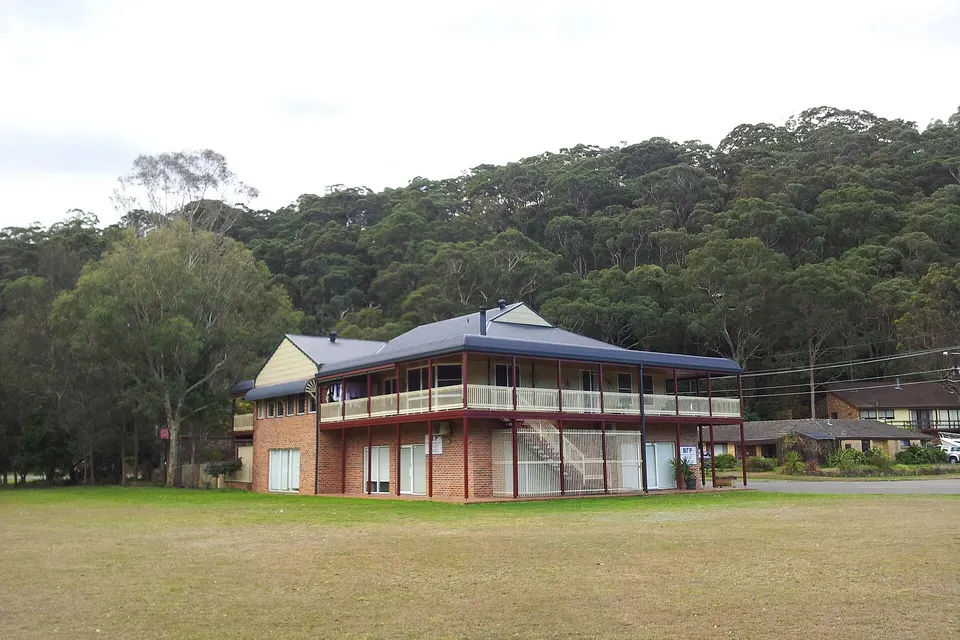
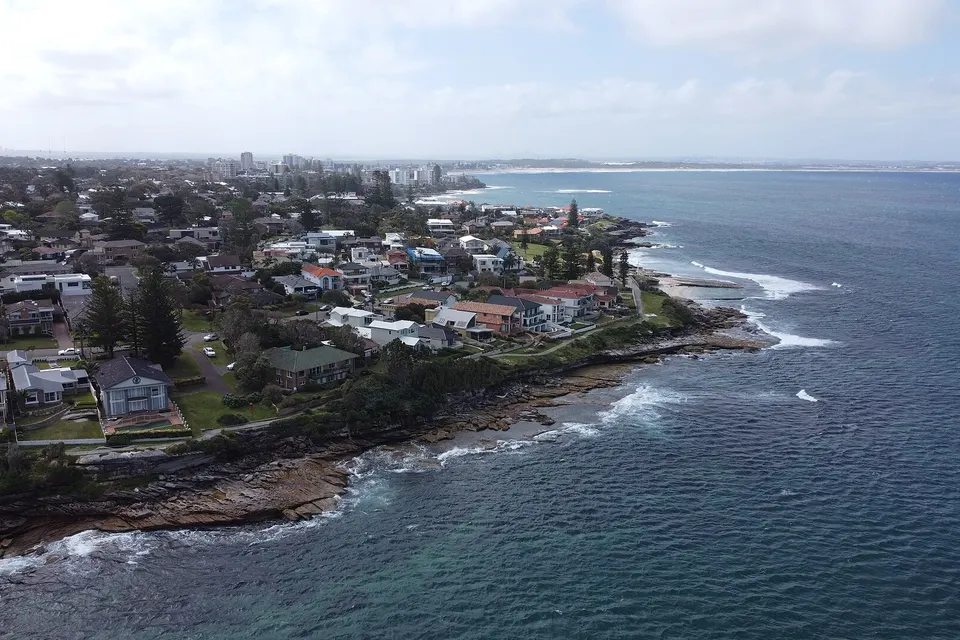
Photos of the local area.

Full list All suburbs
Call 0493 563 381
shape
image
Frequently asked questions
FAQ

Straight answers for Sutherland

Granny flats and shed offices that fade while the lounge stays strong, long hallways where the signal dies halfway, mesh kits that were never properly placed, and outdoor gear that drops after wet weather. Split-level homes in Kareela and Bonnet Bay, steep blocks in Gymea Bay and Lilli Pilli, and long brick homes in Menai and Engadine are regular calls.

First we check whether the trouble is inside the home or with the provider, then we suggest the fix.

Sometimes moving the modem or changing a setting is enough. Split-level and multi-storey homes usually need mesh or a cabled access point.

We test first and recommend the smallest change that works.

It can be either. We test at the modem and around the home to see where the slowdown starts.

If it is the provider, we tell you exactly what to ask them for.

You hear the cost before we start. Mesh or cabling work gets a clear figure before any gear is bought.

No Fix, No Repair Fee applies to repair work we cannot complete.

shape
shape
Need help now? Not sure what to click or what to do next?

Call PC Scientist for free advice, calm and practical IT help