SUTHERLAND SHIRE ยท CYBERSECURITY

Cybersecurity help in the Sutherland Shire, without the lecture

A pop-up says your computer is infected. An email claims someone signed in from overseas. Your bank login suddenly does not feel safe. Sutherland Shire homes and shopfronts call us for a calm check before clicking anything else.

PC Scientist cleans up the computer, secures the accounts, and shows you which setting was left open, onsite or remotely. Ring 0493 563 381 or leave your number for a call back.

Book online for eligible visits and get 10% off.

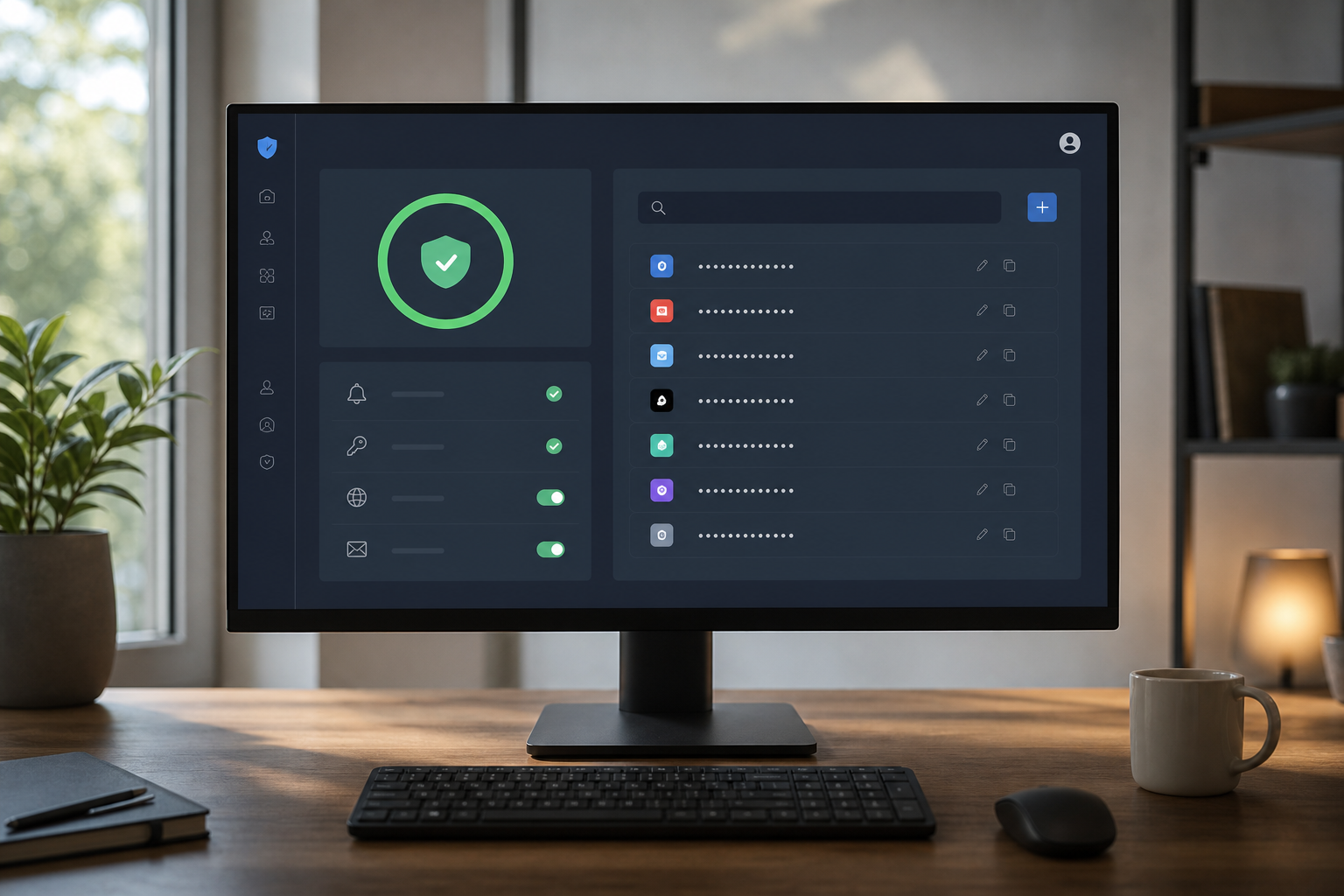
PC Scientist cybersecurity help after scams and suspicious activity across Sutherland Shire
Sutherland Shire scam and malware cleanup - calm checks, then a setup that is harder to trip over.

What Sutherland Shire households notice before they call

No Fix, No Fee

  • If we cannot clean up an infected laptop, no repair fee is charged for it.
  • If wiping and reinstalling is the safer route, we tell you up front.

Clear Upfront Pricing

  • What a scam check or clean-up will cost, made clear before we start.
  • Password and account tidy-ups quoted as one clear job, never by the minute.

Speak to a Real Person

  • Ring 0493 563 381 the moment a text, call, or pop-up feels wrong.
  • A calm voice and no lecture, even if the link was already clicked.

Fixed Properly First Time

  • We deal with the cause of the infection, then close the way it got in.
  • Browser, updates, and sign-in settings reviewed so it stays gone.

Several Issues, One Visit

  • Laptop, phone, and email locked down together on one visit.
  • Family security settings and parental controls sorted at the same time.

Your Data Treated Carefully

  • Banking details and personal files handled with care throughout.
  • Nothing deleted until you know what it is and agree.

What appeared on the Sutherland Shire screen?

Sutherland Shire homes and shopfronts between the bays and the bush blocks want scam pop-ups, odd login emails, and sticky browsers checked without a lecture. PC Scientist will say whether a visit, a remote session, or a written quote fits.

Sutherland mix: pop-ups on the computer plus work email that will not open and laptop that crawls after lunch

  • Urgent payment emails that look official but smell wrong on a Shire phone.
  • Pop-ups that reopen after every close on the family or counter PC.
  • Logins that suddenly want codes nobody in the house set up.
  • Browsers that open strange pages after a rushed download.
  • The cost of a clean-up or security check is agreed before we begin.

How to contact PC Scientist

  1. Call for Free Advice - Ring 0493 563 381 straight away if a pop-up, text, or login alert has you worried - we tell you what to do next
  2. Request a Call Back - Leave your number if you cannot talk right now, and PC Scientist calls back to check what happened and what is at risk
  3. Request a Free Quote - Ask for a written outline for a family or office security tidy-up, with no obligation

One way in is enough. If someone may have access right now, call rather than fill in a form.

What happens after you get in touch

  • We help you contain anything urgent first, then set out the clean-up and protection options with a price.
  • Account and email checks often start remotely, with a visit for devices that need hands-on work.
  • You finish with a short list of what changed and what to watch for next time.

Where we visit in the Sutherland Shire

Scam calls and odd pop-ups land in the Sutherland Shire - Caringbah homes, Cronulla shops, Menai desks, Miranda family PCs. We keep it calm. No scare script. Tell us what appeared on the screen.

Looking for a specific service?

Looking for a named service line in Sutherland? Jump to service categories covering Sutherland, pick the closest match, then call if you are still unsure across Sutherland.

Call For Free Advice

Get in touch

Leave your message and we'll get back to you shortly.

Attachments

Allowed file types: jpg, jpeg, png, gif, pdf, doc, docx, xls, xlsx, odt, ppt, pptx, pps, ppsx, html, and less than 100 MB.

No file chosen

This form uses spam checks and sends your request directly to PC Scientist.

Start here

A scam call, a pop-up, or a login alert from somewhere you never visited. If the only problem is slow software with no scare, start with computer support.

What this covers

  1. 01
  2. 02
  3. 03
  4. 04
  5. 05
  1. 01Start

    Something feels wrong

    A scam call, a pop-up, or a login alert from a place you never visited.

  2. 02

    What happened first

    What you clicked or shared, before anyone changes settings.

  3. 03

    Pop-ups and junk software

    Pop-ups, redirects, and unwanted software removed with caution.

  4. 04

    Accounts after a scare

    Password and two-factor recovery after a scare.

  5. 05

    Habits, not panic products

    Simple habits that reduce repeat scares - no panic software.

Visit

How it works

  1. 1

    What you saw

    Call, pop-up, email, or login alert - and whether anything was shared.

  2. 2

    Urgent vs later

    Lock what is at risk first. Cleanup can wait a beat.

  3. 3

    Safer defaults

    The accounts and the PC, explained without a lecture.

Book cybersecurity help on the Sutherland Shire Call 0493 563 381, request a call back, or ask for a quote.
Call 0493 563 381

Coverage

Sutherland Shire

  • Homes
  • Shops
  • Call us

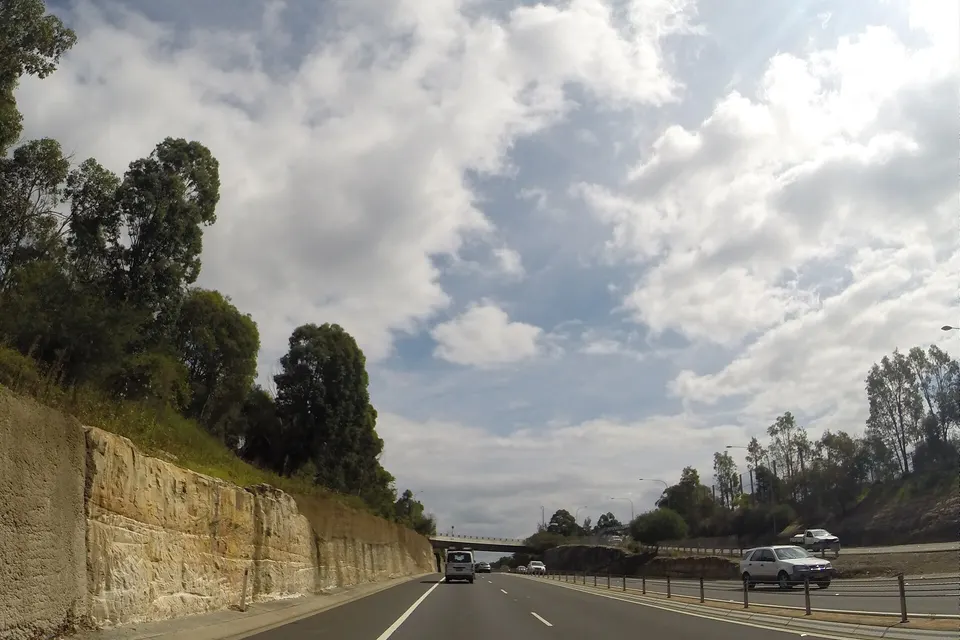
Photos of the local area.

Full list All suburbs
Call 0493 563 381
shape
image
Frequently asked questions
FAQ

Common questions about Sutherland IT help

Scam email and text checks, pop-ups that reopen every time you close them, accounts suddenly asking for codes nobody set up, and browsers that open strange pages. Families in Menai and Engadine, retirees in Cronulla and Como, and shops in Miranda all call about it.

You get a plain account of what happened, then help locking things down, with no judgement.

Do not pay anything and do not install anything a caller asked for. Note what you clicked and which accounts might be affected, then call.

If someone you do not know can control your screen, switch the computer off and call us before touching it again.

Many scam checks and account fixes can, once we know the device is safe to connect to. If a computer may be compromised, a visit is clearer.

Several devices or a small office usually suit a visit so everything is checked together.

After a short chat about what you saw, we explain the options and the cost before any work. Larger clean-ups get a clear figure once diagnosed.

No Fix, No Repair Fee applies to repair work we cannot complete.

shape
shape
Need help now? Not sure what to click or what to do next?

Call PC Scientist for free advice, calm and practical IT help