ST GEORGE ยท DATA RECOVERY

St George folders that were full yesterday and empty today

The photos, the quotes, years of mail. When the drive clicks or the folder opens blank, that sinking feeling arrives fast, and the first instinct to keep trying things can make it worse.

PC Scientist assesses what can realistically be recovered in St George, explains the path and the price, then sets up backups so the next failure is smaller. A short call sorts out whether you need a visit, a remote session, or a written quote.

Book online for eligible visits and get 10% off.

PC Scientist data recovery help for missing files and failing drives across St George
St George data recovery and backup planning - find what is still there, then protect what remains.

When St George files go missing

No Fix, No Fee

  • If the files cannot be recovered, there is no recovery fee for that attempt.
  • Realistic odds before we start, so you are not left hoping.

Clear Upfront Pricing

  • The assessment price is given before the drive is touched.
  • Each recovery path priced on its own so you choose how far to go.

Speak to a Real Person

  • Call 0493 563 381 and tell us what happened just before the files went missing.
  • Calm advice on what to stop doing so the situation does not get worse.

Fixed Properly First Time

  • Drives handled gently so the chances of recovery are not reduced.
  • A working backup set up afterwards so this is the last time.

Several Issues, One Visit

  • Recovery, a replacement drive, and automatic backups organised together.
  • Recovered files placed on the new computer if you are replacing the old one.

Your Data Treated Carefully

  • Wedding photos, school work, and business records treated as private.
  • Nothing copied or kept beyond what the job needs.

What disappeared in St George, and where did it last live?

St George owners around the shops and houses set back from the railway feel it when photos, school files, or years of mail vanish. PC Scientist assesses recovery and talks through backup so the next failure is smaller.

The PC that sounds too loud, the work laptop that crawls, and the computer that will not shut down around St George

  • School and family photos that disappeared from an old USB or external drive.
  • Quote folders that will not open before a client deadline.
  • Laptops that died before files were moved to a new machine.
  • Backups that looked fine until the day something failed.
  • Recovery is priced after the assessment, before any attempt.

How to contact PC Scientist

  1. Call for Free Advice - Ring 0493 563 381 and tell us how the files went missing - we explain what to stop doing and what happens next
  2. Request a Call Back - Leave a short form if you are away from the device, and PC Scientist calls back to plan the recovery
  3. Request a Free Quote - Get a written price for the assessment and recovery options before we start, with no obligation

Any one of these works. Until we talk, leave the affected drive alone.

What happens after you get in touch

  • We assess the drive first and tell you the realistic chances and the price before any recovery attempt.
  • If a specialist lab is needed, we explain why and what it costs before anything is sent away.
  • Once the files are back, we set up a backup so it does not happen twice.

Where we visit in St George

Missing files in St George are handled carefully. Kogarah and Rockdale bring drives that click. Oatley has the laptop that will not boot with photos still on it. Blakehurst wants a backup plan so this is the last scare.

Looking for a specific service?

Looking for a named service line in St George? Jump to service categories covering St George, pick the closest match, then call if you are still unsure across St George.

Call For Free Advice

Get in touch

Leave your message and we'll get back to you shortly.

Attachments

Allowed file types: jpg, jpeg, png, gif, pdf, doc, docx, xls, xlsx, odt, ppt, pptx, pps, ppsx, html, and less than 100 MB.

No file chosen

This form uses spam checks and sends your request directly to PC Scientist.

Start here

Missing files, a drive that will not open, or a PC that will not boot with photos still on it. If the machine still runs, use computer repair or computer support.


What this covers

  1. 01
  2. 02
  3. 03
  4. 04
  5. 05
  6. 06
  1. 01Start

    What to do first

    Stop using the drive. Do not format, reset, or keep saving over it.

  2. 02

    Hard drive data recovery

    A drive that vanished, stalled on the logo, or makes new noises.

  3. 03

    SSD and NVMe recovery

    An SSD that is not detected, or files that open as garbage.

  4. 04

    External drives, USB, and missing folders

    USB sticks, camera cards, and folders deleted from a PC that still turns on.

  5. 05

    Computer will not boot, files still matter

    The machine will not start, and the files inside it matter more than the PC.

  6. 06

    How we assess it

    You hear likely paths and limits before recovery work starts.

Visit

How it works

  1. 1

    Leave it

    Stop writing to the drive if it is clicking, missing, or asking to format.

  2. 2

    Tell us what happened

    Device type, when it started, and whether the files still matter more than the PC.

  3. 3

    Honest next step

    Local attempt, leave it off, or a lab path - quoted before work.

Book data recovery help on the St George Call 0493 563 381, request a call back, or ask for a quote.
Call 0493 563 381

Coverage

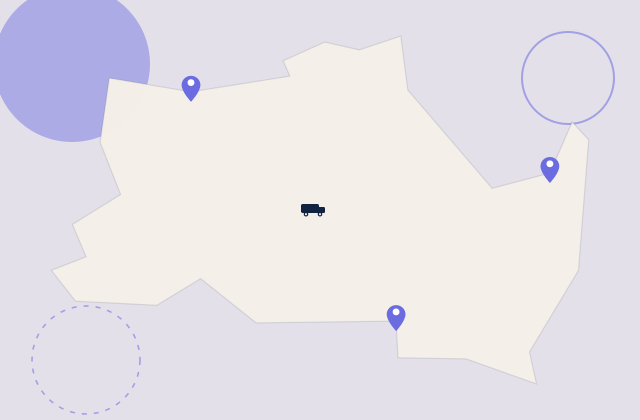
St George

  • Homes
  • Shops
  • Call us

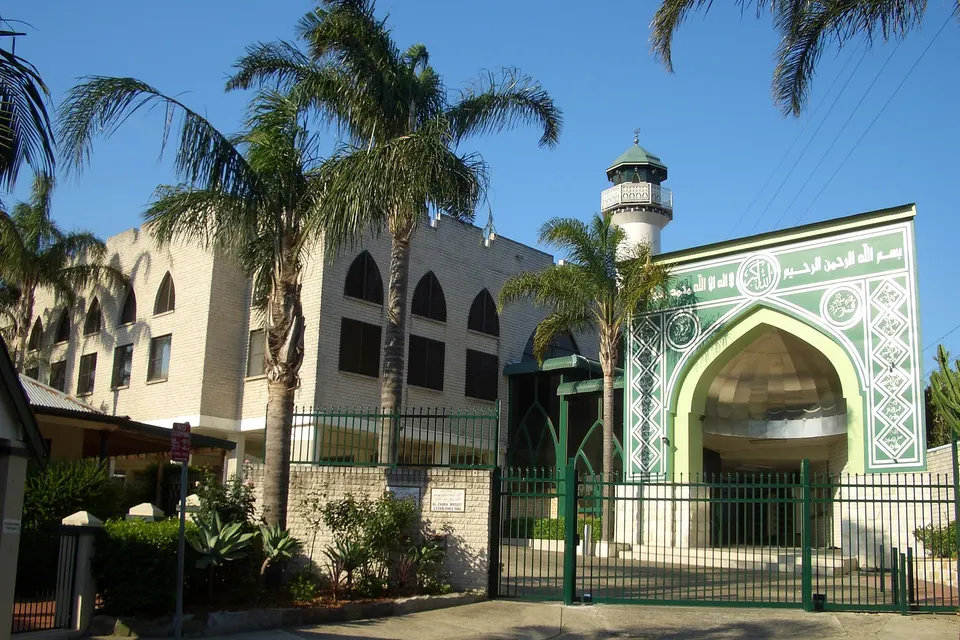
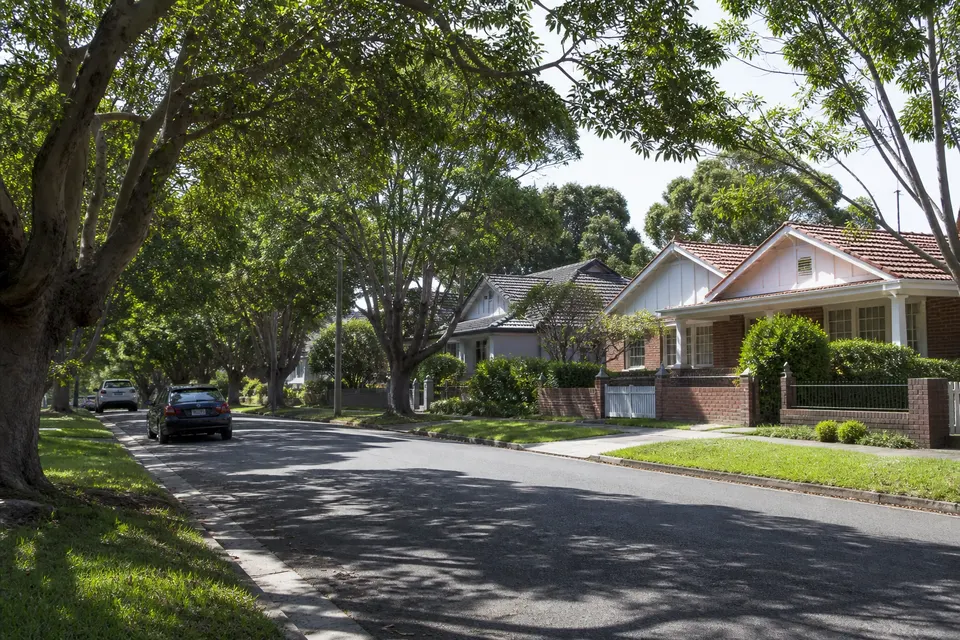
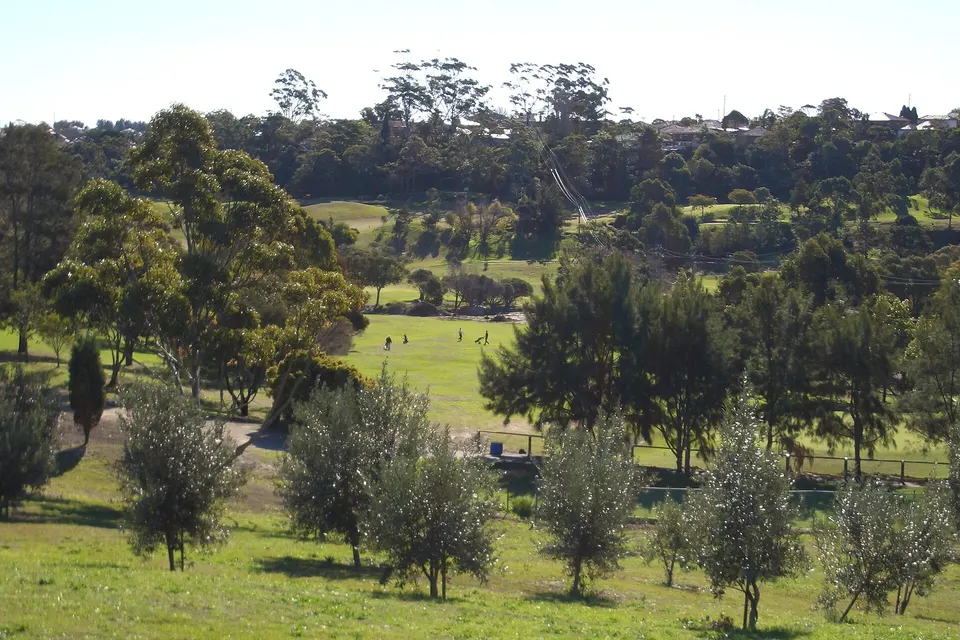
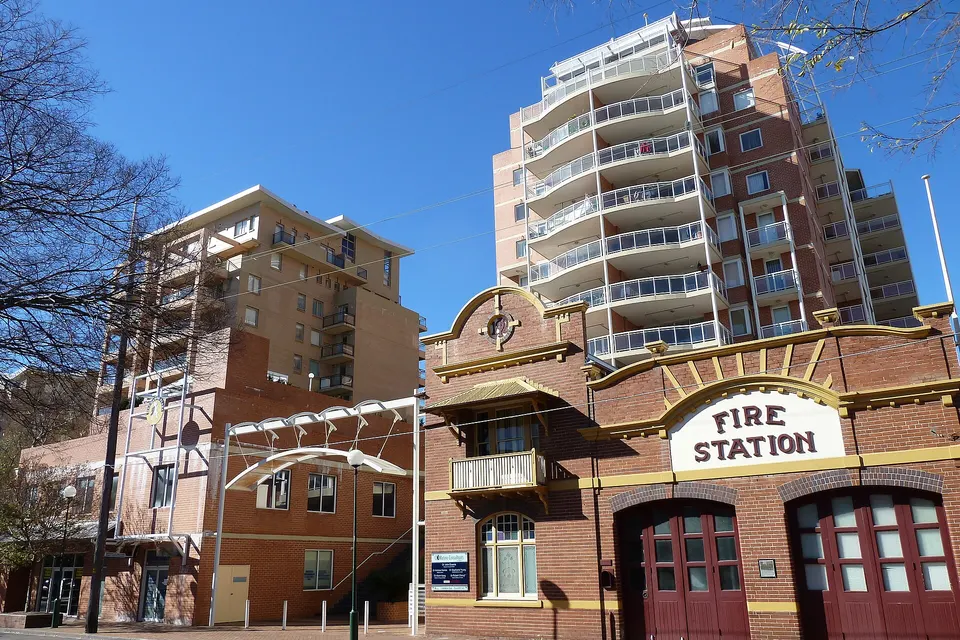
Photos of the local area.

Full list All suburbs
Call 0493 563 381
shape
image
Frequently asked questions
FAQ

Straight answers for St George

Photos deleted from a phone, a laptop that will not boot with years of files on it, an external drive that clicks, and shop or clinic folders that vanished after an update. We hear it from Wolli Creek apartments to Lugarno family homes.

Tell us what happened just before the files disappeared - it often decides the recovery path.

Stop using the drive or device. Do not install recovery apps on it or keep restarting it, because new data can overwrite what we are trying to save.

If a drive is clicking, grinding, or getting hot, switch it off and leave it off.

Not always. It depends on how the data was lost and what happened next. We assess the drive first and give you realistic chances before any recovery attempt.

Some physically damaged drives need a specialist lab. If that applies, we explain the option and the cost clearly first.

The assessment is priced first. Recovery options are then quoted so you can decide before anything else happens.

No Fix, No Repair Fee applies to repair work we cannot complete.

shape
shape
Need help now? Not sure what to click or what to do next?

Call PC Scientist for free advice, calm and practical IT help