RYDE ยท DEVICE SETUP

Ryde handover days, with the new laptop out and the old files still waiting

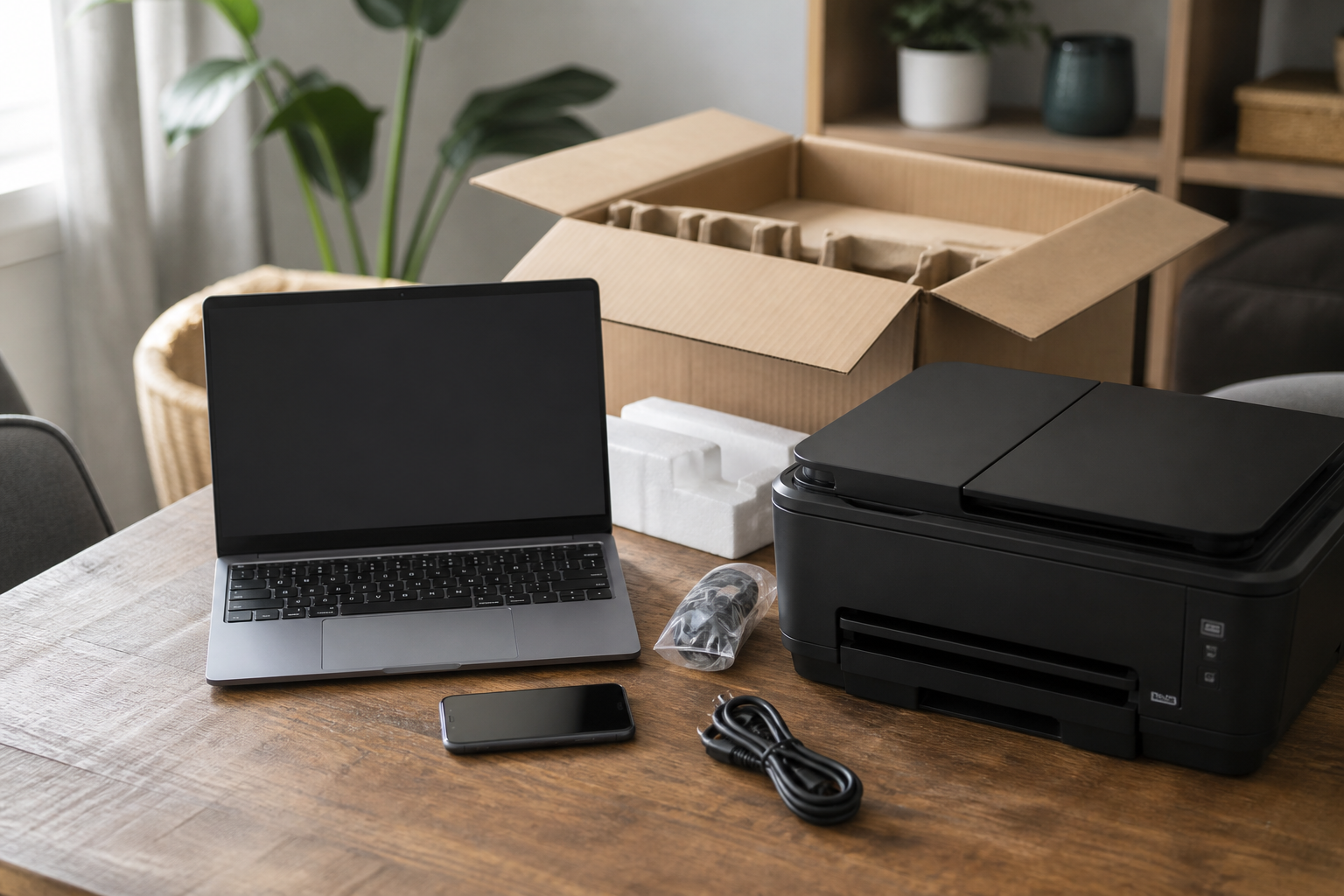
The new machine is on the table in Hunters Hill or Ryde. The old one still holds the files, the phone has lost the work mail, and the printer has not been introduced to anyone yet.

Device Setup Scientist sets up Ryde computers, phones, and printers, moves what matters, and leaves you able to use it all. Book online when it is a straightforward visit, or call 0493 563 381.

Book online for eligible visits and get 10% off.

PC Scientist device setup for new computers, phones, and printers across Ryde
Ryde new device setup - transfers, printers, phones, clear price before work.

Why Ryde rings when a new laptop still feels empty

No Fix, No Fee

  • If a device fault we take on cannot be fixed, there is no repair fee.
  • Straight advice when an old printer or tablet is not worth another hour.

Clear Upfront Pricing

  • A clear price for setting up the new phone, printer, or TV before we start.
  • Several devices priced together in one booking.

Speak to a Real Person

  • Call 0493 563 381 and tell us what came out of the box and what you want it to do.
  • Patient help at your pace, with no rushing.

Fixed Properly First Time

  • Devices connected so they stay connected after the next restart.
  • Accounts, updates, and backups checked while we set them up.

Several Issues, One Visit

  • The new laptop, the printer, and the smart TV sorted in one visit.
  • Old devices cleared and handed down safely.

Your Data Treated Carefully

  • Contacts, photos, and messages moved across without loss.
  • Accounts set up in your name with passwords you control.

Is the Ryde handover missing files, mail, or a printer that will not join?

Ryde families and small desks unlock new devices and then stall. PC Scientist finishes the setup so the new machine holds your files, accounts, and everyday gear.

Ryde setup jobs we hear most often

  • New laptops that never received the old documents and photos.
  • Phones that will not keep work mail after a number port.
  • Printers and scanners that need a wireless path that actually sticks.
  • Docks and second screens that will not wake with the new PC.
  • Setup for every device is priced together before the visit.

How to contact PC Scientist

  1. Call for Free Advice - Ring 0493 563 381 and tell us what you need set up - we say how long it should take and whether it suits a visit
  2. Request a Call Back - Leave a short form if the boxes are still unopened, and PC Scientist calls back to plan the visit
  3. Request a Free Quote - Get a written price for setting up several devices at once, with no obligation

Pick whichever suits. Having the boxes and any account passwords handy makes the visit quicker.

What happens after you get in touch

  • We confirm what needs setting up and roughly how long it takes, with the price agreed first.
  • Most setups happen in one visit, and quick account fixes can often be done remotely.
  • Each device is tested before we leave, and you get simple notes for next time.

Where we visit in Ryde and Hunters Hill

New gear lands in Ryde and Hunters Hill every week. North Ryde and Eastwood get new PCs that still need printers and email. Epping shops want the till and the phone on the same network. Gladesville homes want the TV to actually join the Wi-Fi.

Looking for a specific service?

Need a different type of help than the examples above for Northern Suburbs? Browse specialist technology categories for Northern Suburbs - each card is a starting point on this page. Or call 0493 563 381 for free advice across Northern Suburbs.

Call For Free Advice

Get in touch

Leave your message and we'll get back to you shortly.

Attachments

Allowed file types: jpg, jpeg, png, gif, pdf, doc, docx, xls, xlsx, odt, ppt, pptx, pps, ppsx, html, and less than 100 MB.

No file chosen

This form uses spam checks and sends your request directly to PC Scientist.

Start here

A new computer, phone, or printer that should work on day one. Several machines sourced as a programme belongs on Procurement Scientist.

What this covers

  1. 01
  2. 02
  3. 03
  4. 04
  5. 05
  1. 01Start

    New gear, still in the box

    A new laptop, phone, or printer that should work on day one.

  2. 02

    Accounts and everyday apps

    Accounts, Wi-Fi, and the apps you actually use every day.

  3. 03

    Move from the old device

    Photos, files, and mail moved from the old device where that is practical.

  4. 04

    Printers and extras

    Printers, monitors, and TV pairing that stay connected.

  5. 05

    Handover you can follow

    A handover you can follow after we leave.

Visit

How it works

  1. 1

    What it must do

    Work, school, photos, printing - the daily jobs first.

  2. 2

    Set it up

    Accounts, Wi-Fi, and the apps that matter.

  3. 3

    Show you around

    A short handover, then you keep the device.

Book device setup on the Ryde Call 0493 563 381, request a call back, or ask for a quote.
Call 0493 563 381

Coverage

Ryde

  • Homes
  • Shops
  • Call us

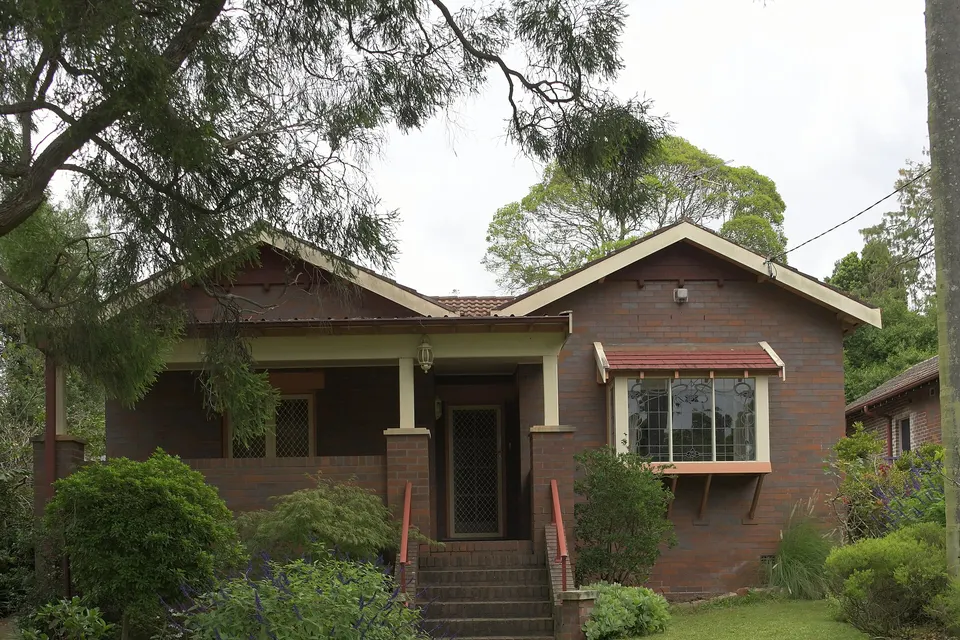
Photos of the local area.

Full list All suburbs
Call 0493 563 381
shape
image
Frequently asked questions
FAQ

Questions we hear in Northern Suburbs

New phones and tablets, laptops, wireless printers, smart TVs and streaming boxes, webcams and headsets, and docks with extra monitors. Grandparents in West Ryde, families in Carlingford, and home offices in North Ryde are regular callers.

Tell us what you bought and what you want it to do, and we plan the visit around that.

Yes. Contacts, photos, messages, apps, and accounts are moved across, and we check the important ones work before we finish.

The old device can be reset safely if you are passing it on.

Usually, yes. We connect it to the Wi-Fi properly and set it up on the computers, phones, and tablets that need it, including scan to email where the printer supports it.

If the printer is the problem, we tell you honestly.

You hear the cost before we start. Several devices in one visit are priced together so it is clear.

No Fix, No Repair Fee applies to repair work we cannot complete.

shape
shape
Need help now? Not sure what to click or what to do next?

Call PC Scientist for free advice, calm and practical IT help