EASTERN SUBURBS ยท CYBERSECURITY

Cybersecurity help in the Eastern Suburbs for homes that want peace of mind

Did Mum just let a caller onto her computer? Is that text about a parcel real? Are the kids' tablets locked down enough? Online worries tend to pile up quietly, then arrive all at once. It helps to have one person check the lot.

PC Scientist checks devices, removes unwanted software, and sets up safer accounts and browsers for Eastern Suburbs households. Call 0493 563 381, request a call back, or book an eligible visit online.

Book online for eligible visits and get 10% off.

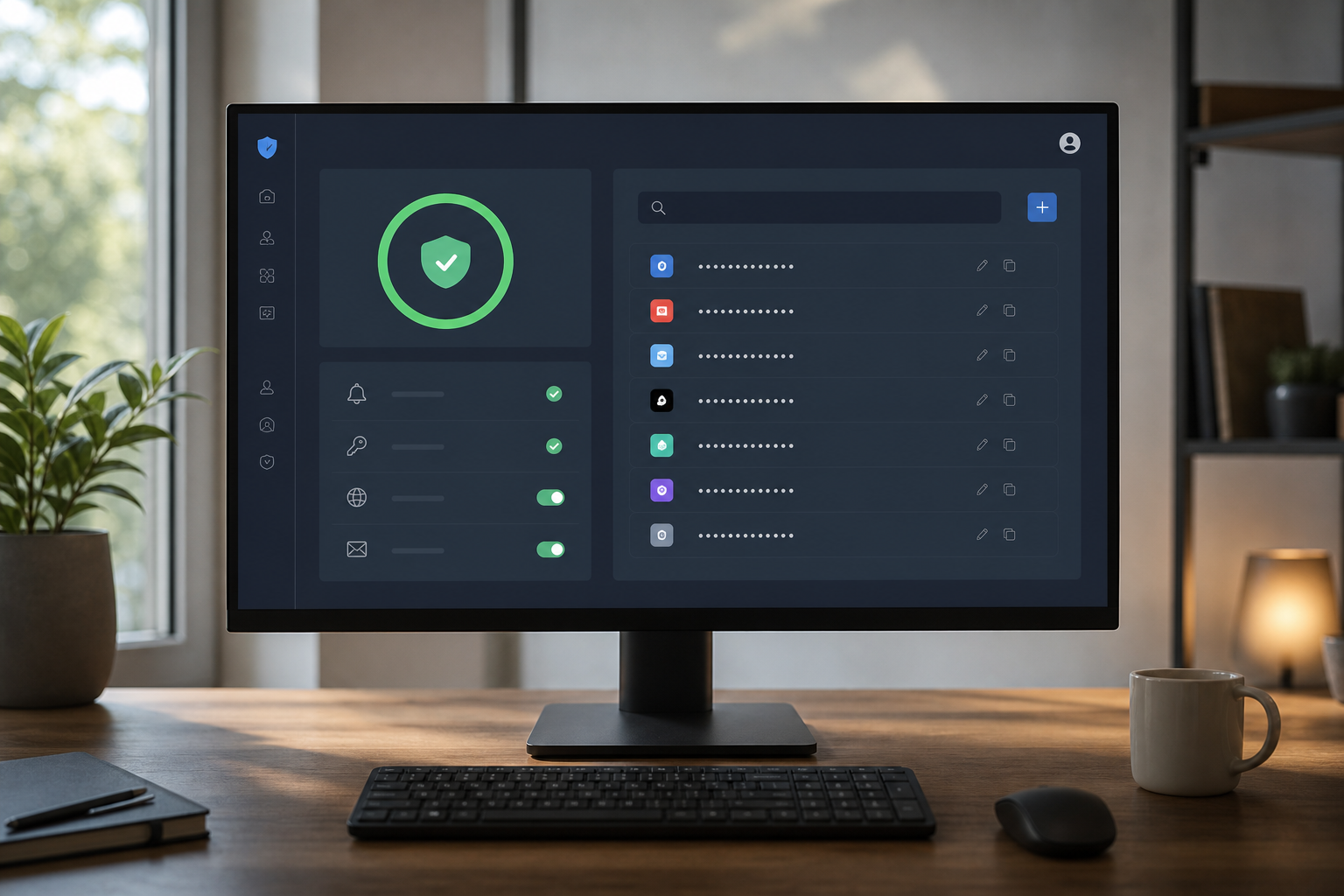
PC Scientist cybersecurity help after scams and suspicious activity across Eastern Suburbs
Eastern Suburbs scam and malware cleanup - calm checks, then a setup that is harder to trip over.

What Eastern Suburbs households notice before they call

No Fix, No Fee

  • Easier to call early, before a scam gets worse, knowing you will not pay for a dead end.
  • A fair way to find out whether that warning is real.

Clear Upfront Pricing

  • You hear what a clean-up or account recovery involves before we start.
  • No surprise charges once the scan is running.

Speak to a Real Person

  • Straight advice on what to do in the next ten minutes and what can wait.
  • A real person to ring when a message looks almost right.

Fixed Properly First Time

  • We remove the threat and close the gap it came through.
  • Browser settings and extensions are cleaned, not just the warning on screen.

Several Issues, One Visit

  • Laptop, phone, and email accounts checked together in one session.
  • Backup setup can go in while the clean-up is running.

Your Data Treated Carefully

  • Nothing is copied off your devices unless you ask.
  • Recovery codes are stored with you, not with us.

What appeared on the Eastern Suburbs screen?

Eastern Suburbs homes and small offices get rattled by scam pop-ups, odd login alerts, and accounts that no longer feel safe. PC Scientist cleans malware and hardens the openings that invited the scare.

Typical pile in Eastern Suburbs Sydney: desktop that crawls, Gmail that will not load, strange sign-in on the computer

  • Browser warnings that reopen after every restart and scare the household.
  • Payment emails that push a bank detail change mid-invoice.
  • Shared family PCs that crawl after a download nobody planned.
  • Eastern Suburbs desks needing patient hardening without panic language.
  • Clear pricing first. Nothing starts until you agree.

How to contact PC Scientist

  1. Call for Free Advice - Ring 0493 563 381 straight away if something feels wrong - a calm voice and clear next steps beat searching online
  2. Request a Call Back - Leave a short note about the message or warning, and we ring back as soon as we can
  3. Request a Free Quote - Ask for a written outline of the clean-up and protection work before anything changes

Any one of these is fine. If money is involved, ring your bank first, then us.

What happens after you get in touch

  • Support for Eastern Suburbs Sydney can be onsite, remote over the internet, or a mix, depending on access, urgency, and what the issue actually needs across Eastern Suburbs Sydney.
  • Symptoms first for Eastern Suburbs Sydney: when it started, what changed, and whether one device or the whole house is affected.
  • Same-day timing for Eastern Suburbs Sydney is often possible across Eastern Suburbs Sydney when the calendar allows; we are honest when it does not.

Where we visit in the Eastern Suburbs

Scam calls and odd pop-ups land in the Eastern Suburbs - Double Bay homes, Maroubra shops, Bondi Junction desks, Bondi family PCs. We keep it calm. No scare script. Tell us what appeared on the screen.

Looking for a specific service?

Need a different type of help than the examples above for Eastern Suburbs Sydney? Browse specialist technology categories for Eastern Suburbs Sydney - each card is a starting point on this page. Or call 0493 563 381 for free advice across Eastern Suburbs Sydney.

Call For Free Advice

Get in touch

Leave your message and we'll get back to you shortly.

Attachments

Allowed file types: jpg, jpeg, png, gif, pdf, doc, docx, xls, xlsx, odt, ppt, pptx, pps, ppsx, html, and less than 100 MB.

No file chosen

This form uses spam checks and sends your request directly to PC Scientist.

Start here

A scam call, a pop-up, or a login alert from somewhere you never visited. If the only problem is slow software with no scare, start with computer support.

What this covers

  1. 01
  2. 02
  3. 03
  4. 04
  5. 05
  1. 01Start

    Something feels wrong

    A scam call, a pop-up, or a login alert from a place you never visited.

  2. 02

    What happened first

    What you clicked or shared, before anyone changes settings.

  3. 03

    Pop-ups and junk software

    Pop-ups, redirects, and unwanted software removed with caution.

  4. 04

    Accounts after a scare

    Password and two-factor recovery after a scare.

  5. 05

    Habits, not panic products

    Simple habits that reduce repeat scares - no panic software.

Visit

How it works

  1. 1

    What you saw

    Call, pop-up, email, or login alert - and whether anything was shared.

  2. 2

    Urgent vs later

    Lock what is at risk first. Cleanup can wait a beat.

  3. 3

    Safer defaults

    The accounts and the PC, explained without a lecture.

Book cybersecurity help on the Eastern Suburbs Call 0493 563 381, request a call back, or ask for a quote.
Call 0493 563 381
shape
image
Frequently asked questions
FAQ

Straight answers for Eastern Suburbs Sydney

Stop contact, do not pay anything more, and call your bank if money or card details were involved.

Then ring PC Scientist. We check the device, secure your accounts, and tell you what to watch for over the next few weeks.

Often it is a browser trick rather than a true infection.

We check properly, remove what does not belong, and tighten the settings that let it in.

Yes. We set sensible limits on phones, tablets, and the home Wi-Fi.

Then we show you how to adjust them as the kids get older.

A password manager and two-step sign-in on the important accounts.

We set it up with you and keep it simple enough to actually use.

shape
shape
Need help now? Not sure what to click or what to do next?

Call PC Scientist for free advice, calm and practical IT help