CANTERBURY BANKSTOWN ยท DEVICE SETUP

Device setup in Canterbury-Bankstown, finished properly the first time

New gear is exciting until the dock ignores the second screen or the work profile refuses to load. Half-finished setups tend to linger for months, quietly slowing every day.

Device Setup Scientist comes to your Canterbury-Bankstown home or office, moves your files and accounts across, and leaves everything connected and tested before we go.

Book online for eligible visits and get 10% off.

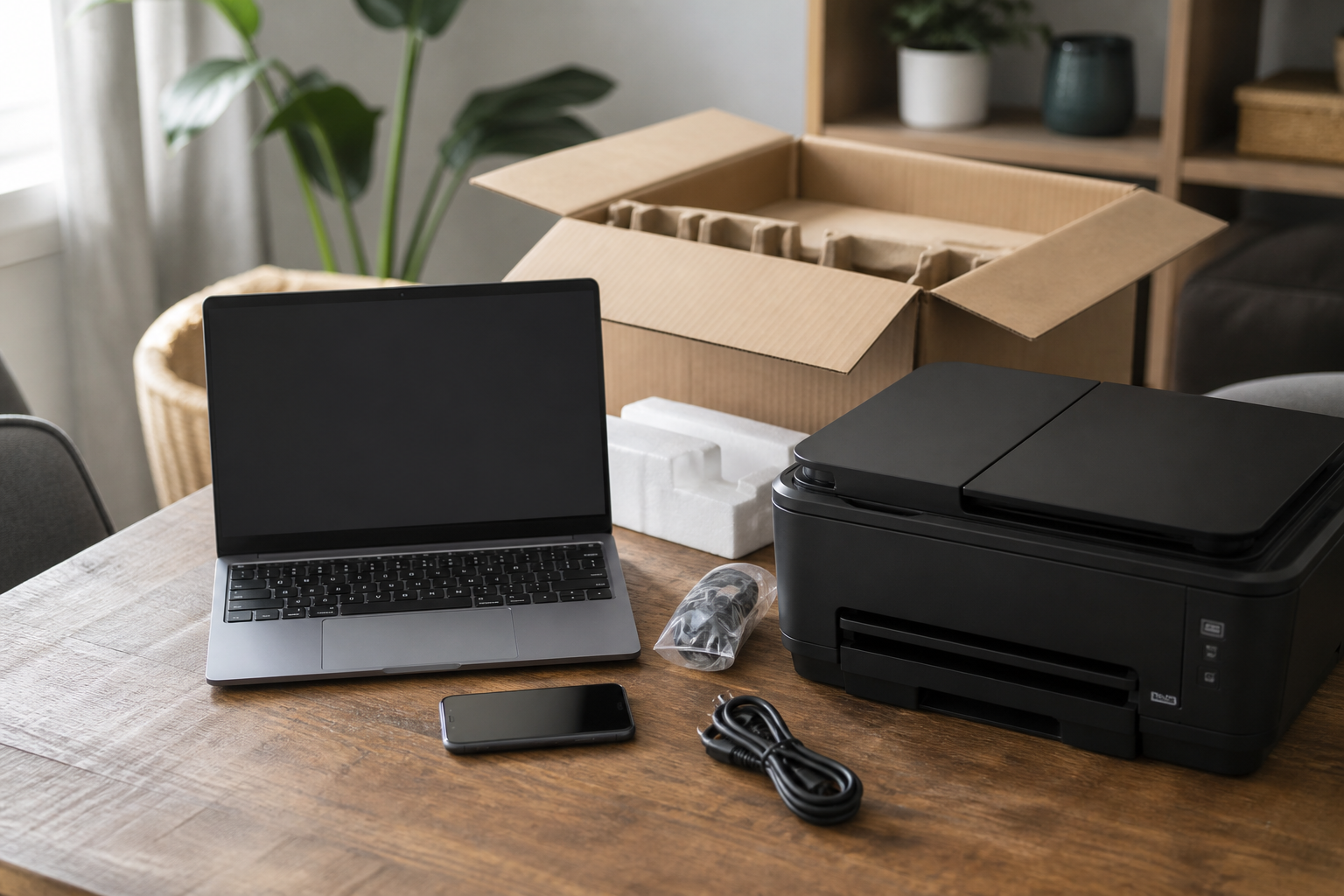
PC Scientist device setup for new computers, phones, and printers across Canterbury Bankstown
Canterbury-Bankstown device setup for laptops, phones, printers, and docks - priced before work.

Why Canterbury-Bankstown households call when new docks miss the second screen

No Fix, No Fee

  • You are not paying for a dead end if the smart TV that lost its apps beats us.
  • Honest word early when the printer that will not connect is not worth more money.

Clear Upfront Pricing

  • The cost of setup work explained before anything starts at a freshly unboxed laptop on the dining table.
  • Bigger setup jobs get a fixed price once diagnosed, so small offices setting up new staff can budget.

Speak to a Real Person

  • Questions about the webcam nobody can hear answered without jargon or a sales push.
  • Plain English about setup before you book anything.

Fixed Properly First Time

  • Settings checked so the printer that will not connect does not come back next week.
  • Repair-or-replace advice when the new phone without the old photos is not worth chasing.

Several Issues, One Visit

  • The setup problem plus the small stuff, planned around school terms and new-job Mondays.
  • The new laptop still missing its email and the webcam nobody can hear can often be sorted in one booking.

Your Data Treated Carefully

  • Client and business records for small offices setting up new staff kept private.
  • Nothing wiped or reset during setup work without asking first.

In Canterbury-Bankstown, is the new laptop missing dock screens, or will the multifunction never join Wi-Fi?

Device setup across Canterbury-Bankstown is about usable gear the same day. Bring what still fails - we will map an onsite visit.

Canterbury-Bankstown setup mix: dock screens missing, work profile stuck, printer off Wi-Fi

  • A new laptop that still misses dock screens is a frequent Canterbury-Bankstown setup call.
  • Phones that will not take work profiles often arrive in the same booking.
  • Multifunction printers that never join Wi-Fi need naming early.
  • Homes and small offices across Canterbury-Bankstown use this setup page.
  • You approve the work before it starts. The price is clear first.

How to contact PC Scientist

  1. Call for Free Advice - Ring 0493 563 381 and describe the new laptop still missing its email in your own words - we tell you whether a visit or a remote session suits Canterbury-Bankstown
  2. Request a Call Back - Tell us roughly what the webcam nobody can hear is doing, and we call back when it suits you to talk
  3. Request a Free Quote - Get the price for the new phone without the old photos in writing before you decide, with no obligation

Whichever you pick, we start with what the printer that will not connect is doing and go from there.

What happens after you get in touch

  • For Canterbury-Bankstown, we listen to what you were doing when the problem showed up, in everyday words - not a checklist of buzzwords.
  • Same-day timing for Canterbury-Bankstown is often possible when the calendar allows; we are honest when it does not.
  • In Canterbury-Bankstown you hear practical options next, with clear pricing before work starts, and nothing goes ahead until you are comfortable.

Where we visit in Canterbury-Bankstown

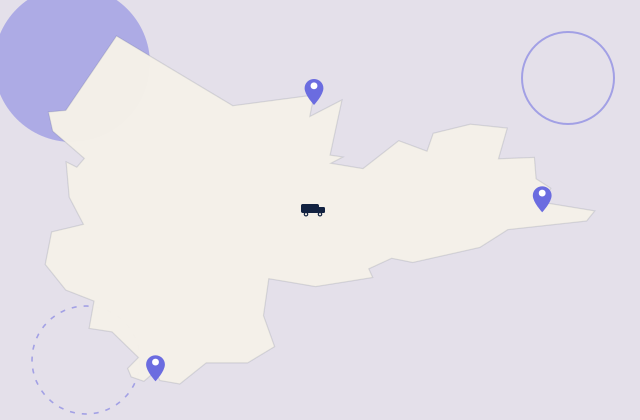
New gear lands in Canterbury-Bankstown every week. Revesby and Bankstown get new PCs that still need printers and email. Campsie shops want the till and the phone on the same network. Bankstown homes want the TV to actually join the Wi-Fi.

Looking for a specific service?

Need a different type of help than the examples above for Canterbury-Bankstown? Browse specialist technology categories for Canterbury-Bankstown - each card is a starting point on this page. Or call 0493 563 381 for free advice across Canterbury-Bankstown.

Call For Free Advice

Get in touch

Leave your message and we'll get back to you shortly.

Attachments

Allowed file types: jpg, jpeg, png, gif, pdf, doc, docx, xls, xlsx, odt, ppt, pptx, pps, ppsx, html, and less than 100 MB.

No file chosen

This form uses spam checks and sends your request directly to PC Scientist.

Start here

A new computer, phone, or printer that should work on day one. Several machines sourced as a programme belongs on Procurement Scientist.

What this covers

  1. 01
  2. 02
  3. 03
  4. 04
  5. 05
  1. 01Start

    New gear, still in the box

    A new laptop, phone, or printer that should work on day one.

  2. 02

    Accounts and everyday apps

    Accounts, Wi-Fi, and the apps you actually use every day.

  3. 03

    Move from the old device

    Photos, files, and mail moved from the old device where that is practical.

  4. 04

    Printers and extras

    Printers, monitors, and TV pairing that stay connected.

  5. 05

    Handover you can follow

    A handover you can follow after we leave.

Visit

How it works

  1. 1

    What it must do

    Work, school, photos, printing - the daily jobs first.

  2. 2

    Set it up

    Accounts, Wi-Fi, and the apps that matter.

  3. 3

    Show you around

    A short handover, then you keep the device.

Book device setup on the Canterbury Bankstown Call 0493 563 381, request a call back, or ask for a quote.
Call 0493 563 381

Coverage

Canterbury Bankstown

  • Homes
  • Shops
  • Call us

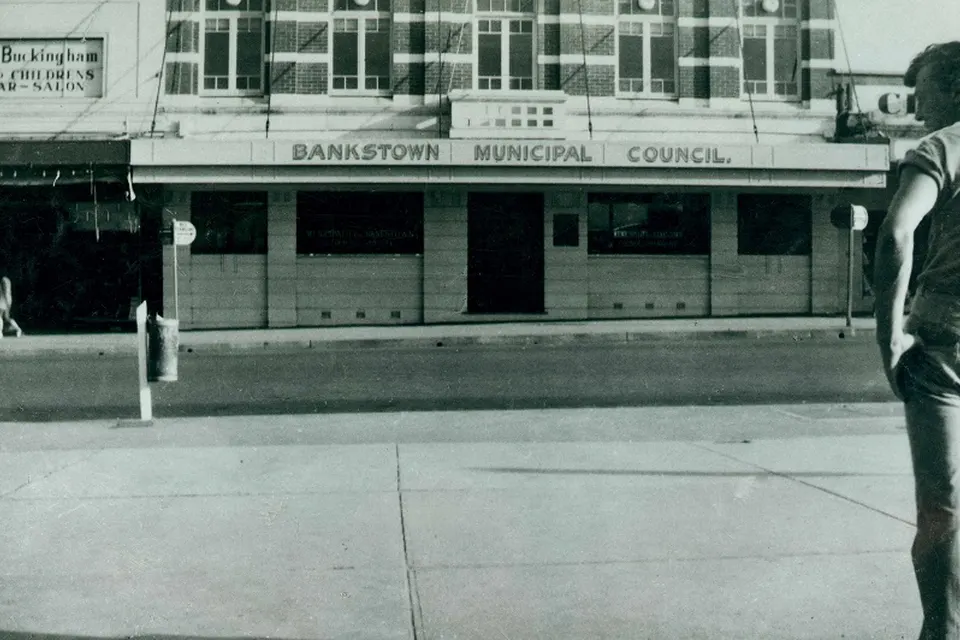
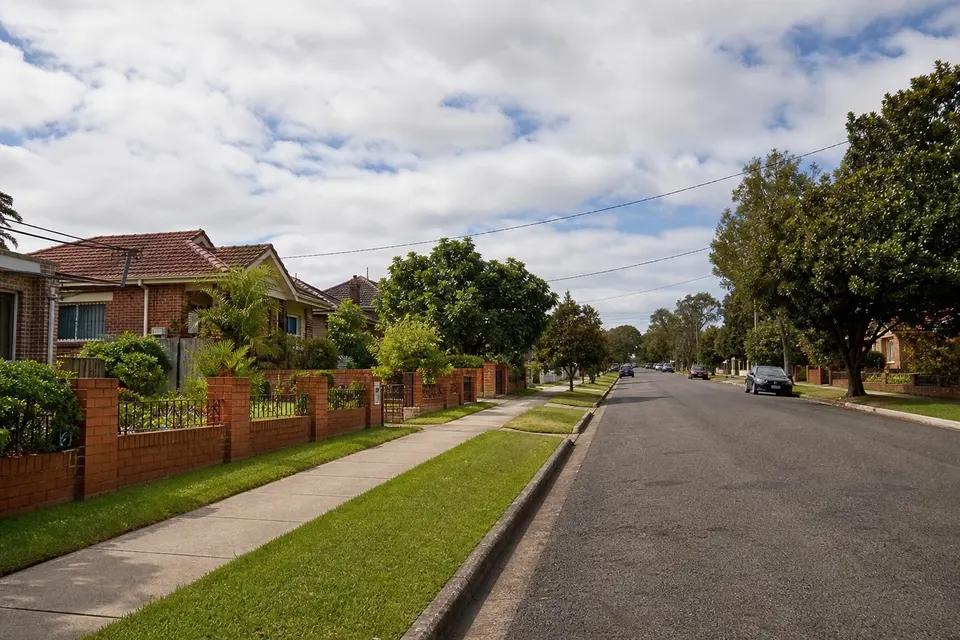
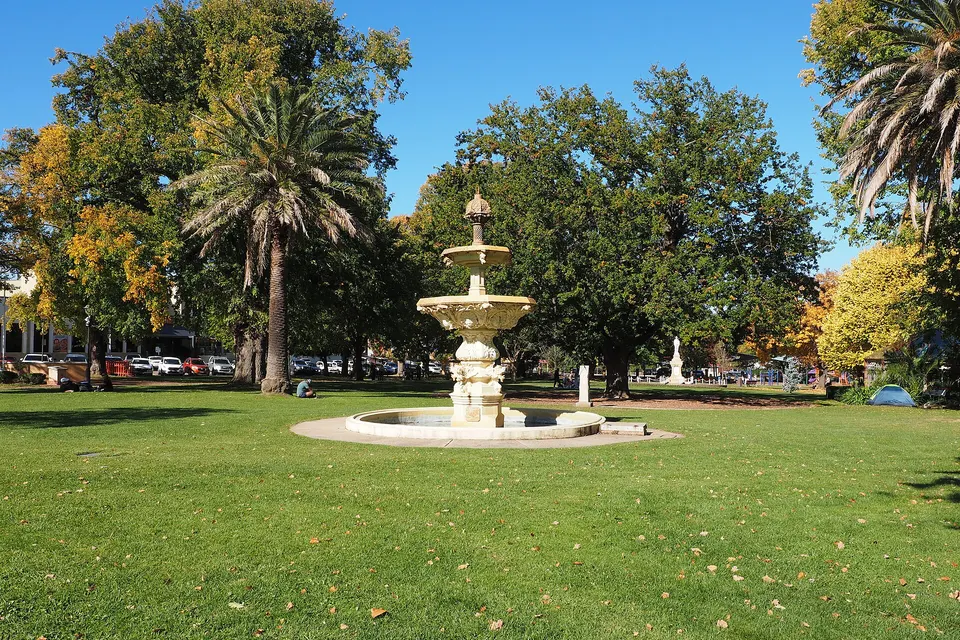
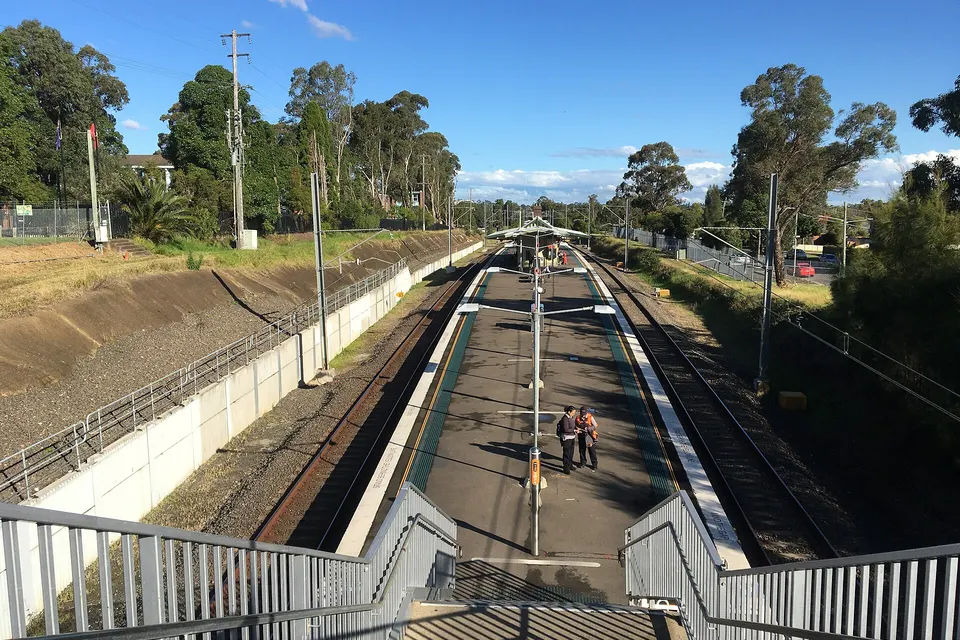
Photos of the local area.

Full list All suburbs
Call 0493 563 381
shape
image
Frequently asked questions
FAQ

Straight answers for Canterbury-Bankstown

New computers, phones, tablets, printers, scanners, smart TVs, webcams, and docks. We move your accounts and files across and leave everything working together.

If it is hard to explain, show us the smart TV that lost its apps on a video call or when we visit.

Most setup work is best done in person so we can connect everything where it lives. Some account moves can be finished remotely afterwards.

Tell us about unit access and stairs early so the visit runs smoothly.

The new device, the old one if you still have it, and the email addresses you sign in with. Passwords help, but we can work through recovery if they are lost.

Missing a detail? That is fine. Describe the smart TV that lost its apps and we fill in the gaps together.

We talk through the webcam nobody can hear first, then give you the price before any work. Complex jobs get a fixed quote after diagnosis.

No Fix, No Repair Fee covers repair work we cannot finish, so students, grandparents, and busy households are not paying for a dead end.


shape
shape
Need help now? Not sure what to click or what to do next?

Call PC Scientist for free advice, calm and practical IT help